Set the operation of the sheet at the release
Show row heading
- Check 'Show row heading'.
When you show row heading, you can perform the following operations on the published sheet:
- Copy row
- Paste
- Change row hight
- If you want to hide and unhide rows, check "Allow row to 'Hide' and 'Unhide'".
Tip
For a published sheet that allows input of all cells, you can operate 'Hide' and 'Unhide' without doing this setting.
Show column heading
- Check 'Show column heading'.
When you show column heading, you can perform the following operations on the published sheet:
- Copy column
- Paste
- Change column width
- If you want to hide and unhide columns, check "Allow column to 'Hide' and 'Unhide'".
Tip
For a published sheet that allows input of all cells, you can operate 'Hide' and 'Unhide' without doing this setting.
Allow filter operations
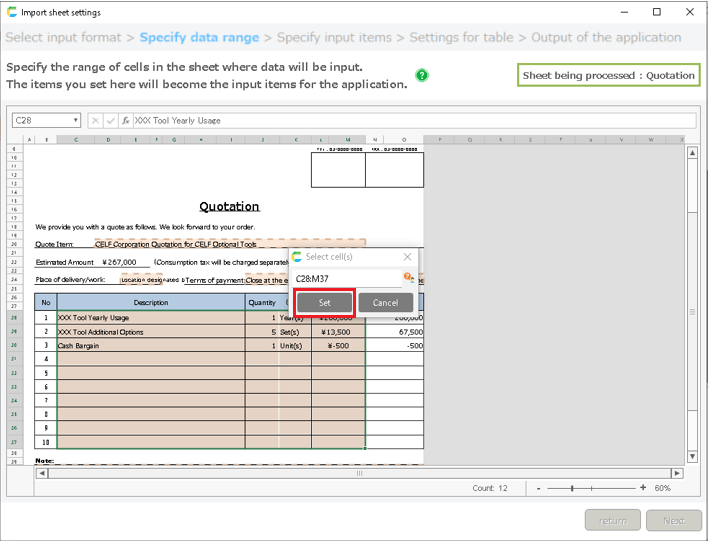
- Check "Allow 'Filter' and 'Filter Cancel'".
You can select a cell on the published sheet, right-click and select the 'Filter' menu and perform filter operation as in the case of editing.
Tip
For a published sheet that allows input of all cells, you can operate 'Filter' and 'Filter Cancel' without doing this setting.
Allow fixed window frame operations
- Check "Allow 'Fixed' and 'Fixed Cancel'".
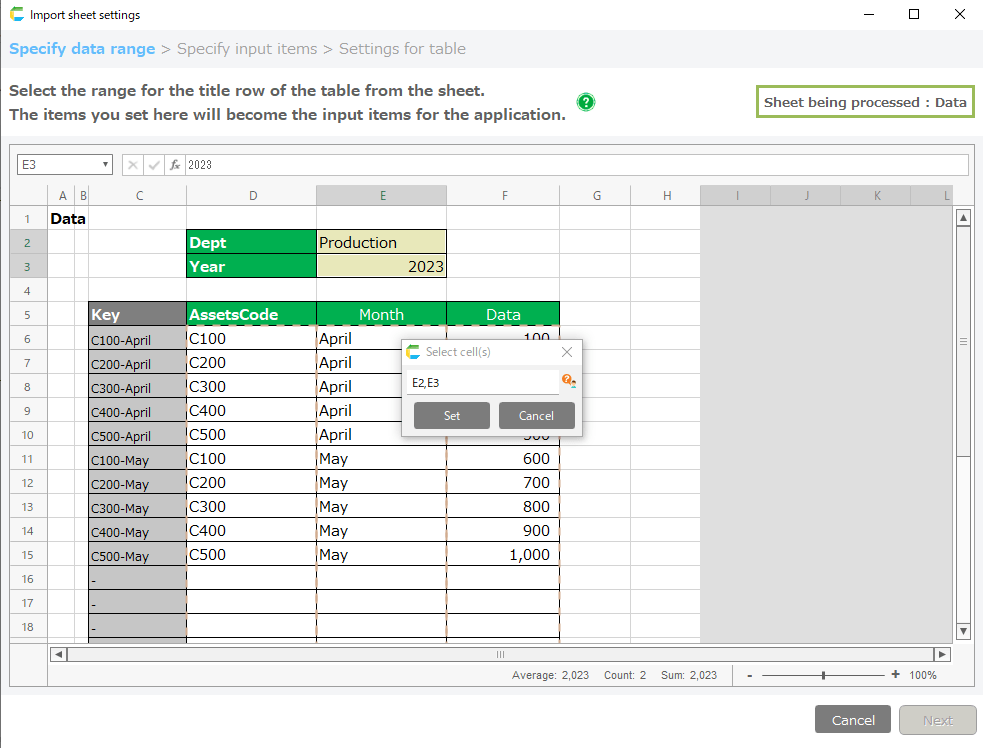
You can select a cell on the published sheet, right-click and select the 'Fixed' menu and perform fix window frame operation as in the case of editing.
Tip
For a published sheet that allows input of all cells, you can operate 'Fixed' and 'Fixed Cancel' without doing this setting.
Related keywords
Header