Set Hide Icons Printing Excel
The released sheet has 'Print' button on the top right, and 'Excel Export' button to print the sheet out or display with Excel file.
If you don’t want to print out or output the file of the sheet contents, you can hide the button.
Set Hide Icons Printing Excel
- Click 'Sheet setting' from ribbon menu, then open 'Sheet setting'.
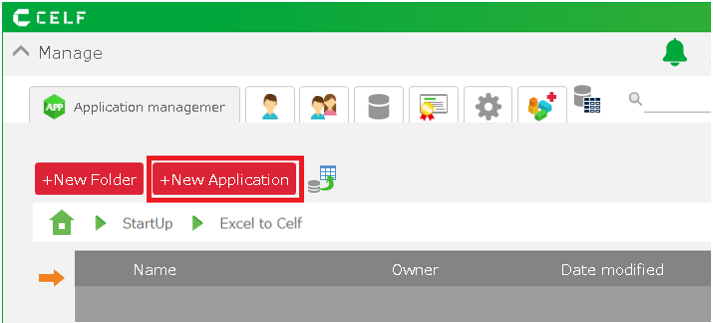
- Open the 'Publish' tab and uncheck the 'Show print' button.
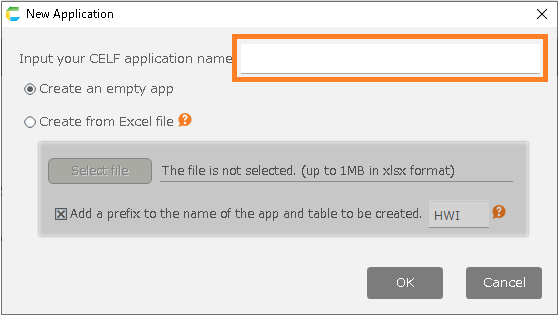
- Click 'OK'.
- Save the sheet.
Related keywords
Excel, print