Navigation
next
previous
|
CELF Help 4.11-0.2
»
Create Sheet
»
Erase Cell Border

Erase Cell Border

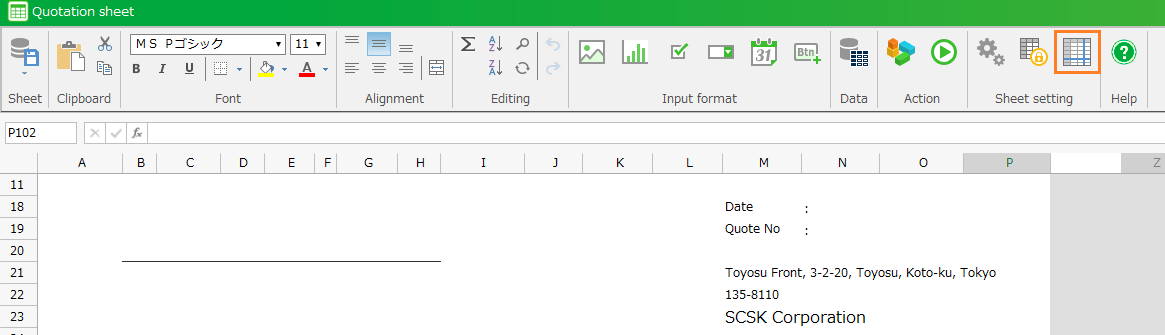
Click 'Sheet setting' button from the ribbon menu, and then 'Sheet setting' is opened.
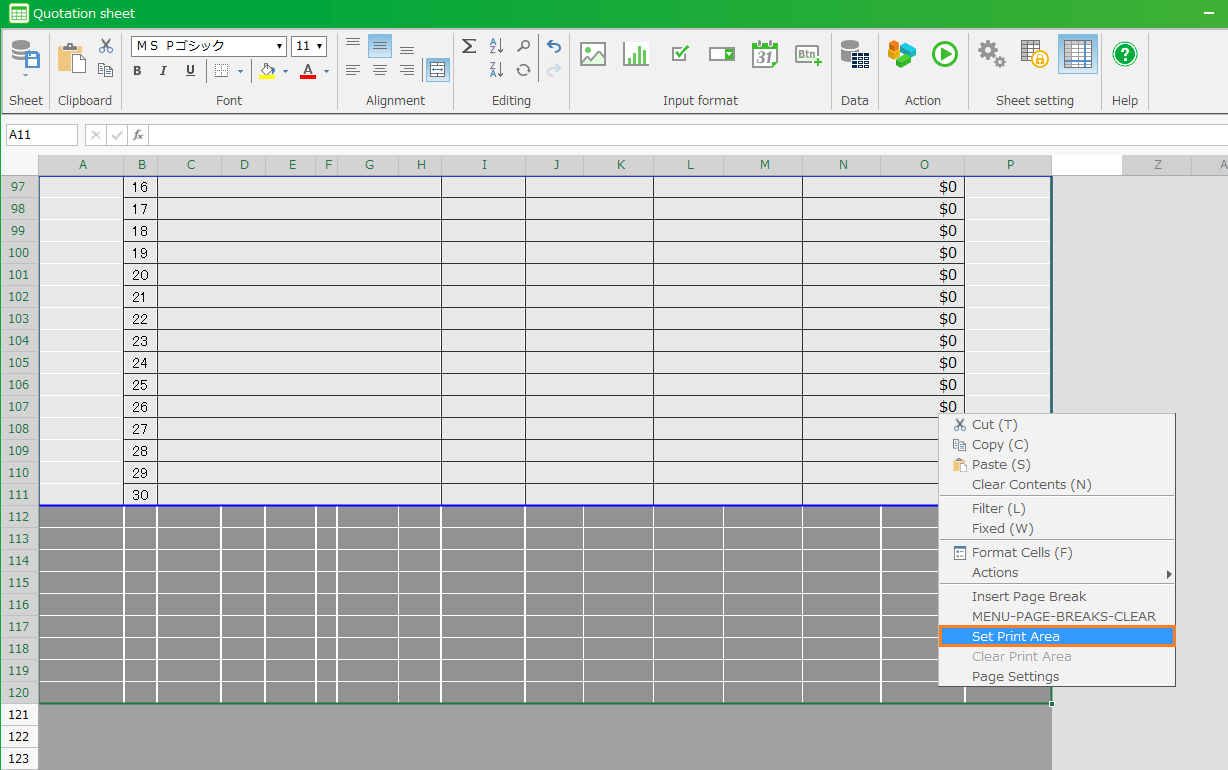
Open 'General' tab, then uncheck 'Show grid lines'.
Click 'OK' button.
Save the sheet.
Search
▶CELF Community
Table Of Contents
Login
StartUp(5 minutes cooking)
Table Management
Create application
Create Sheet
Change Row Height/Column Width
Hide/Unhide Row or Column
Insert Or Delete Row Or Column.
Change Format Cells
Configure a custom number format
Change the Format of some Characters in a Cell
Freeze Panes
Add Control
Add Image Into Sheet
Add PDF Into Sheet
Add Graph In Sheet
Create Sheet from Excel File
Change Rows and Columns Number
Erase Cell Border
Erase Cell Border
Change decimal point and thousands separator
Set the maximum number of iterations of repeating action
Allow Cell Input When Publish
Print the sheet
Set paper orientation, size, etc. for printing
Set Print Area and Page Break
Set Print Title (Title Lines)
Output the calculation result of formula to Excel output
Set Hide Icons Printing Excel
Set the operation of the sheet at the release
Set the display of the sheet at the release
Copy Sheet and Create New Sheet
Revert to Older Version Sheet
Define a name
Export sheet setting information
Tag a sheet
Create Action
Using Action
Test run
Publish/Unpublish
Create app from Excel file
How to customize your app
Workflow
Create a Web App (CELF BrowserAccess)
Use Web APIs
CELF AI
External connection/core system collaboration
Small technic/Reverse dictionary
Various Registrations, Settings and Referrences
SQL Action (Extension option)
Workflow (Extension option)
UI Component (Extension option)
About Tayoreru CELFLite
Accounting software peripheral business application template
Others
Related sites and Various documents
Contact Us
Frequently asked questions
Contact Us
Navigation
next
previous
|
CELF Help 4.11-0.2
»
Create Sheet
»