Hide/Unhide Row or Column
Hide Row
There are 2 patters to hide row.
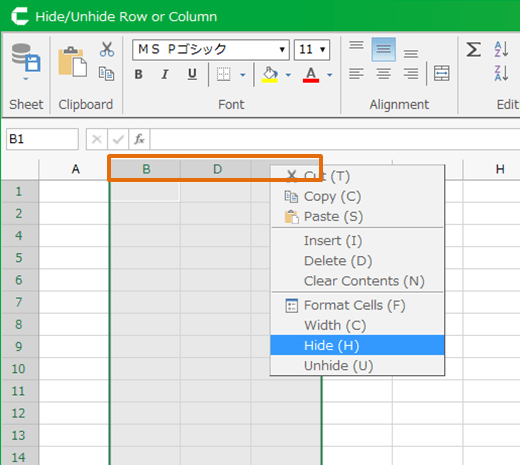
- Set Hide To Row
- Set Row Height To 0
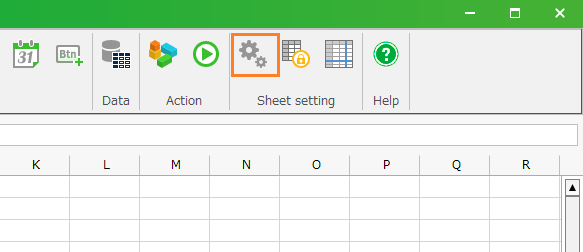
Set Row Height To 0
- Right-click row number in row, and then select 'Height' menu.
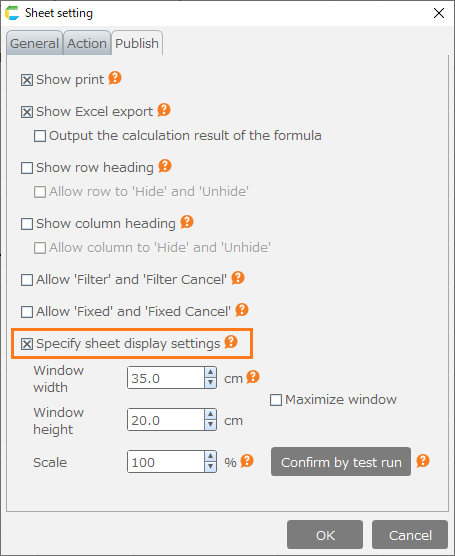
- Set Row Height To 0, and then Click 'OK' button.
Unhide Row
- To display row, select above and below row of the hidden row, right-click, and then select 'Unhide' menu.
If you set row height to 0 to hide row, select above and below row of the hidden row and then change row height like Change Row Height Column Width.
Hide column
There 2 patterns to hide column.
- Set Hide To Column
- Set Column Width To 0
Set Column Width To 0
- Right-click row number in row, and the select 'Width' menu.
- Set width to 0 in 'Width' dialog, and then click 'OK' button.
Unhide Column
- To unhide column, select right and left column of the hidden column, right-click, and then select 'Unhide' menu.
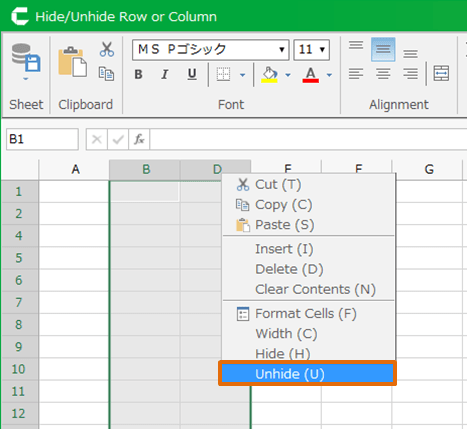
If you set column width to 0 to hide column, select right and left column of the hidden column and then change column width like Change Row Height Column Width.
Hint
If you like to hide multiple rows or columns, select multiple rows or columns then proceed above operation.