Allow Cell Input When Publish
Allow All Cell Input
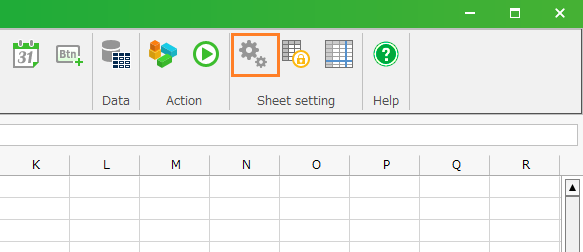
- Click 'Input Limitation' button from ribbon menu, then 'Input Limitation' dialog is opened.
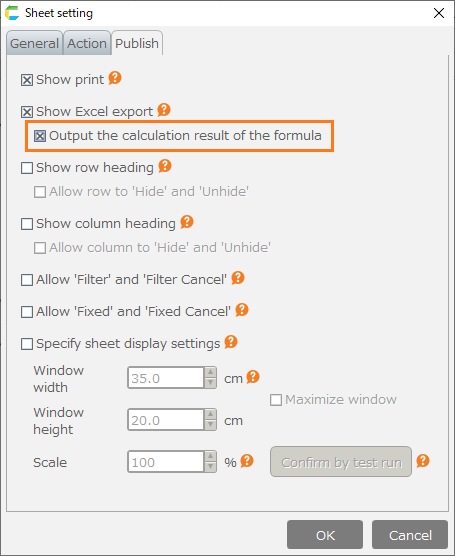
- Uncheck from 'Disable user input to sheet after this CELF application is published', and then click 'OK' button.
Tip
- In case creating the new sheet, 'Disable user input to sheet after this CELF application is published' is checked.
- Even if 'Disable user input to sheet after this CELF application is published' is checked, you can input into the cell with the input format (list, check button, date).
- Save the sheet.
Permit to input partly
- Click 'Input Limitation' button from ribbon menu, then 'Input Limitation' dialog is opened.
- Check 'Disable user input to sheet after this CELF application is published'.
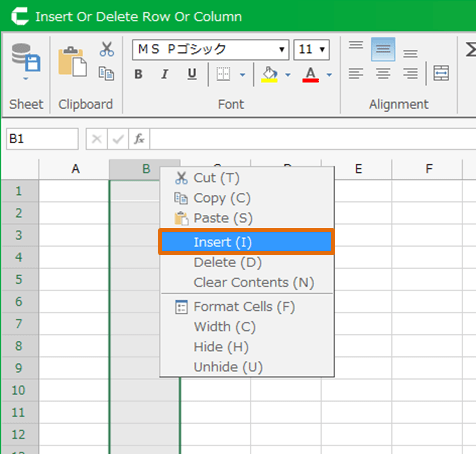
- Designate 'Cells that are enabled for input', then click 'OK'.
Tip
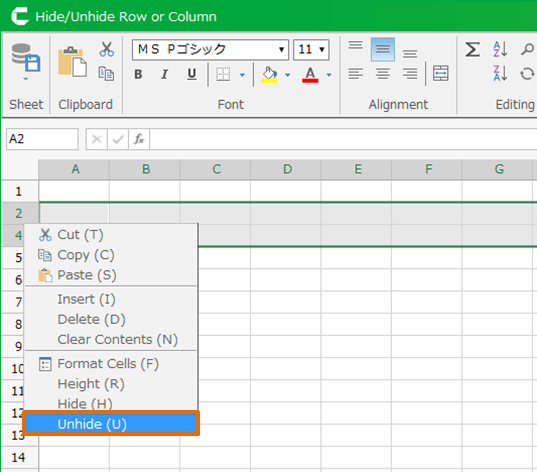
In 'Cells that are enabled for input', you can designate the multi-cell and cell range.
Attention
Don’t designate the cell with the input format (list, check button, date). Otherwise user can edit the formulated cell (like '=LIST()').
- Save the sheet.
Allow formatting
- Click 'Input Limitation' button from ribbon menu, then 'Input Limitation' dialog is opened.
- Check 'Disable user input to sheet after this CELF application is published'.
- Designate 'Cells that are enabled for input' and 'Cells that are enabled for editing styled text', then click ‘OK’.
- Save the sheet.
When you run the app, you will be able to change the format only within the range specified in 'Cells that are enabled for editing styled text'.
Select cell or character and right-click to open the Format Cells dialog and change the format.
Attention
Specify the 'Cells that are enabled for editing styled text' within the range specified in 'Cells that are enabled for input'. If you specify a value outside the range of 'Cells that are enabled for input', you cannot set the format.
See also
For information on how to change the character formatting of a cell, see Change the Format of some Characters in a Cell.