Change the Format of some Characters in a Cell
Change the Format of some Characters in a Cell
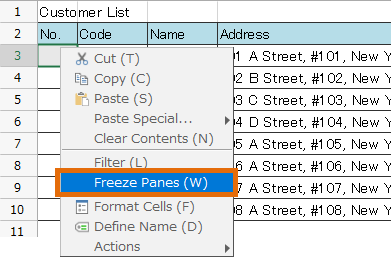
- Select the text in the cell, right-click, and click the 'Format Cells' menu.
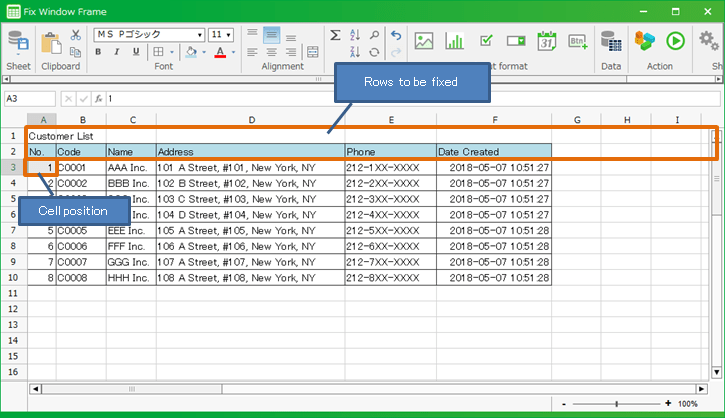
- Change the format in the displayed 'Format Cells' dialog.
Tip
The 'Format Cells' dialog with selected characters displayed has the following differences compared to when the cells are selected and displayed.
- Only Font tab is displayed
- 'Superscript' and 'Subscript' can be specified
Superscript : If checked, it will be displayed as a small letter at the top.Subscript : If checked, it will be displayed as a small letter at the bottom.See also
Please refer to Change Format Cells>Font for the items on the Font tab of the 'Format Cells' dialog.
Related keywords
format