Change Row Height/Column Width
There are 2 patterns to change row height/column width.
- Update By Mouse
- Input Value
Update By Mouse
Move (drag) while keeping to click left click button of mouse up to being target value for row number in row or column number in column.
Input Value
Change Height In Row
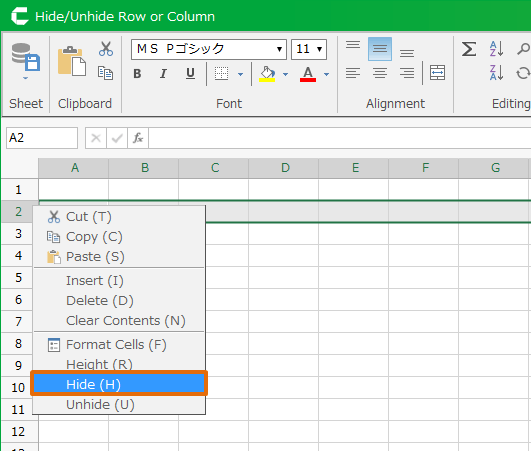
- To change height in row, Mouse-over row number in row, and then right click and choose 'Height' menu.
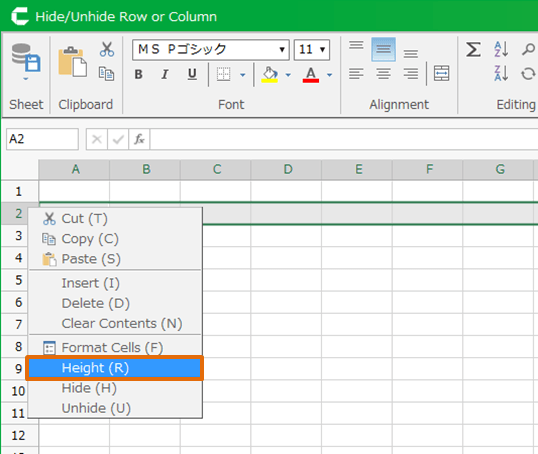
- Set the height in 'Height' dialog. Unit value to set is pixel.
Change Width In Column
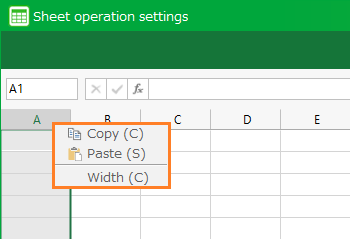
- To change width in column, Mouse-over column number in column, and then right click and choose 'Width' menu.
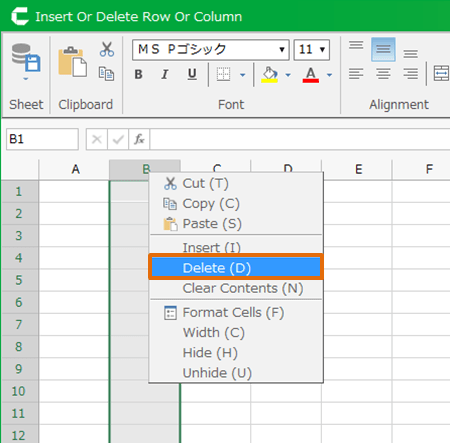
- Set the height in 'Width' dialog. Unit value to set is character number.
Hint
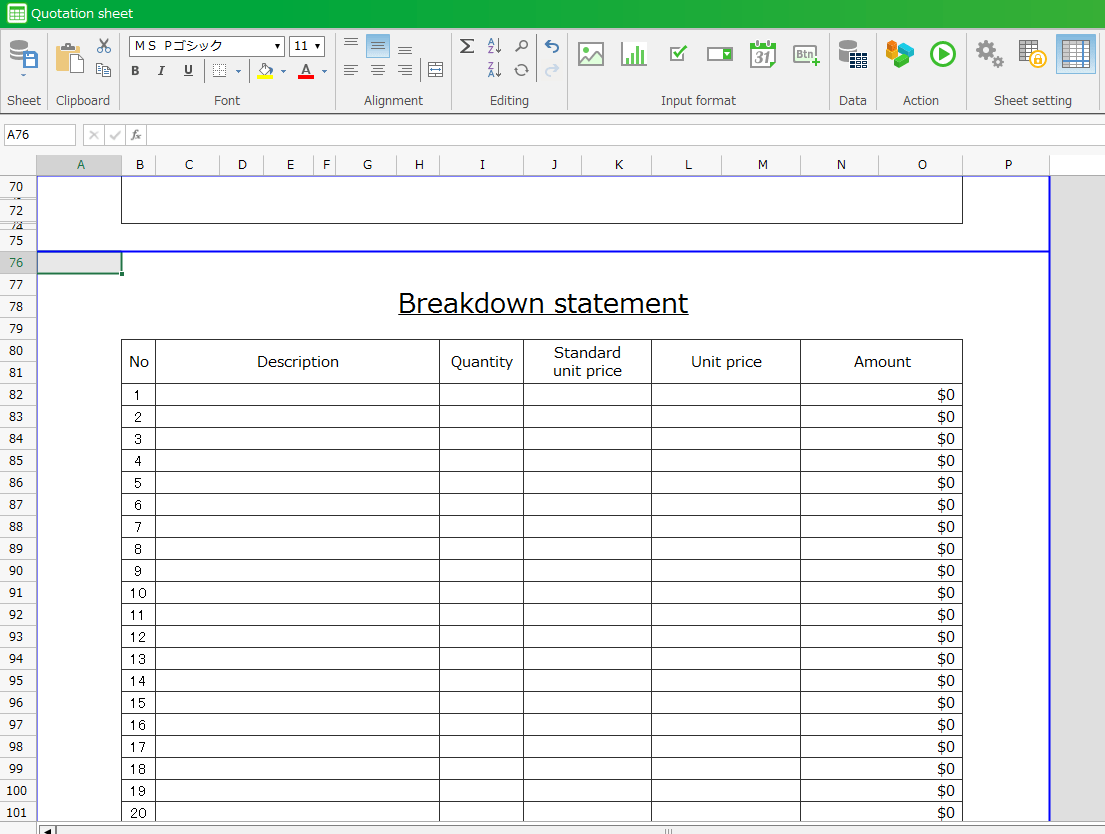
To change multiple size of row or width, select multiple rows or columns and then you can change the size at the same time by above procedure.