Save user and group information
Save user information, group information, and user group affiliation information to a CSV file (.csv).
Note that you must have system administrator privileges to use save.
Export user and group information
- Open the 'User Management' tab or 'Group Management' tab in "Manage" screen.
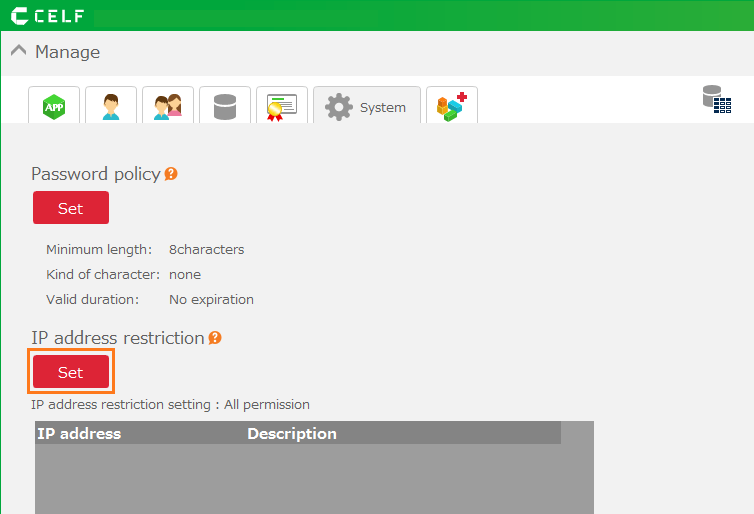
- Click the 'Export' button.
Tip
The same button is installed on both the 'User Management' tab and the 'Group Management' tab.
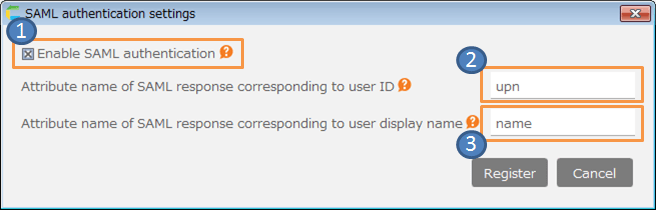
- Select the information to export in the 'Export user group information' dialog.
- Click the 'Save' button.
- Select the output location for the export file (.csv).
Hint
- Regarding the contents of the export file, refer Batch registration of user and group information.
- Even when filtering, the results are not reflected and all items are exported.
- When user information is exported, the password is not output.
Important
You need the system administrator authority to export user and group information.

Related keywords
account, user, group, affiliation, read, load, format, comma, separator, delimiter