Change Password
Change Password
- Click 'User' button on the top right, then select 'Change Password' menu.
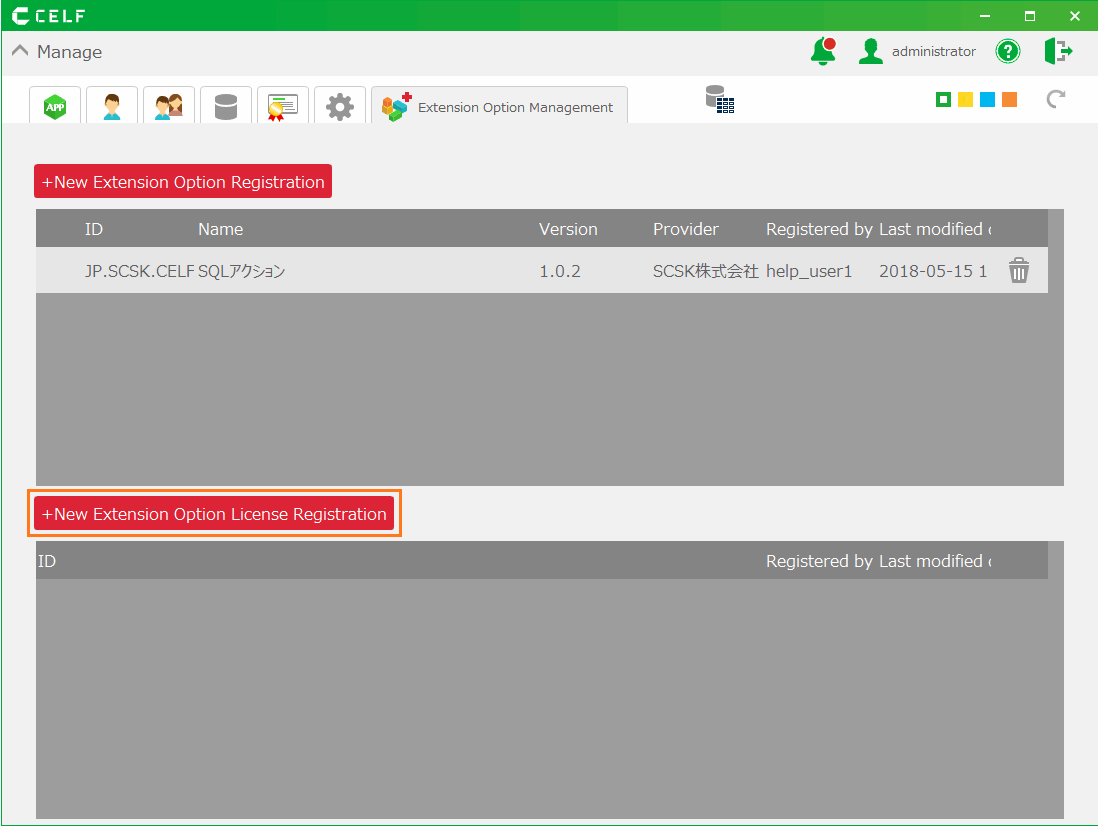
- In 'Change Passowrd', input the current and new password.
Tip
The password must belong to the configured policy (structured character). This is the initial policy.
- Minimum Character: 8 characters
- Mandatory Character Type: Nothing
- Available Period: Indefinitely
You can change the password policy.Check Set Password Policy.
- Click 'Change' button.
Related keywords
security, account, authentication, certification