Check the license
Check the license
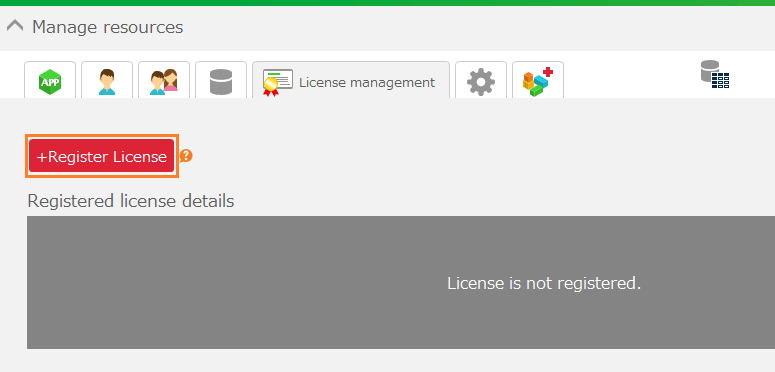
- Open the 'License management' tab in the administration panel.
- In the 'Registered license details' section, you can check the 'Company ID', 'Valid from', 'Valid to', and 'Total users'.
Tip
- In the cloud version of CELF, license information is automatically updated when purchasing or renewing a license.
- The contract start date and contract end date may not be displayed depending on your contracted plan.
Attention
- For the on-premises version of CELF, manual license registration is required. For information on how to register a license, please refer to (For On-premises Version) Register the License.
