Saving Information of Organizations, Positions, and Affiliations
Save the information of organizations, positions, and affiliations to a CSV file (.csv).
Exporting Information of Organizations, Positions, and Affiliations
- Open the 'Organization Management' tab in the 'Manage' screen.
- Click the 'Export' button.
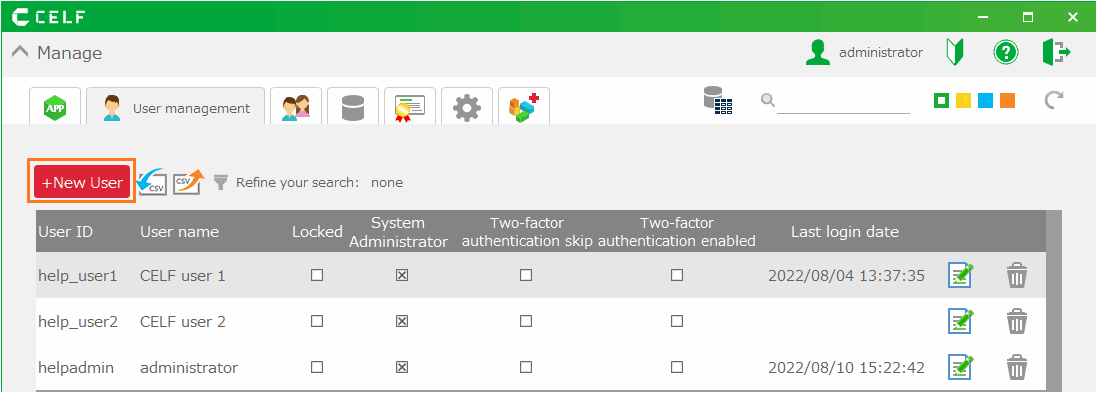
- In the 'Export organization and position information' dialog, select the information you want to export.
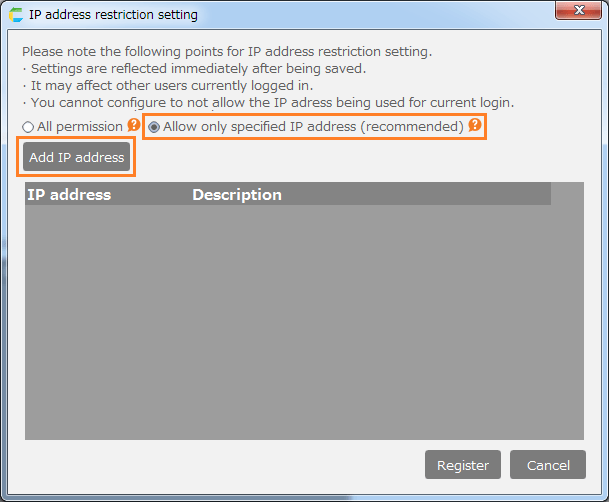
- Click the 'Save' button.
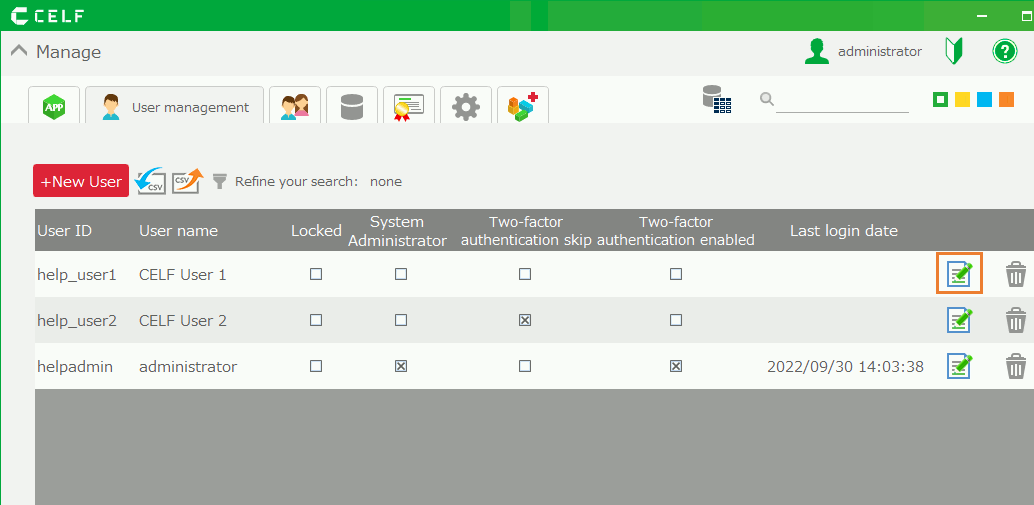
- Choose the destination for the information file (.csv) to be exported.
Hint
- For the contents of the exported information file, please refer to Bulk Registration of Organization, Positions, and Affiliations.
- Even if a specific organization is selected, the result will not be reflected and all records will be exported.
Important
System administrator privilege is required to export the information of organizations, positions, and affiliations.
Related Keywords
User, Workflow, Output, Format, Comma, Delimiter