Operation for Specified Coordinates
This will explain the settings for operations on a specified point on the screen.
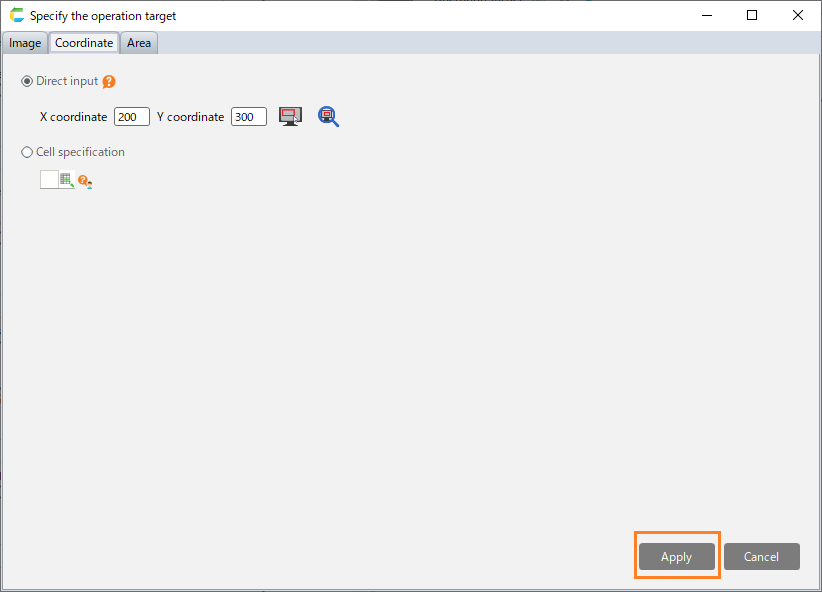
Set the coordinates directly
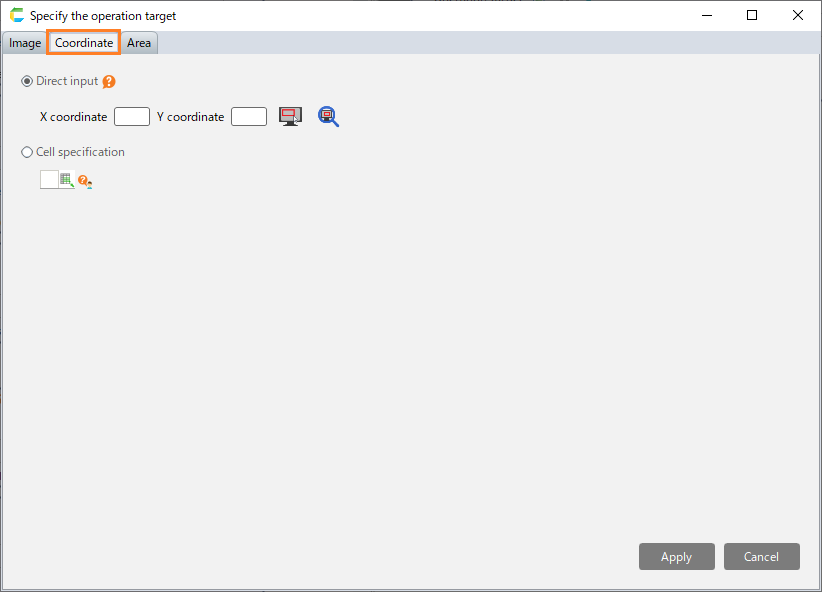
Select the "Coordinate" tab in the "Specify the operation target" dialog.
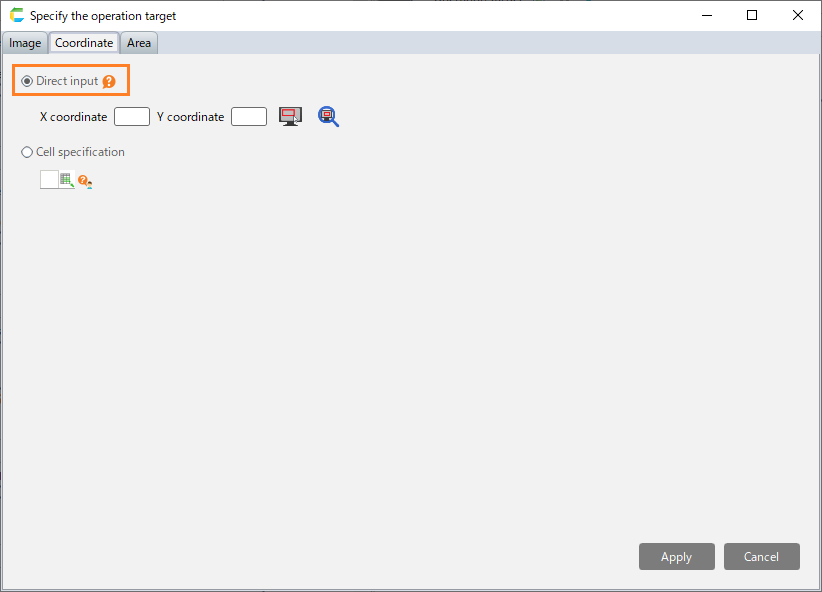
Select "Direct input".
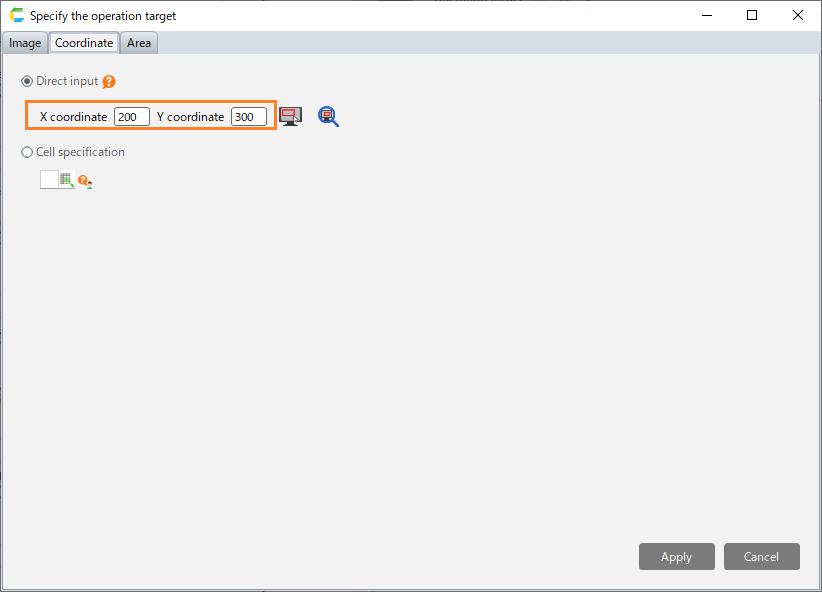
Set the coordinates where operation will be performed.
Hint
The upper left corner of the screen is the origin (0, 0), while the the X coordinate represents the position of the right direction of the screen, and the Y coordinate represents the position of the downward direction of the screen.
Hint
By clicking the coordinate selection button, you can set the operation position by mouse operation.Hint
By clicking the coordinate confirmation button, the specified coordinates can be displayed as a red dot on the screen.Click the "Apply" button.



Use the coordinates set in the cell
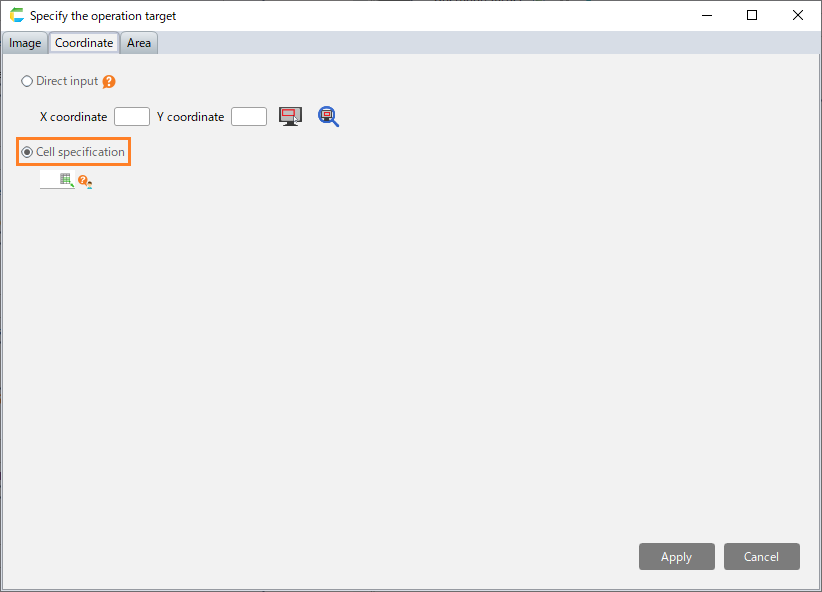
Select the "Coordinate" tab in the "Specify the operation target" dialog.
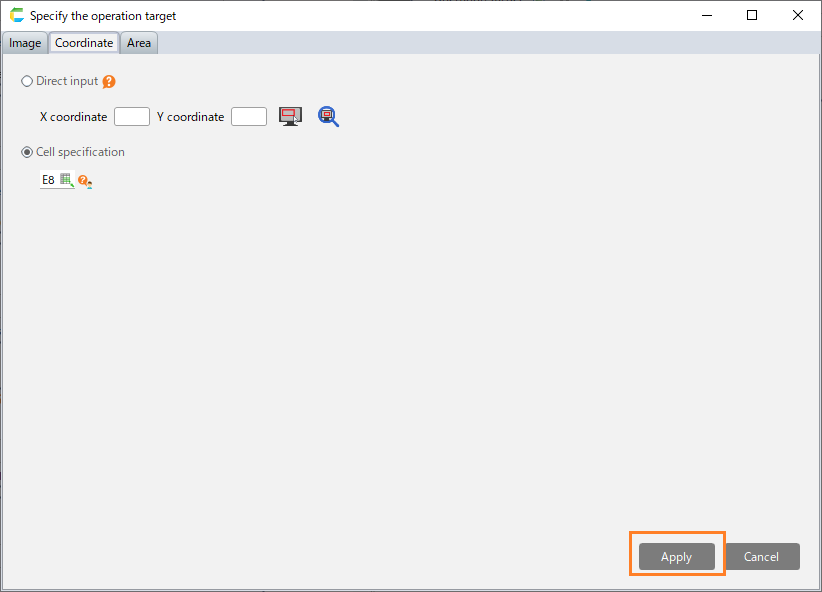
Select "Cell specification".
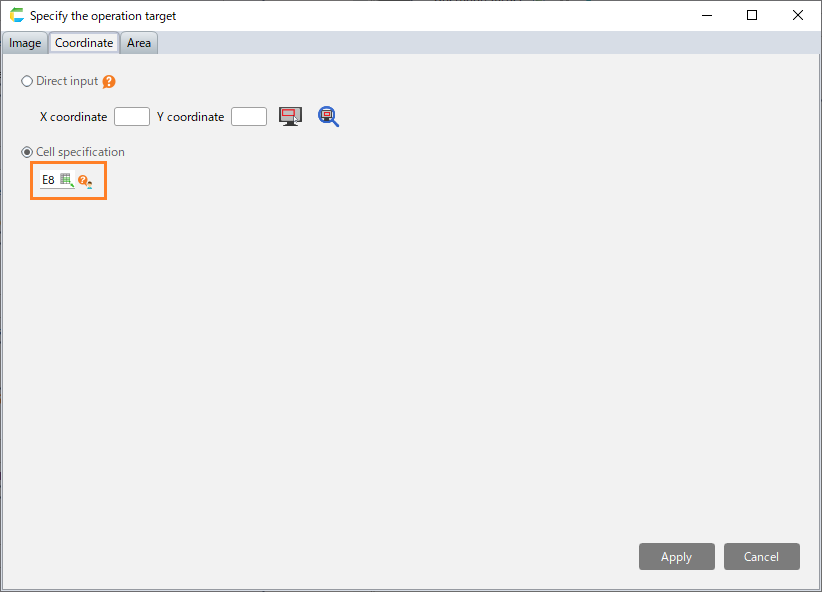
Set the reference cell coordinates.
Hint
You can use the coordinates and area that have been set through "Set the position and size of the operation target to the cell" in each robot action.
Click the "Apply" button.