Use names in actions
The defined name can also be used in actions.
This section describes how to use names in actions.
See also
See Define a name for how to define actions.
Use name defined as cell
Names defined as cells can be used in actions just like cells.
As an example, define the Q2 cell with the name 'Number_of_Records' as shown below.
And in the action, specify the name in the item that specifies the cell and range as follows.
This will start processing for the Q2 cell.
Use a name defined as a range
Names defined as ranges can be used in actions just like ranges.
As an example, the range of B6 to N105 is defined with the name 'Search_Result_Area' as shown below.
And in the action, specify the name in the item that specifies the cell and range as follows.
Now processing is performed for the range from B6 to N105.
Attention
If a name defined as a range is specified for an item for which a range cannot be specified, the action set can be saved, but an error will occur when the application is executed.
Use a name defined as a formula or constant
Names defined as formulas and constants can be used in actions just like formulas and constants.
As an example, the value 100 is defined with the name 'Max_Record_Number' as follows.
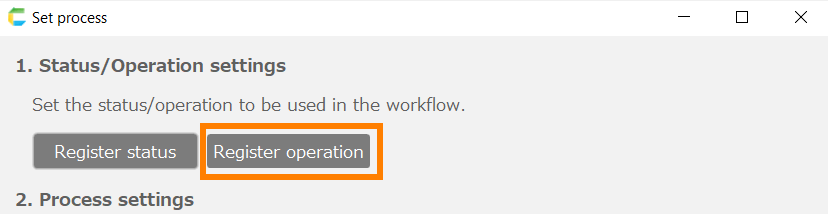
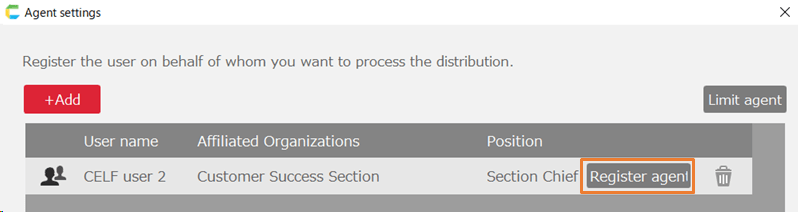
And in the action, specify the name in the item that specifies the value as follows.
In the following cases, this will get a maximum of 100 records.
Hint
If the cell or constant used in the action is changed, using the name makes it easier to change.
If the name is not used, it is necessary to correct the values of all items that use the target cell or constant in the action.
If you are using names, you can simply change the name value.