Save Data When Offline
Here is the details for creating application with handling offline.
Check if current session is offline or not.
In case of some kind of application for registering data about input data, it is impossible to register the data into table at offline, although the data is registered into prepared table at online.
- Open 'Control' tab in register action, and then use 'If online, then else' action.

Tip
If network is online, above block is executed, but if offline, below block is executed.
Save data temporarily.
- Set registration process at online in the first section of 'If online, then else' action. Data is registered into table at online.
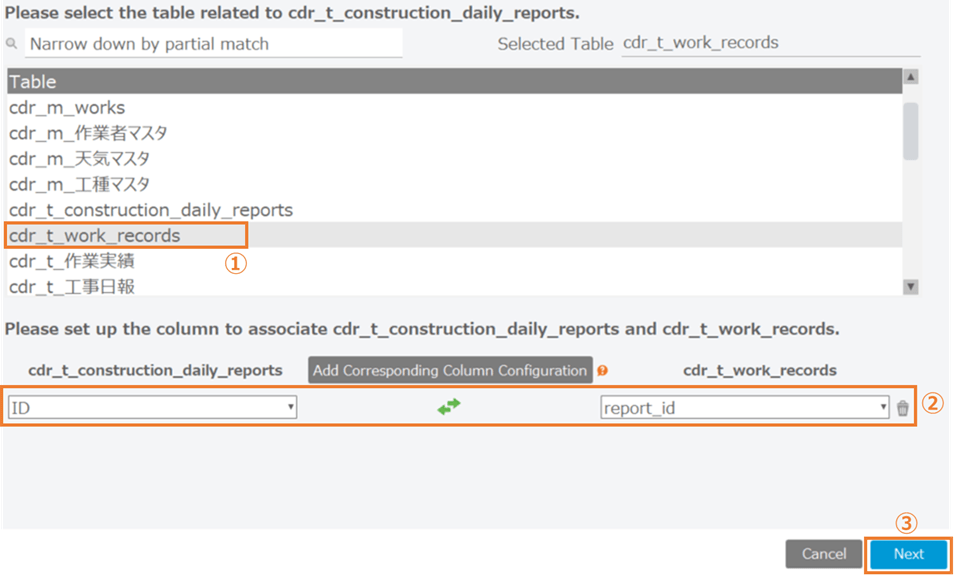
- Set registration process at offline in the second section of 'If online, else' action. The used action at the time of offline is 'Save value of cell' action.
Tip
This action temporalily saves selected value of cell in the executing PC with designated name to save.
Get temporary saved data.
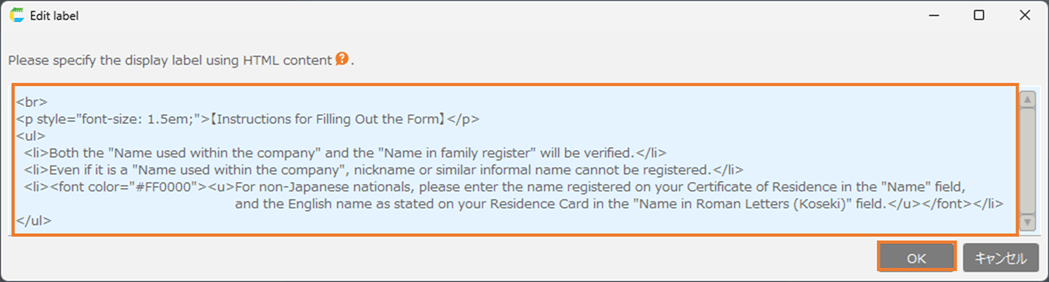
- To get temporary saved data in local, use 'Paste saved value into cell' action.
Tip
This action pastes temporary saved value into cell inside the executing PC with designated name to save.