Set formulas in action
You can set the result of a formula or a formula itself in a cell using the 'Set value into cell' action on the 'Cells' tab and 'In sheet Set value into cell' action on the 'Sheets' tab.
Set the result of a formula in an action
For example, you can set the result of a formula by setting " = formula " as follows.
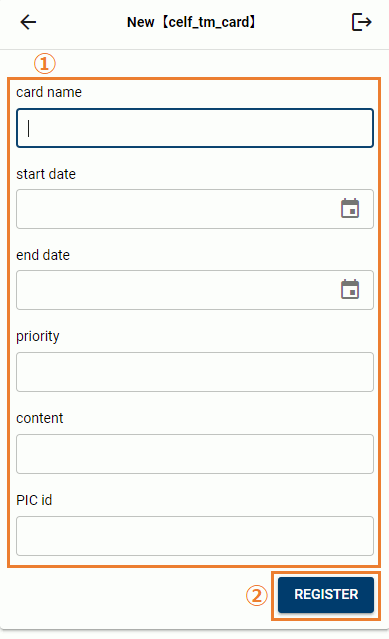
Set formula in cell with action
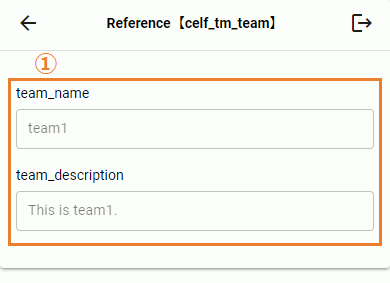
For example, you can set the formula itself by setting " ="formula" " as shown below.
See also
How to dynamically add controls (buttons) with actions, refer Dynamically Add Buttons
Related keywords
function