Get Current Row Column
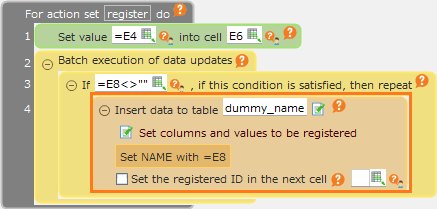
Set buttons for each row like this, create action set to be along with the rows.
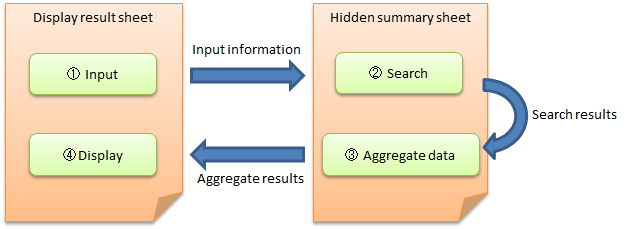
In this example, create and assign action set to change to red characters on 'Change to red characters' button.
In this case, because just the affected row is different, you can make action sets common by getting clicked button row in action set.
Here is the way to get current row or column in assigned action by this kind of button and to run.
Get Current Row
Use ROW function to get row of clicked button.

- Create action set to the button.
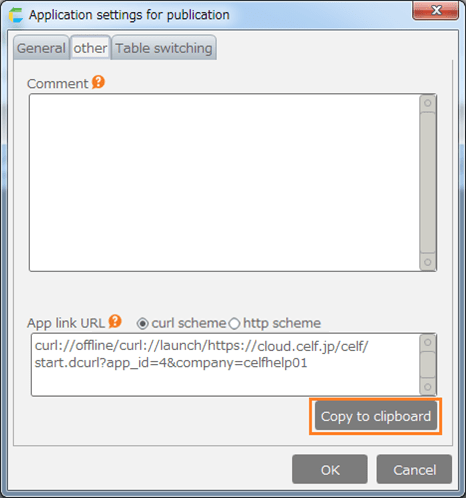
- In 'Action set' dialog, create action to change character of clicked button to red color. The action to change format is used here.

- Use ROW function to change format to target action cell.
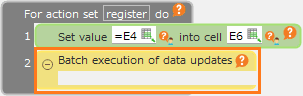
Formula to get character like 'B3' by joining column number 'B' and returned value by ROW function.
Hint
- You can get value for cell by assembling above formula and INDIRECT function.

- Use COLUMN function to get current column.
- Assign the same action set 'Change to red color' to 'Change to red color' button in another row.

- Save and run action set. Common 'Change to red color' action is executed, and then B column character for the row with clicked button is changed to red color.