Use Application When Offline
CELF can use application even when network is offline.
Download Application
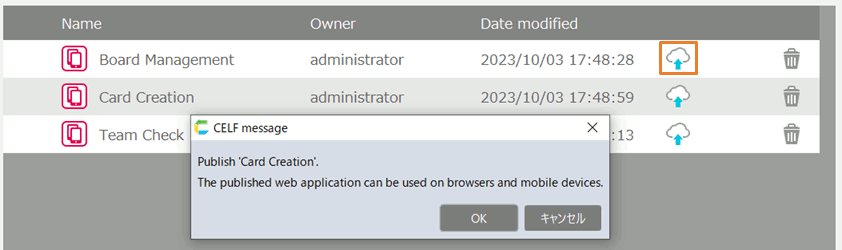
IF you need to use application when offline, it is necessary to download application when online.
- In published application, click 'Download' button to use application when offline.
Note
Ask application author if application can be executed when offline or not. Although it is possible to download disabled application when offline, the application doesn’t work correctly.
Tip
'Download' button is changed to 'Delete' button after the application downloaded. You can delete downloaded application by clicking 'Delete' button.
Use Application When Offline
- Login when offline.
- Click application to use.
Tip
- In published application screen when offline, the application list is displayed even if offline.
- You can’t use "Manage" screen when offline.
- Two-factor authentication is not performed when offline.