Transferring Data from One System (Tool) to Another System (Tool)
You can perform an operation while switching through multiple system screens by using the "Display the specified executable file or title window at the forefront" action.
Here, a process that will transfer data from a form to another file as an example of an operation that spans over multiple windows is created.
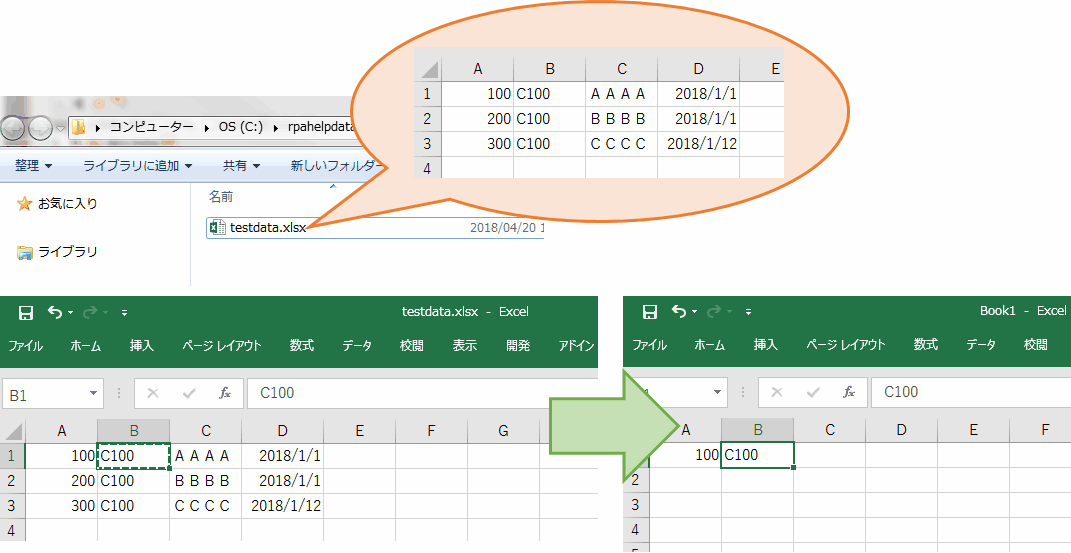
Moving between windows
Switch windows by using "Display the specified executable file or title window at the forefront".
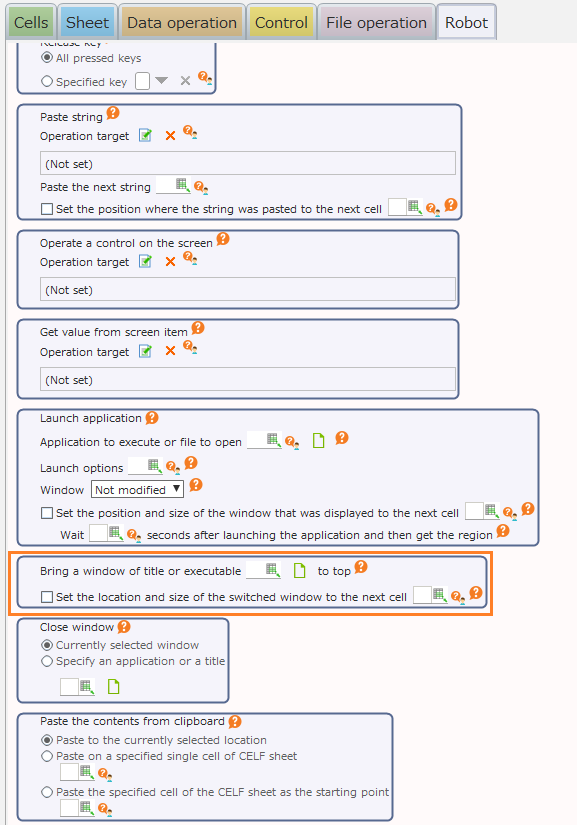 Set the information that can clearly identify the switch destination window, such as an executable file name and screen title.Here, a process for when a window can be clearly identified by the form file name is created.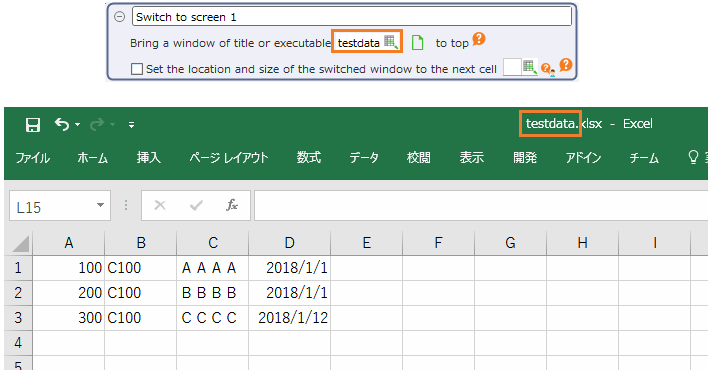
Moving between screen items
Moving the cursor to other items in the same screen is done through mouse click or keyboard operation.Here is the process for moving the cursor using the "Tab" key.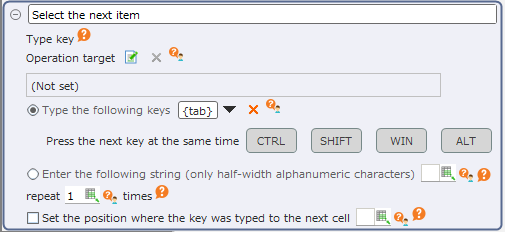
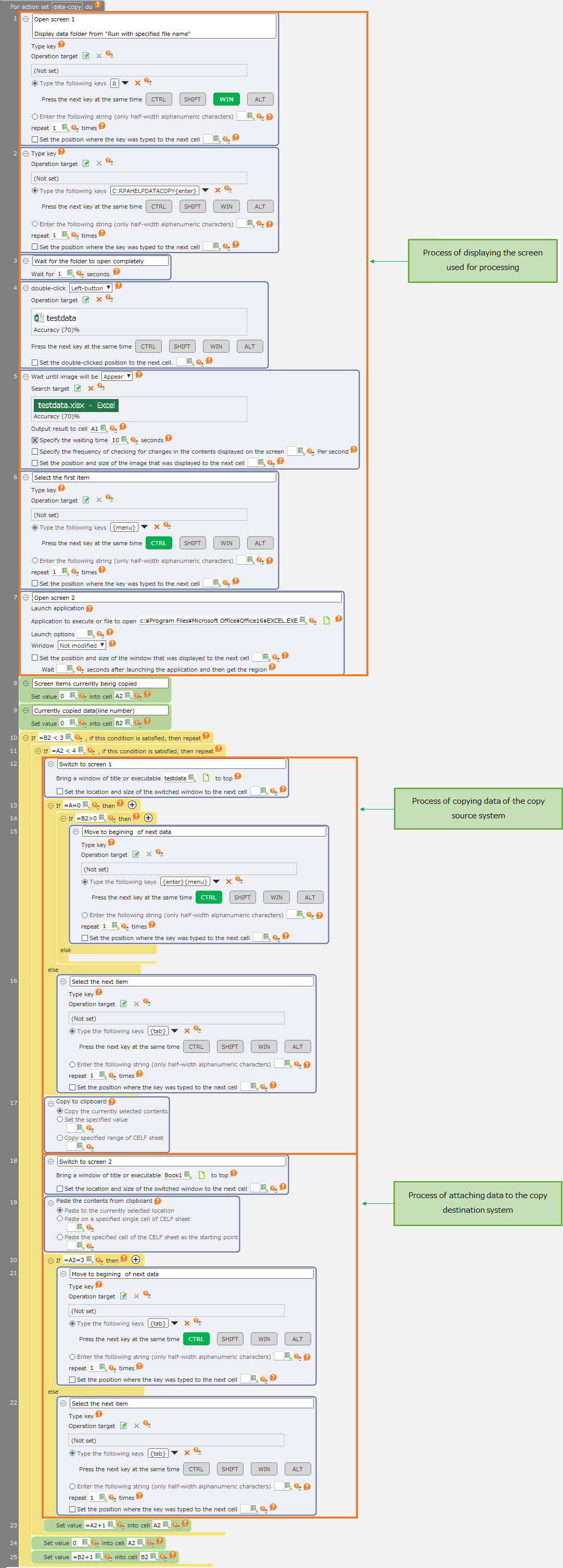
Sample action set for copying data between forms
The action set would look like the following when adding processing for switching between windows and items,
Tip
The "Display the specified executable file or title window at the forefront" action is a relatively time-consuming process.
Performance can be improved by limiting the number of screen switches, f.e. by copying all the data to be copied to the CELF sheet before switching to the copy destination screen.