Change the instructions given to the robot according to conditions.
Branch process using the branch action of control
By combining the robot action and branch control action, you can change the instructions given to the robot according to the situation.
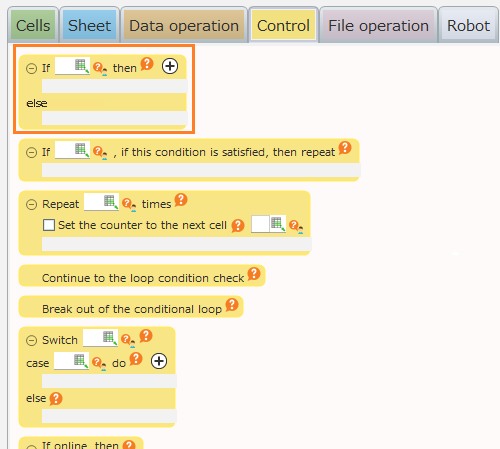
"The following sample shows to create a process that will perform saving operation if the saving confirmation dialog is shown when closing Notepad."

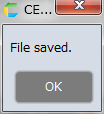
When this sample is executed, if the saving confirmation dialog appears, perform the saving process to show the "File saved" message.
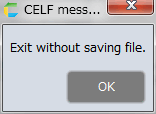
If it is’t displayed, show the "Exited without saving file" message without performing saving operation.
Hint
Disabling the "Paste String" action, which is the second from the top of the action set, will allow you to check the behavior of the case when the saving confirmation dialog doesn’t show.