Select the table or knowledge you want to operate in the app.
Select the table you want to operate in the app from the available tables
Select the table to apply the template of the app you want to use.
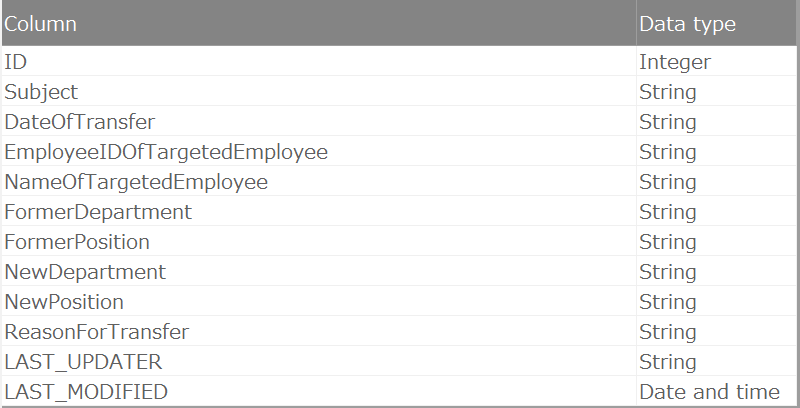
The tables you can select vary depending on the type of template you use and the table permissions of the user creating the app.
See also
- For table permissions, please refer to Set Table Permission.
App to list and check the details of data
You can select a table with reference permission.App to list and edit data
You can select a table with editing permission.App to register new data
You can select a table with editing permission.An App to Create and Submit Application Data
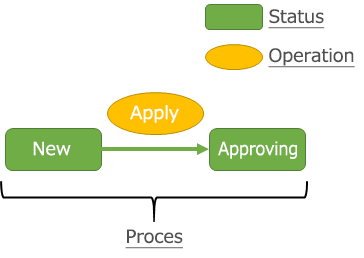
You can select tables with editing permissions. Additionally, they must be registered as circulation targets by the workflow feature.App to Create Application Data and to Apply
You can select tables with editing permissions. Additionally, they must be registered as circulation targets by the workflow feature.See also
For registration of circulation targets, please refer to Register Circulation Target.
Select the knowledge to use in a question-answering app from the available knowledge
Select the knowledge to apply to the question-answering app.
- Question-Answering App
- You can select knowledge that has one or more data sources.
See also
- For details on knowledge, refer to Knowledge.
- For details on how to register knowledge and add data sources, refer to How to use Knowledge.