Instructions by Template (App for Creating and Applying Application Data)
Circulation Registration Screen
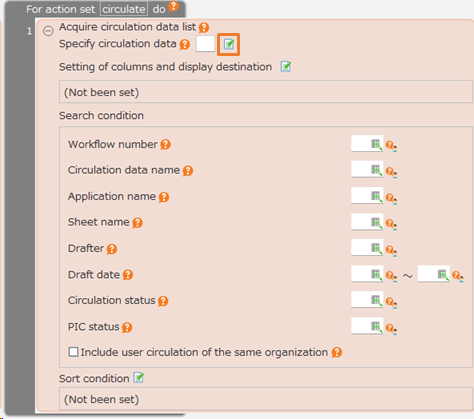
- Enter the application data.
- Register the application data for circulation and proceed to the application screen.
Tip
- The transition to the application screen will occur if the user who executed the action is the applicant.
- If not the applicant, you will return to the previous screen.
Application Screen
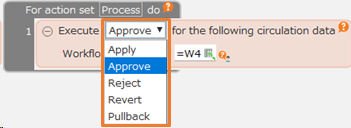
- Check and update the application data.
- Submit the application data.
- If you have any comment, enter it.
- Check the comment history of the application data.