Operation explanation by template (App for listing and editing data)
Search List Screen
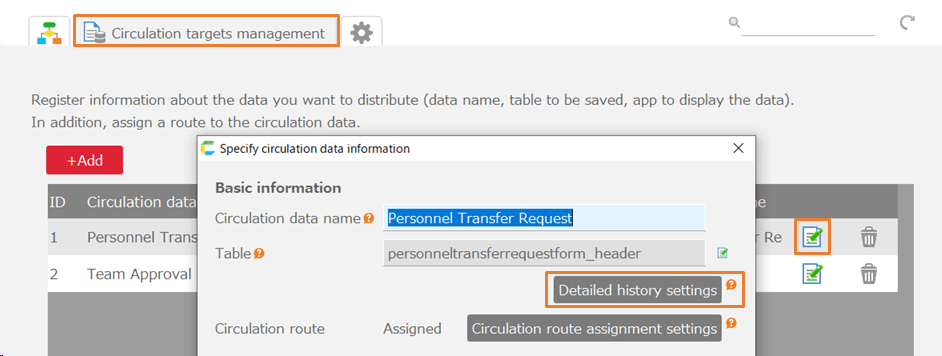
- You can enter search conditions to narrow down the data in the table.
- Display a list of search results.
- Transition to the reference screen.
- Transition to the update screen.
- Transition to the new registration screen.
- Bulk delete the data checked in the list.
Reference Screen
- Display details of one record of data.
- Delete the data.
- Transition to the update screen.