Set Permission for table Setting
Set Permission for table Setting
- Click 'Table management' in "Manage" screen, and then 'Table management' view is opened.
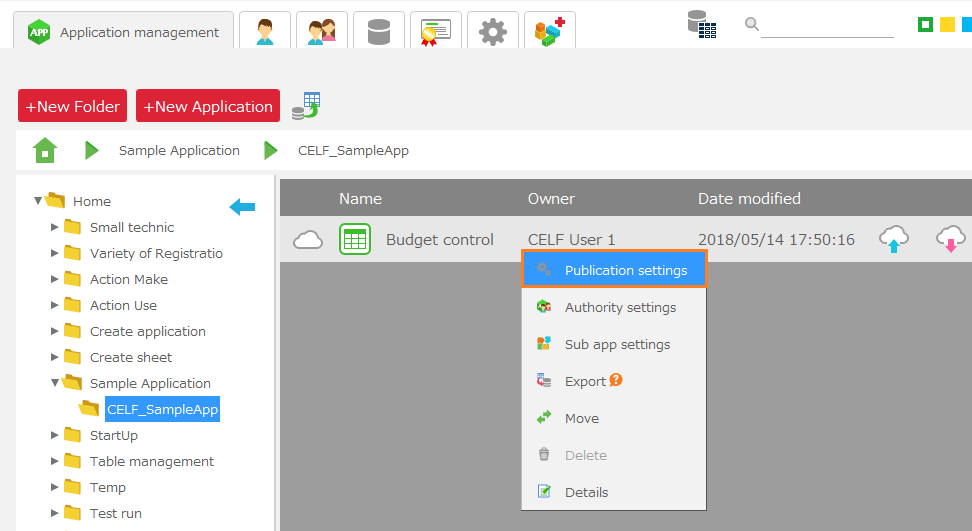
- Select table to set permission, and then select 'Authority setting' menu by right-click.
Tip
Just CELF database (default) in 'Database to connect to' can set authority.
- In 'Authority setting' dialog, set authority for each group.
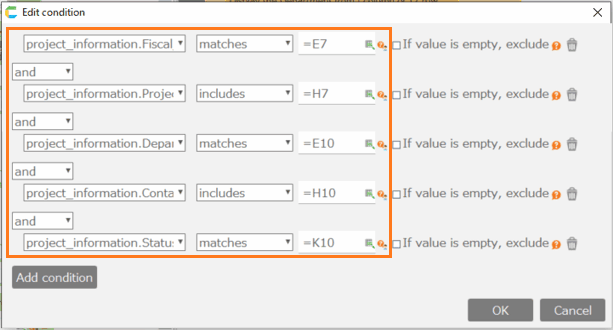
Authority Details Manage Grant authority to the user groups, Delete table. Edit Add, update, delete and read data. Read Read data only
- Click 'Register' button.
Important
To set table permissions, users require the following permissions.
- Application author
- Database administrator
And also, Application author needs below permission to tables.
- Manage
