Generate Automatically Master Management Sheet
CELF では作成したテーブルからそのテーブルデータ管理(取得、登録、更新、および、削除)をするシートを自動生成することができます。
This makes it easier to manage table data without creating management application of table data.
Generate Automatically Master Management Sheet
- Click 'Table management' button in "Manage" screen, and then 'Table management' view is opened.
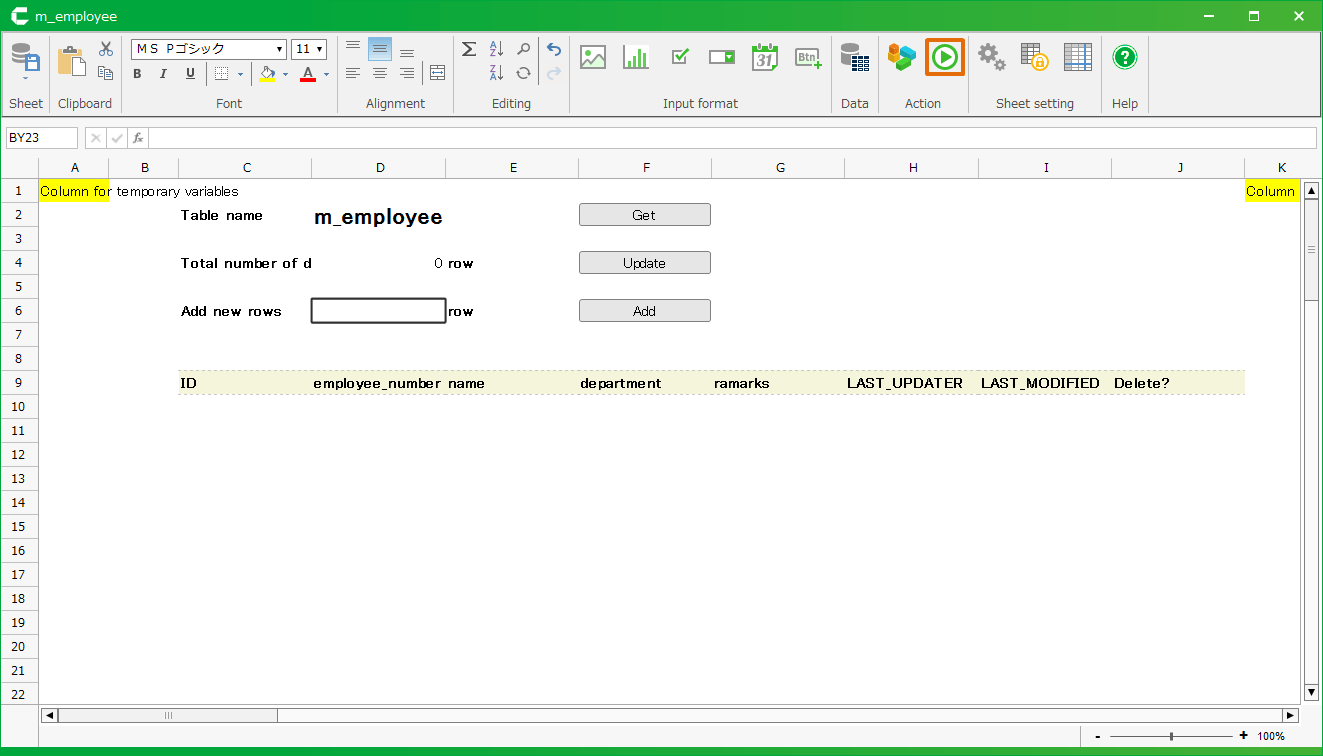
- Right-click the table for master management sheet from 'List of tables', and then select 'Create sheet from table' menu.
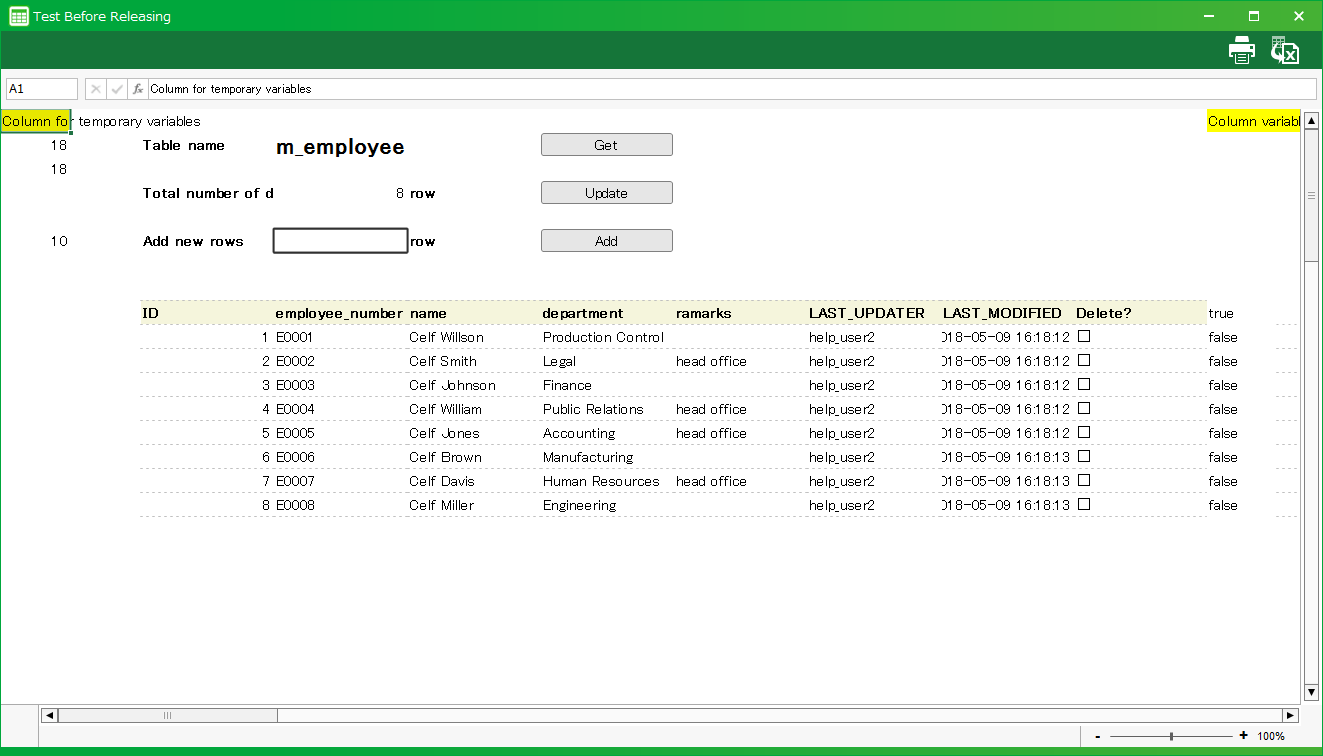
Tip
Just CELF database (default) in 'Database to connect to' can generate master management sheet.
- Save master management sheet generated automatically.
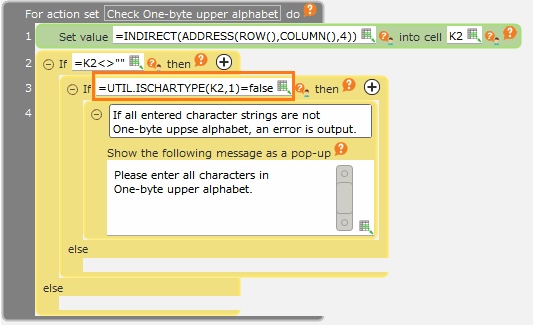
Tip
- To save sheet, it is necessary to prepare the application to save into in advance.
- Generated master management sheet can be used by Publish Application or Test Run.
Register Data Into Master
- Open master management sheet.
- Input 'Add new row' and then click 'Add' button.
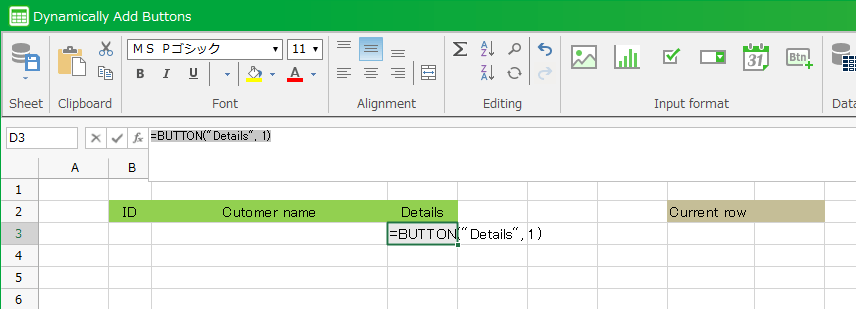
- Input value into added row.
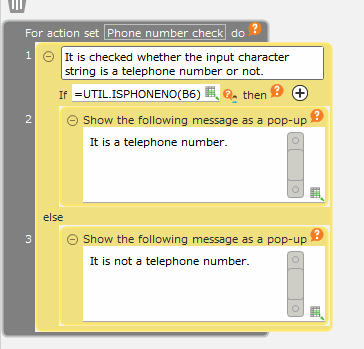
- Click 'Update' button, and then the data is registered into master.

Tip
The registered data can be confirmed on the data tab by selecting the table in the 'Table management' view and pressing the Enter key or double-clicking.
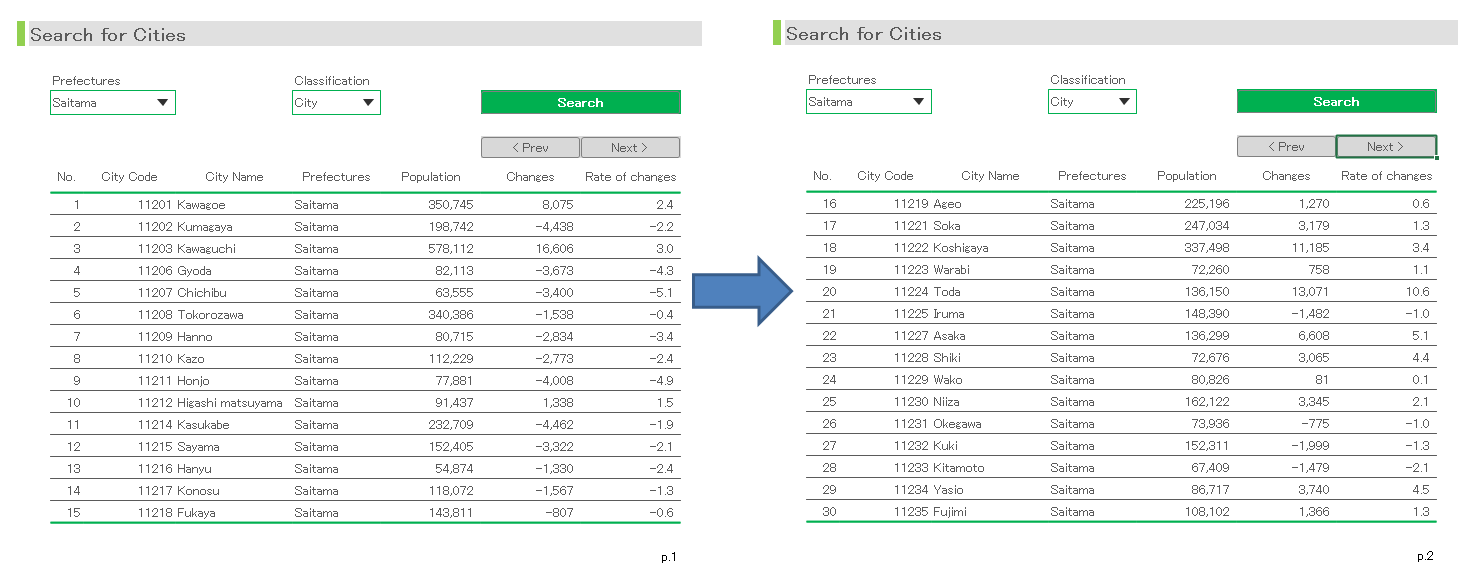
Update Master Data
- Click 'Get' button in master management sheet.
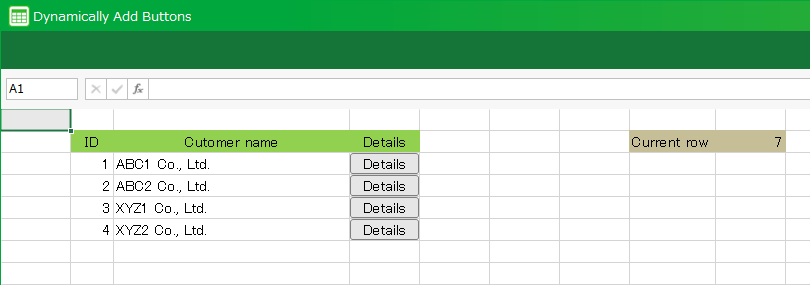
- Change the data in the list.

- Click 'Update' button, and then changed information is reflected into master.
Delete Master Data
- Click 'Get' button in master management sheet.
- Select 'Delete' column to delete from displayed registered data.
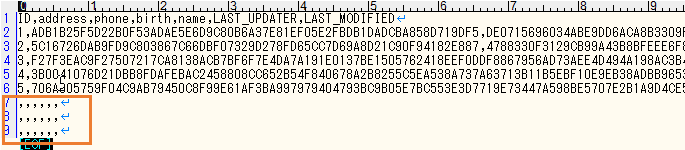
- Click 'Update' button, and then selected data is deleted from master.
Increase the number of rows of the master management sheet
The automatically generated sheet has 100 rows and can display up to 91 data.
If more data is registered, you can display it by modifying the sheet.
- In the 'Sheet setting' dialog, change 'Number of rows'
See also
Regarding changing of the number of rows, refer Change Rows and Columns Number
- Enter the same value as the number of changed sheet rows in the A8 cell of the sheet and save.
Important
Please set the number of lines of the sheet to the same value input to the A8 cell. Otherwise, the action may not work properly.
Important
To automatically generate master management sheets from tables, users require the following permissions.
- Application author
- Database administrator
And also, And also, Application author needs below permission to tables.
- Administrator
