Workflow Settings
You can configure settings related to the operation of the workflow on the settings screen.
You can configure settings related to the operation of the workflow on the settings screen.
You can open the settings screen using the following steps.
- Open the 'Action set settings' dialog.
See also
Refer to Assemble Action set for how to open this dialog box.
- Open the 'Workflow' tab and click the settings icon in the upper right of the tab.
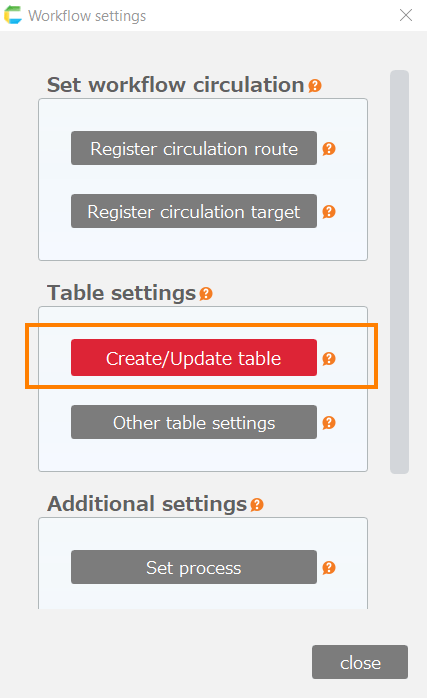
- The settings screen will open.
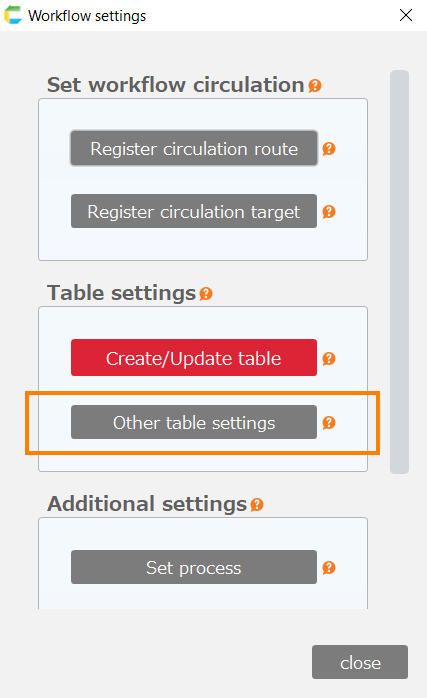
On the settings screen, you can configure the following settings.