Setup table
Set up tables to be used in the workflow function.
Create/Update table
Automatically create or update tables to be used in the workflow function.
- Clicking the「Create/Update table」 button displays a dialog box confirming the creation.
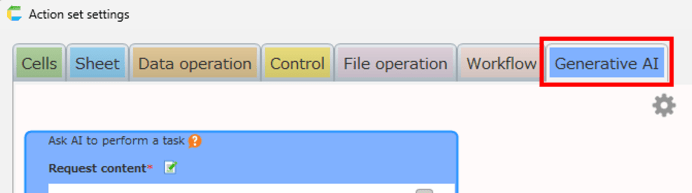
- Click the 'OK' button in the confirmation dialog to create or update tables.
Tip
No changes are made to tables that are already the latest.
Specify the language of the organization master to be used
Specify the language of the organization master table used in the workflow function.
- Click on the "Other Table Settings" button.
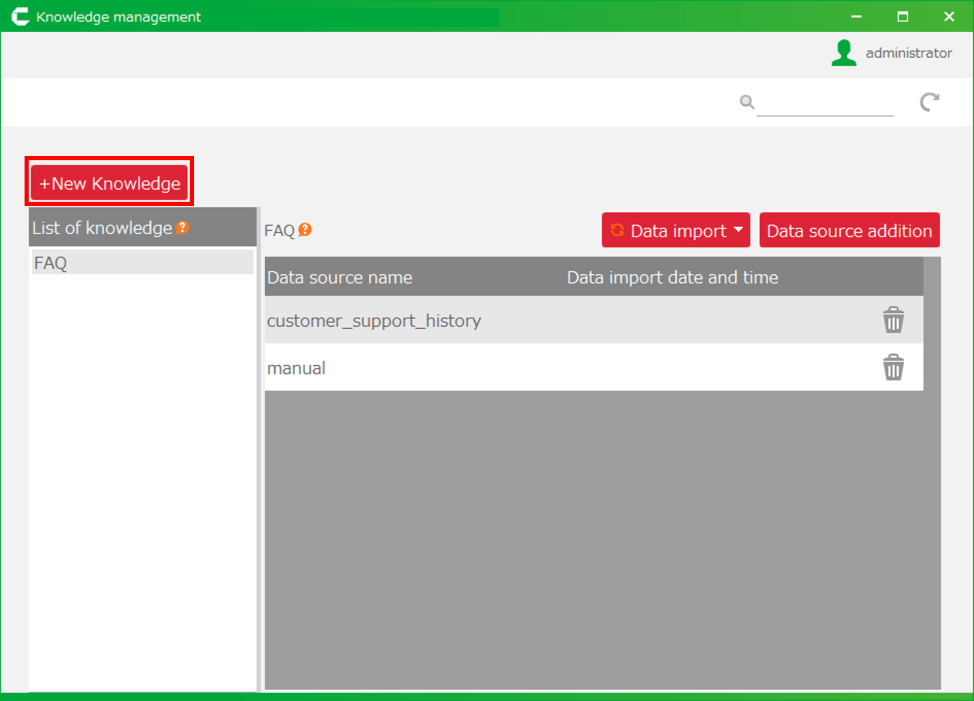
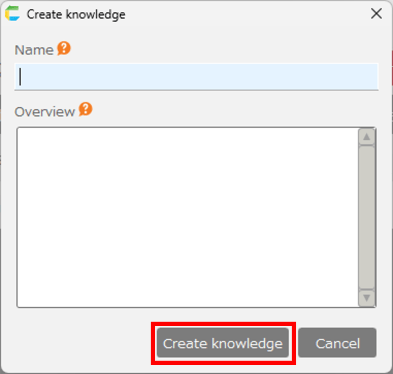
- In the dialog box that appears, select the language of the organization master you wish to use and click the "OK" button.
Tip
The Organization Master application is available in Japanese and English.
In this setting, please specify the same language as your organization master application.