About migration to standard Workflow feature from old Workflow Extension
This document describes the method to migrate the settings of Workflow Extension Option and workflow applications to the standard Workflow feature.
Initial Setup
In the standard Workflow feature, it’s no longer necessary that the initial setup and the setup of the organization master app after registering the workflow extension option, everything is provided as a standard function.
Registration of Organizations, Positions, and Affiliations
Registration of the organizations, positions, and affiliations involves saving the data from the Workflow Extension option as a CSV file using Export Table Data (CSV), then modifying the file format as described in Bulk Registration of Organization, Position, and Affiliation before importing the CSV file.
Configuration of the Circulation Process
If the circulation process has not been modified in the Workflow Extension Option, the same default circulation process is set in the standard Workflow feature, so this task is unnecessary. If the circulation process has been modified, configure the circulation process using Set up the Circulation Process.
Registration of the Circulation Route
Register the circulation route using Register Circulation Route.
Registration of Circulation Target
Register circulation target using Register Circulation Target. The assignment of circulation route is done through the 'Specify circulation route' dialog.
Configuration of Workflow Administrator
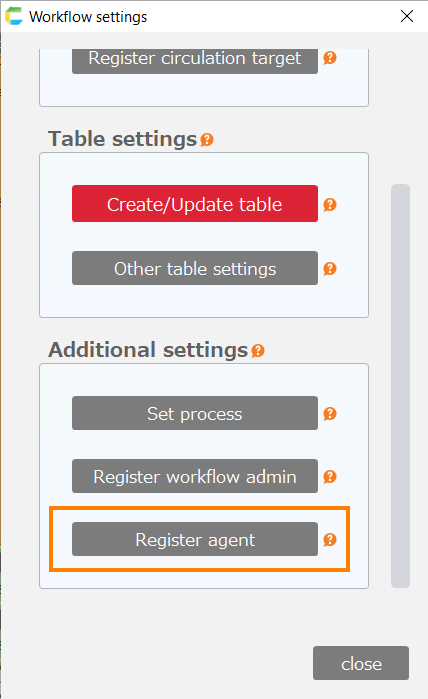
The 'Workflow Administrator' that could be specified in the workflow extension option is not available in the standard Workflow feature. The 'Proxy Settings' that could be performed by the Workflow Administrator should be done by the CELF system administrator.
Configuration of Proxies
Set up proxies using Configure Proxy Users.
Integration of Workflow Actions
Integrate workflow actions using the 'Action Set Configuration' dialog’s '(New)Workflow' tab, by replacing the workflow actions from the workflow extension options with Workflow Actions.
However, the following Workflow actions are not available.
- Display the Workflow Administrator Configuration Screen
- Display the Proxy Configuration Screen
- Determine if it is a Workflow Administrator