Setting up Workflow Administrators
Any user can be designated as a 'Workflow Administrator'.
Currently, Workflow Administrator privileges are required for the following functions.
- deputy settings for specifying user other than yourself as Principal.
Note
In Workflow Settings, System administrator/Application author/Workflow administrator have the same privileges.
To set up Workflow Administrators, click the 'Register workflow admin' button to open the 'Register Workflow Administrators' dialog.
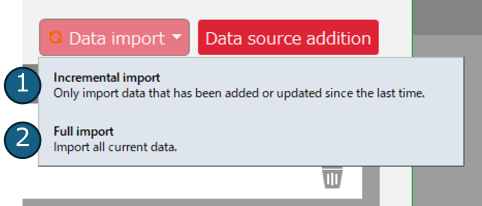
Register Workflow Administrators
- 'Register workflow admin’Click the 'Register' button in the dialog.
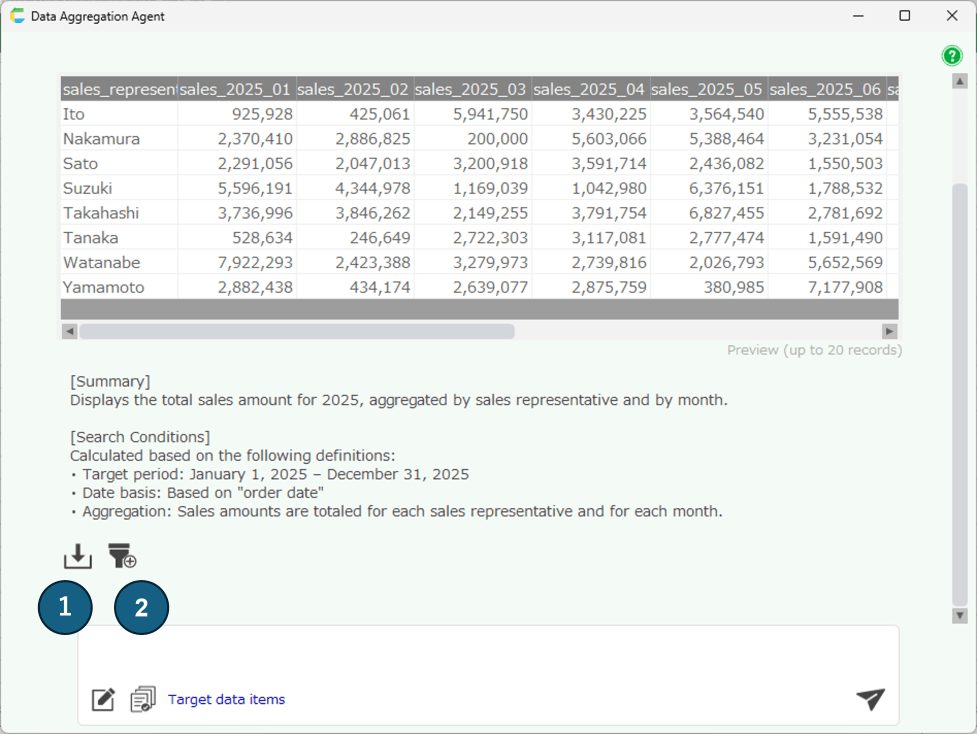
- Select the user you wish to register in the 'Select user’dialog.
- The selected user will be registered.
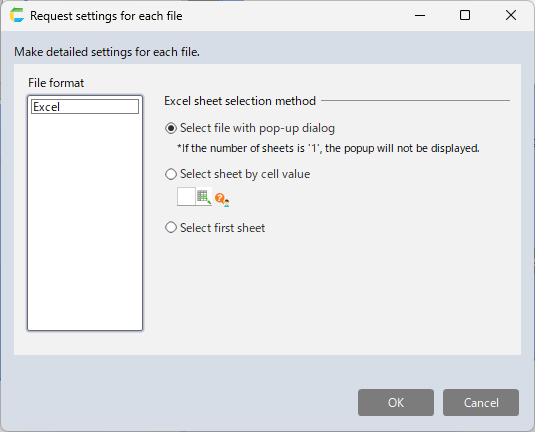
Removing from Workflow Administrators
- Click the delete button for the user you want to remove.
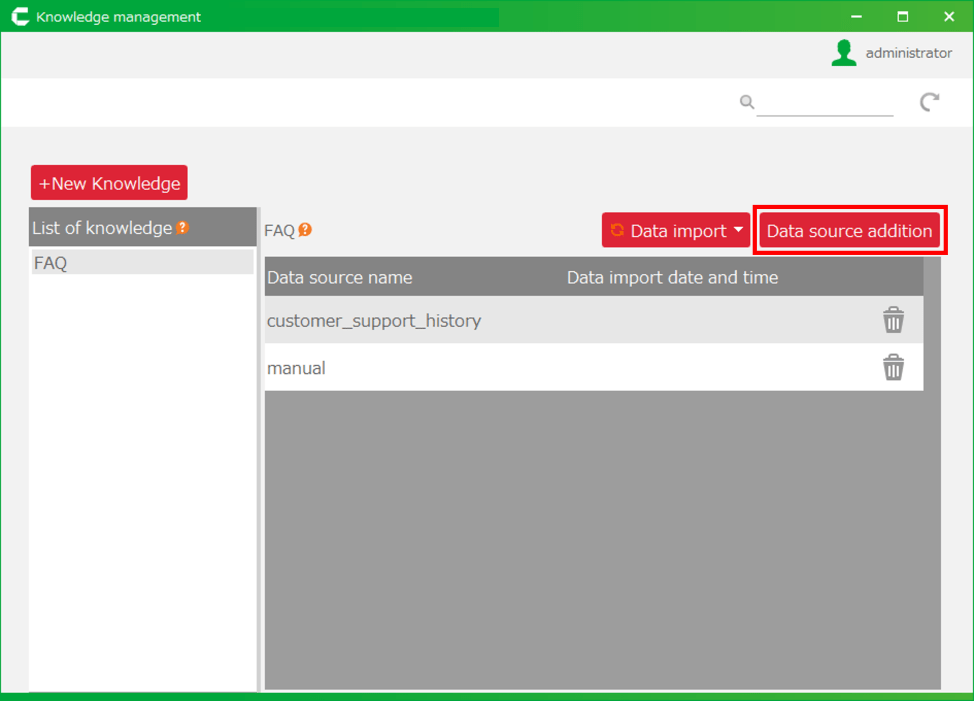
- Click the 'OK' button in the confirmation message.