About App modification
This page explains how to modify an app created with the 'Create App from Excel File' function from the screen.
For applications created with CELF 4.0.0 or later, settings made at the time of creation can be changed later, making it easy to add or delete input items, change input checks, etc.
Attention
Apps that can be modified from the screen are those created with the 'Create App from Excel file' function in CELF 4.0.0 or later.
Start modifying the app
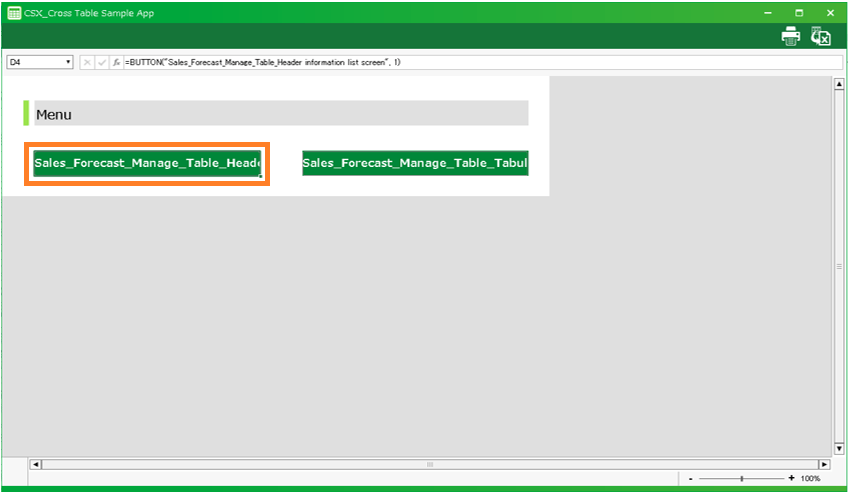
- If you create an application with 'Create app from Excel file' in CELF 4.0.0 or later versions, an 'edit icon' will appear in the sheet list.
Tip
The sheet with the edit icon will be the sheet selected in 'Create app from Excel file'.
- Clicking the edit icon will display the 'Edit generated app' dialog.
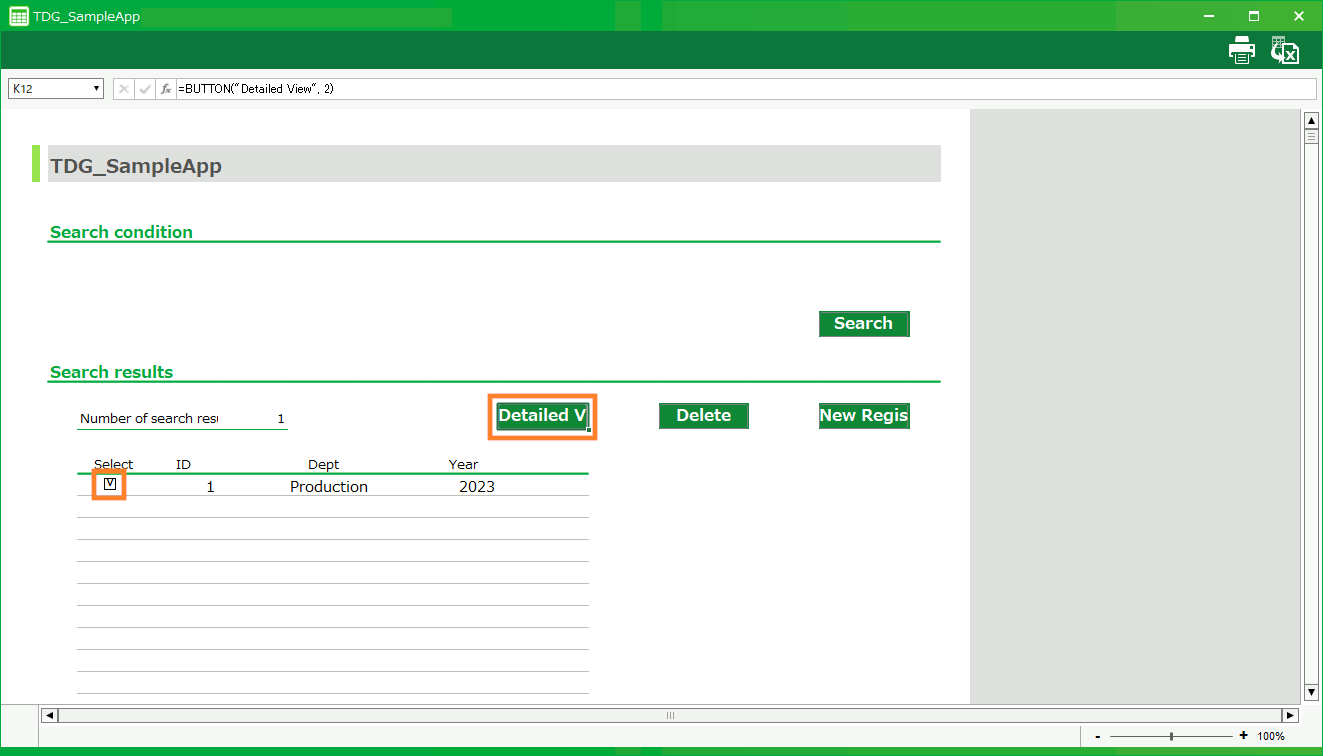
[1] Comments
Specify comments to be backed up.[2] Destination folder for table definitions and data
Specify the destination folder for table definitions and table data when backing up.The table definitions and table data to be exported are for the tables used by the sheet to be edited.[3] Backup
Back up the app and export the table definitions and data used by the sheets to be edited.See also
To learn more about backing up your apps Back up and restore apps .
[4] Start Editing
Start editing the app created with the 'Create App from Excel File' function.Attention
When you perform edits to the application, the sheet and some action sets will be updated, which may delete the sheet modifications you have made.If you want to know about the updated content of the edited sheet, please check Update items on the sheet after editing the app .