Confirm application type
What is an application type
The way you use Excel changes depending on the nature of your business. The movement of the application also needs to be made in a way that matches the business.
The "Create from Excel file" function allows you to set the type of application you want to create on the screen, and the application will be automatically created according to the settings.
Decide which app type you want to use for your business and then create the app automatically.
Shared type (List without header)
This is a type of application that allows everyone to use one Excel and share the registered and updated contents.
E.g.)Equipment rental ledger: Excel sheet, etc. used by everyone to check and share the rental status of the department’s equipment
If you want to create this app type, refer to Description of operations by screen (list / single sheet).
By selecting "List Table" in the "Input Format Selection Screen", you can create an application that allows everyone to share a single table.

Attention
Applications that can be created with this type are limited to lists that accumulate data row by row, and cannot merge subtotal rows or cell rows.
If you want to create an application with a list that includes subtotal rows and cell row joins, consider the "Multiple Sheet Combination" type.
Aggregate type (List with header)
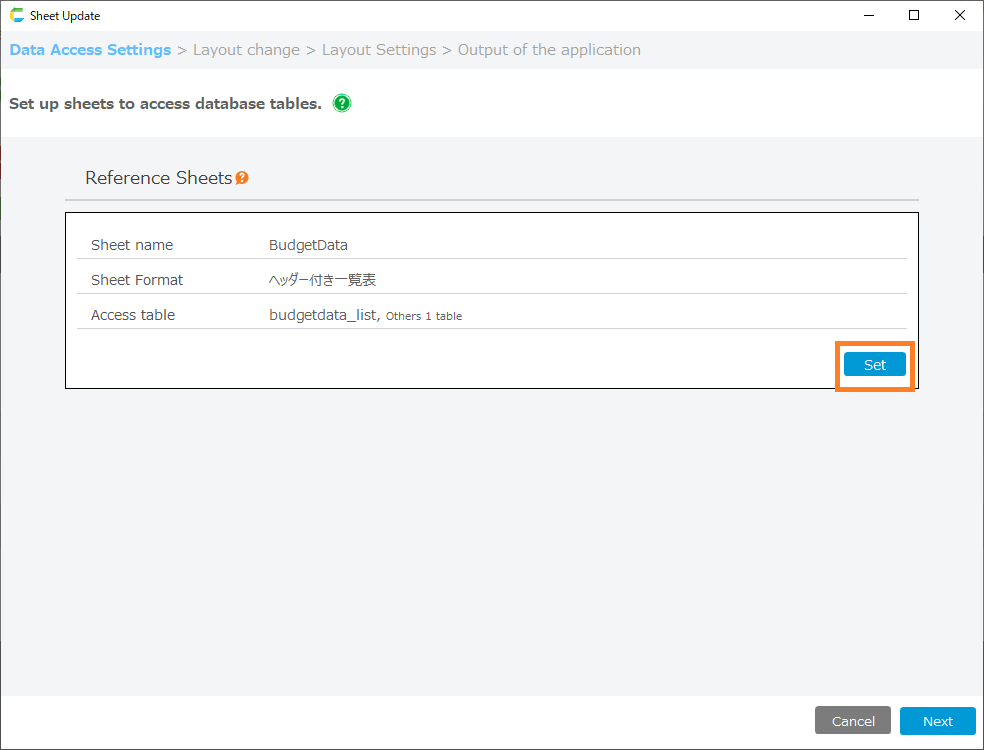
This is a type of application where everyone uses the same Excel format and enters data into a table for each person in charge (each person, each store, each department, etc.).
By standardizing the format, it is possible to prevent situations such as disparate descriptions or missing necessary information.
If you want to create this app type, refer to Description of operations by screen (list / single sheet).
By selecting "List with header" in the "Input Format Selection Screen", you can create an application that aggregates multiple tables.
Attention
Applications that can be created with this type are limited to lists that accumulate data row by row, and cannot merge subtotal rows or cell rows.
If you want to create an application with a list that includes subtotal rows and cell row joins, consider the "Multiple Sheet Combination" type.
Single form type (single form type)
This is a type of Excel layout that is fixed for the purpose of printing as a document or making it easier to read.
e.g.) Quotations: Excel sheets, etc. for printing on paper to be sent to the sales destination after data entry
If you want to create this app type, refer to Description of operations by screen (list / single sheet).
By selecting "Single form" in "Input Format Selection Screen", a single form type app will be created.

Attention
This type cannot be used for sheets containing multiple tables or subtotal rows of a table.
If you want to create an application for a sheet that has multiple tables and sub-total rows in the table, consider the "Multiple Sheet Combination" type.
Multiple Sheet Combination
This type uses the Excel layout as it is as an application screen.
This type can create apps even from complex layouts.
This type requires Excel to be ready with the specified rules.
See
Application Creation Guide for Multiple Sheet Combination Type for details.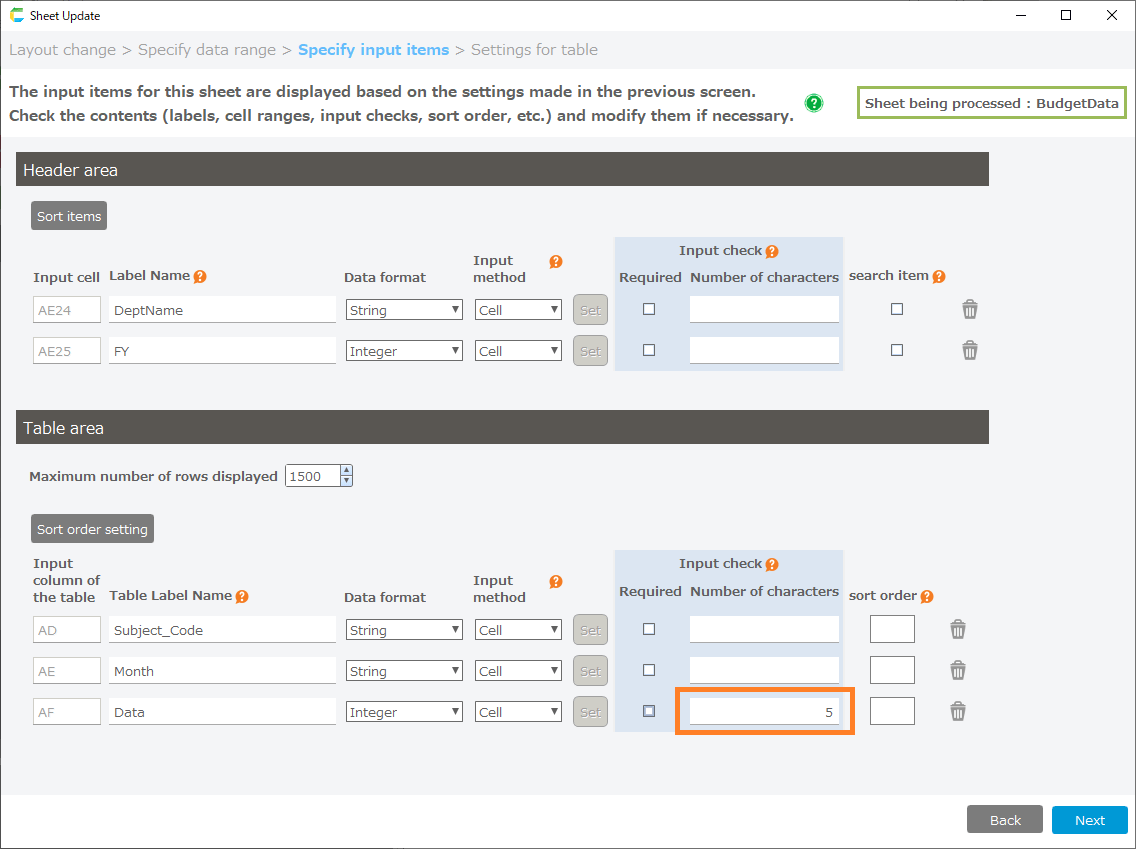
Attention
The previous cross table (beta) type is now deprecated.
If you want to use Excel in cross-table format for your application, please consider the "Multiple Sheet Combination" type.