Update items on the sheet after editing the app
When you perform an edit from the app’s edit screen, the sheet layout and some action sets will be updated.Note that if you have made your own changes to the action set or sheet to be updated, your changes will be deleted after the edit is executed.
List type update items
The items to be updated/not to be updated when a list type edit is performed from the edit screen are as follows
Layout Automatically created action sets Added action set Name management Sheet Setup Main-sheet Change Change No change Change No change Control sheet_data Change Change Change Change Change Control sheet_list Change Change Change Change Change [Imported sheet]_Header Information List Screen Change Change Change Change Change Attention
If you have made your own changes to the sheets and action sets to be updated, they will be removed after the edits are performed.
Layout of the main sheet to be updated
Some areas of the main sheet layout will be updated after the edit is executed.The scope to be updated is as follows
- Variable area
- Area after the start of the table
Variable area
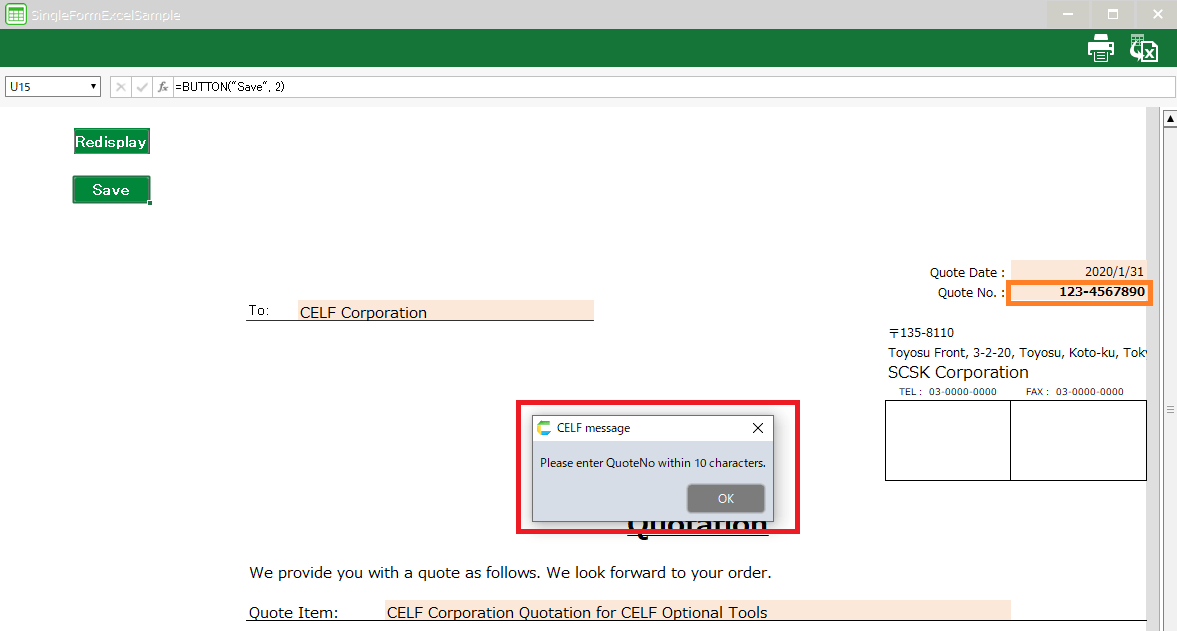
Area after the start of the table

Attention
If any formulas, list boxes, or other objects have been placed in the cells of the update range, their contents will be deleted.
For the main sheet action set to be updated
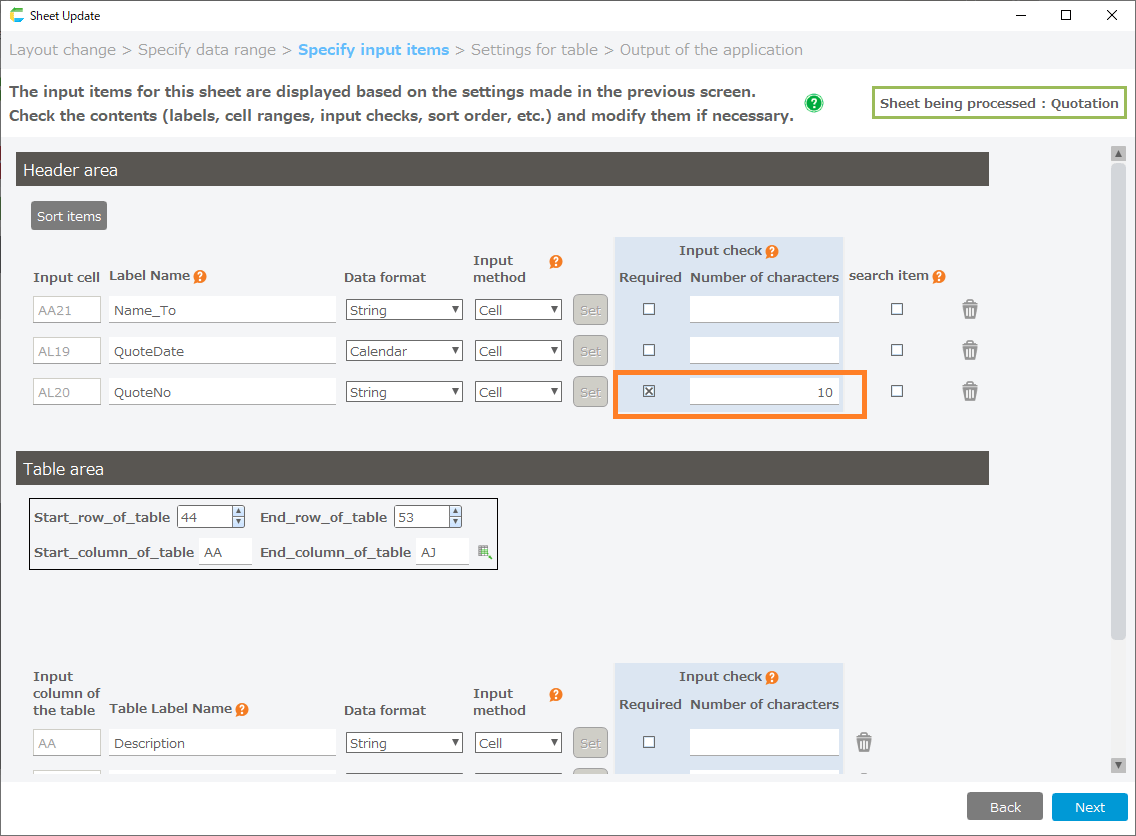
Some action sets on the main sheet will be updated after the edit is executed.The action set to be updated is as follows
- Initial display
- Redisplay
- Save
- Process before saving
- Header input check
- Detailed statement input check
- Select all delete/Unselect all
Attention
If you have made your own changes to the action set to be updated, they will be removed.
Name management of the main sheet to be updated
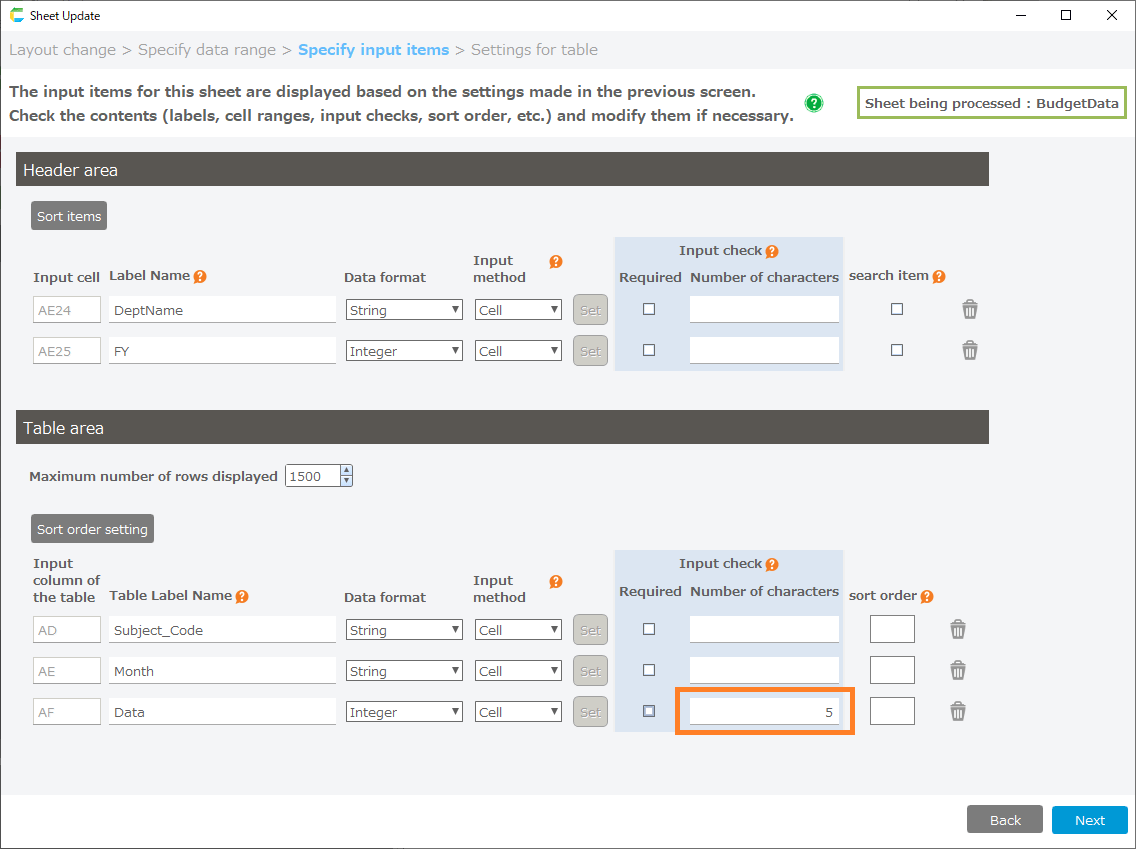
The name management on the main sheet will update some reference ranges after the edit is performed.The scope of reference to be updated is as follows
- Variables for action control
- Constants for Table Domains
Attention
If the name definition to be updated has been changed, it will be deleted.
Update items for single-sheet type sheets
The following items are updated/not updated when single slip type editing is performed from the edit screen.
Layout Automatically created action sets Added action set Name management Sheet Setup Main-sheet Change Change No change Change No change Control sheet_data Change Change Change Change Change Control sheet_list Change Change Change Change Change [Imported sheet]_Header Information List Screen Change Change Change Change Change Attention
If you have made your own changes to the sheets and action sets to be updated, they will be removed after the edits are performed.
Layout of the main sheet to be updated
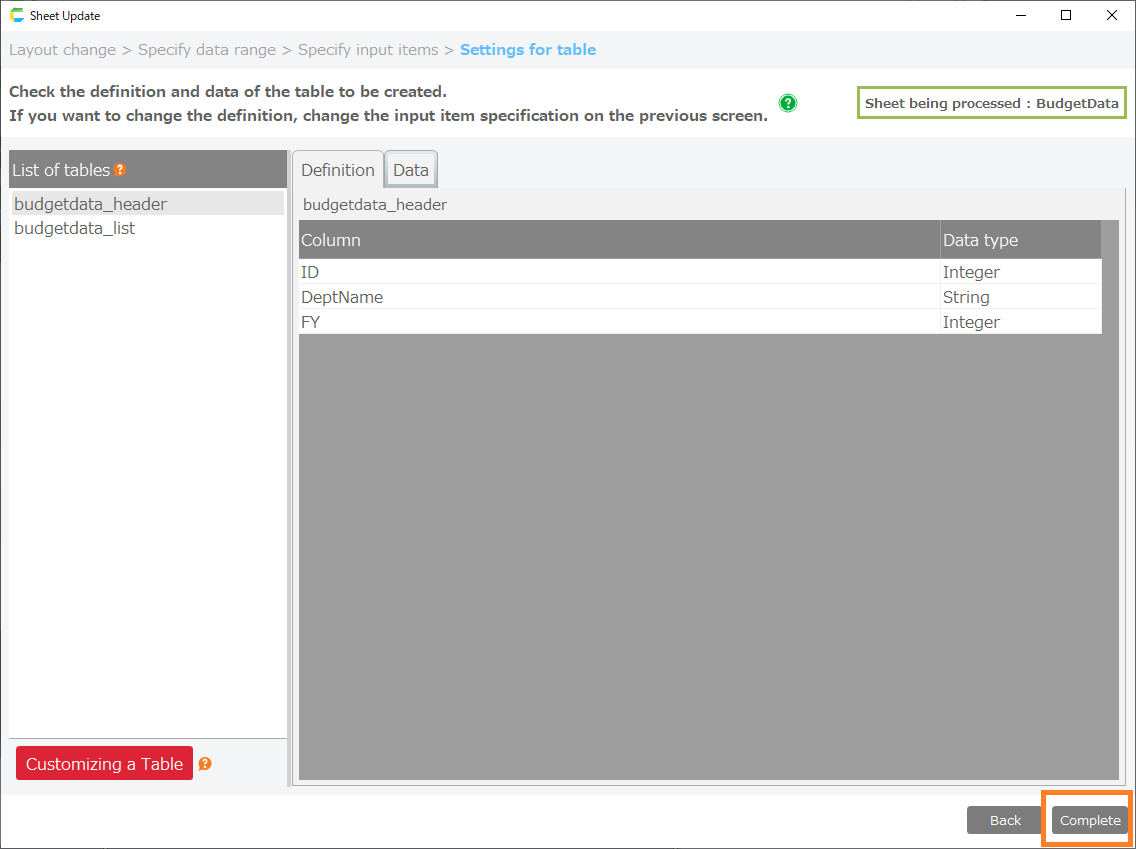
Some areas of the main sheet layout will be updated after the edit is executed.The scope to be updated is as follows
- Variable area
Variable area
Attention
If any formulas, list boxes, or other objects have been placed in the cells of the update range, their contents will be deleted.
For the main sheet action set to be updated
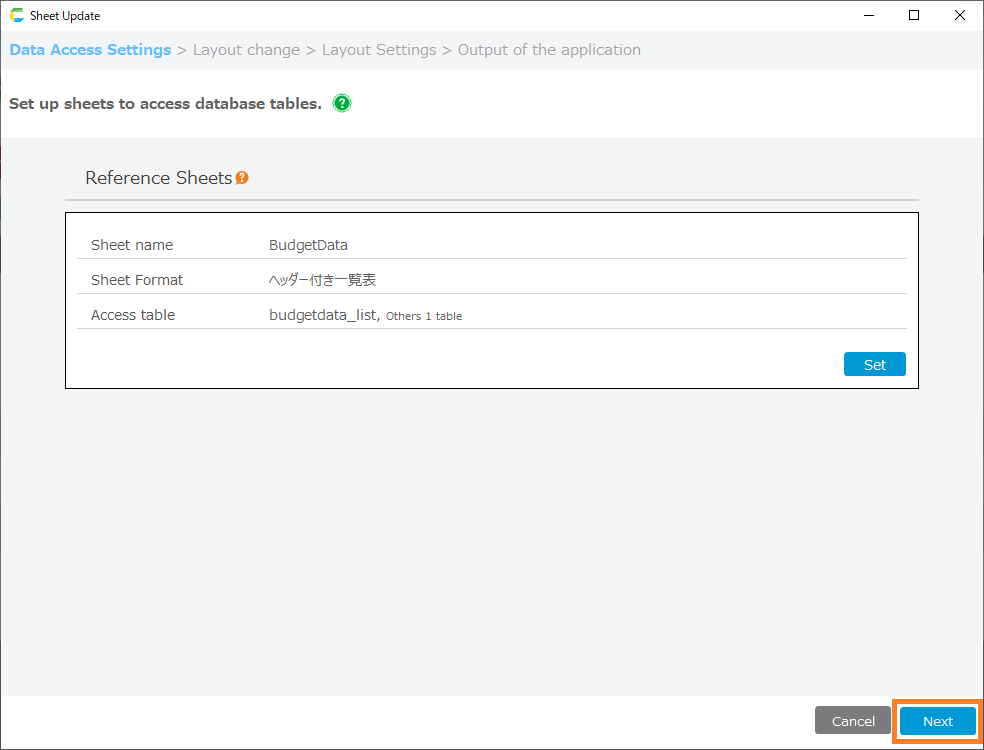
Some action sets on the main sheet will be updated after the edit is executed.The action set to be updated is as follows
- Initial display
- Redisplay
- Save
- Process before saving
- Header input check
- Detailed statement input check
Attention
If you have made your own changes to the action set to be updated, they will be removed.
Name management of the main sheet to be updated
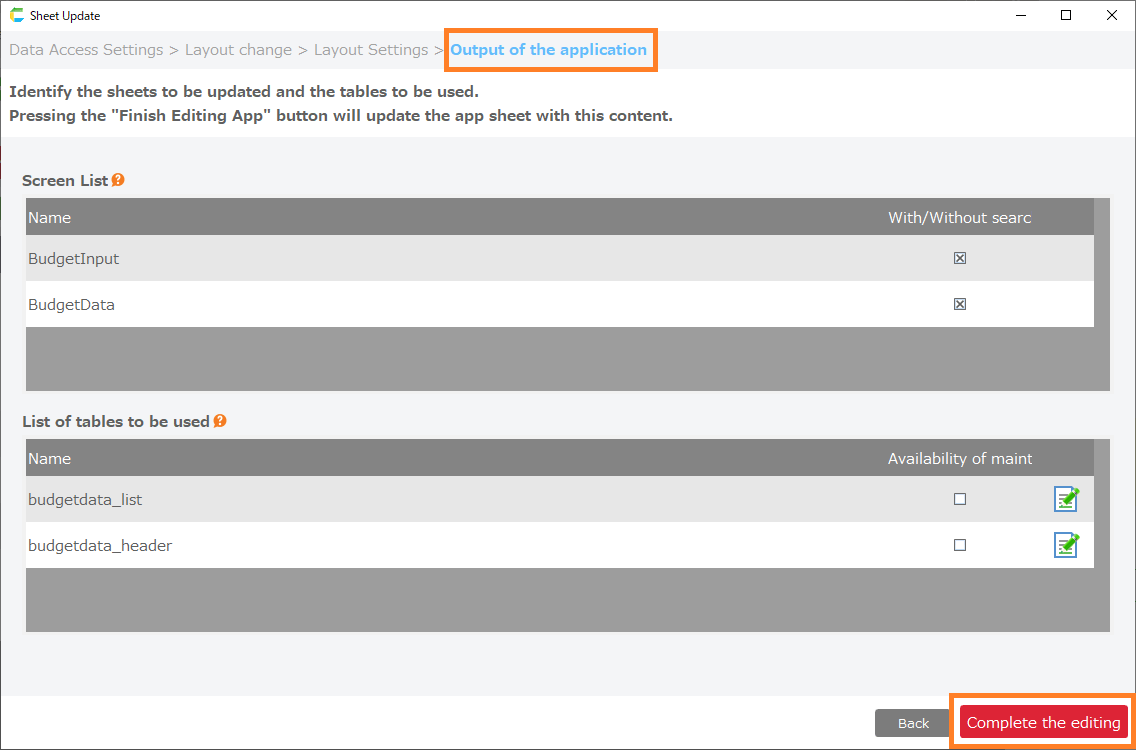
The name management on the main sheet will update some reference ranges after the edit is performed.The scope of reference to be updated is as follows
- Variables for action control
- Constants for Table Domains
Attention
If the name definition to be updated has been changed, it will be deleted.
Multiple sheet combination type update items
The following items are updated/not updated when a multiple sheet combination type edit is performed from the edit screen.
Layout Automatically created action sets Added action set Name management Sheet Setup Main-sheet No change Change No change No change No change Control sheet_Registration Change Change Change Change Change [Imported sheet]_Header Information List Screen Change Change Change Change Change Attention
If you have made your own changes to the sheets and action sets to be updated, they will be removed after the edits are performed.
Tip
In the Multiple Sheet Combination type, when an edit of a reference sheet is performed, the same items are updated as in the List type update.
For the main sheet action set to be updated
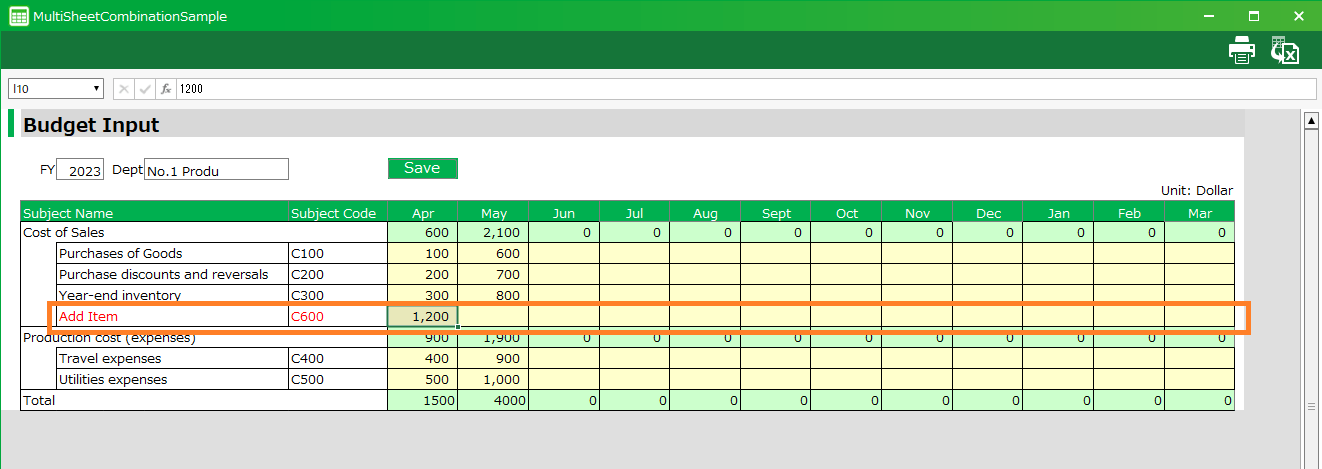
Some action sets on the main sheet will be updated after the edit is executed.The action set to be updated is as follows
- Initial display
- Save
Attention
If you have made your own changes to the action set to be updated, they will be removed.