Adding a management item
Attention
Regarding how to add a management item in version 3.6.1 or earlier, see [Previous Version] Adding a management item.
Edit the created app and add a management item
Run "Edit auto-generated app" to add administrative items to the already created app.
See also
For more information on modifying the auto-generated app, see "Modify automatically created apps".
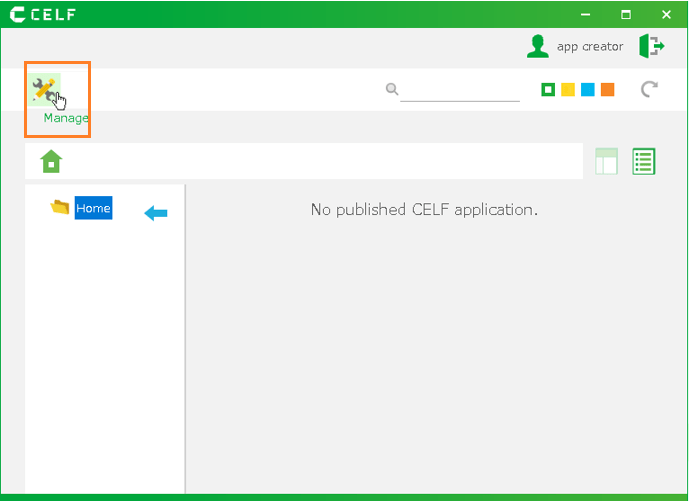
- Start editing the created app with reference to About App modification.
- When the "Sheet Update" window opens, add administrative items to the sheet in the "Layout change" screen.
Attention
You must create a column for the creator. This field is required so that only the administrator can view it.
- Go to the "Specify data range" screen and specify the cells for the management item.
Hint
On the "Specify data range" screen, make sure that the management item and the author item are selected respectively.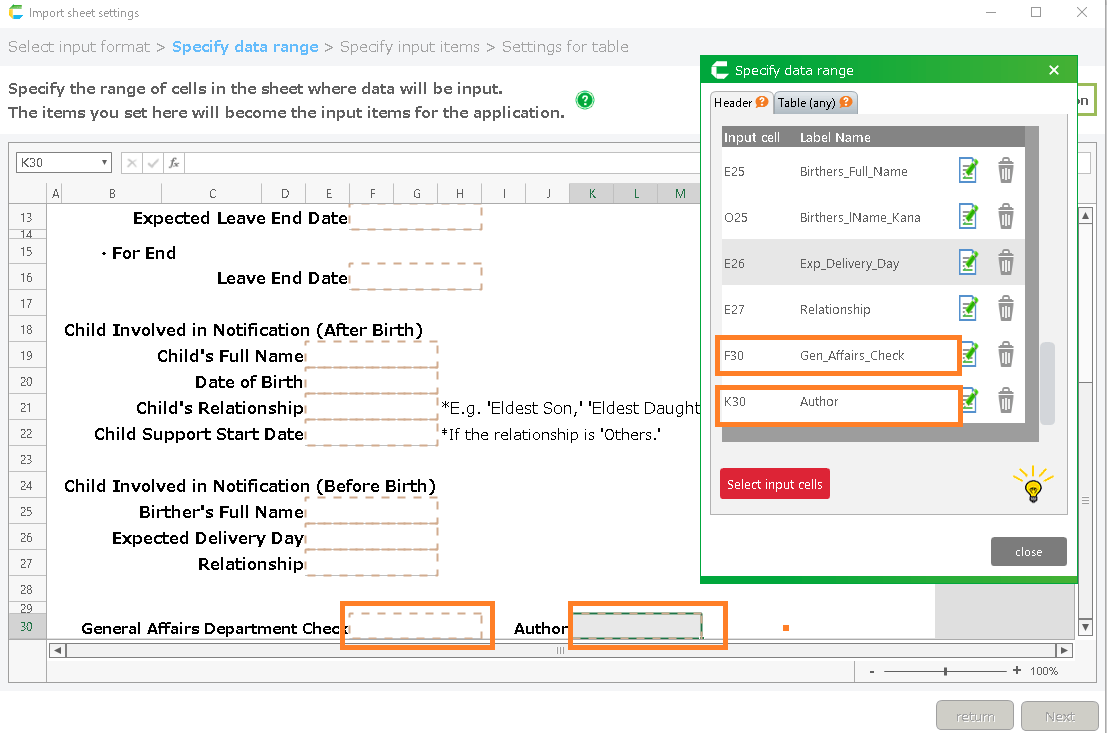
- When changes are complete, proceed to the "Output of the application" screen and click the "Complete the editing" button to complete editing the application.
- Open the "Table management" view, right-click on the table of the application to which you have added management items and execute "Export table data" to save the table data as a csv file.
See also
For more information on the export table data, see "Export Table Data (CSV)".
Tip
- In the "Table management" view, select the table to which you have added the Author column by performing the "Edit auto-generated app".
- Save it with any name.
- Save the file to any location.
- Open the exported csv file, enter the user name that created the data in the Author column and save it.

Tip
Enter the user ID that actually created the data in the Author column.
- Open the "Table management" view, right-click on the table of the application to which you have added management items and execute "Import table data" to import the csv file saved in step 6.
See also
For more information on the import table data, see "Import Table Data (CSV)".
Hint
On the table data import screen, please set the three checks to ON.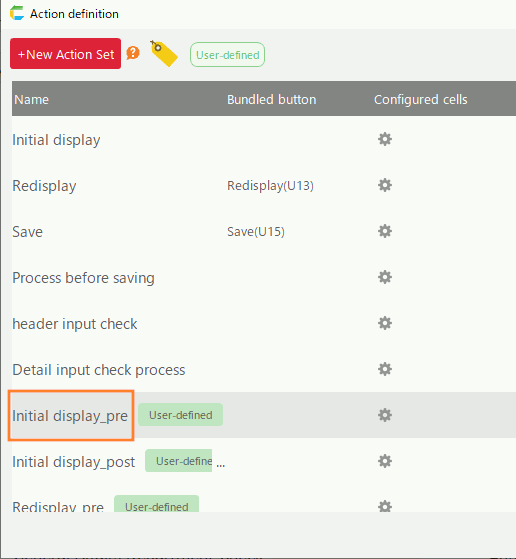
Tip
- If you have added administrative items to an already created app,you need to add settings so that only the administrator can see the administrative items.
- See "Ensure that only administrators can view items" for details.
Ensure that only administrators can view items
Set whether or not users can view administrative items.
Publish app
Publish app with additional administrative items.
See also
See "App Publication Settings" for details on how to publish the app.