How to set up the app for printing
The published CELF app allows you to print from the print button.
You can set the print settings in the app in advance for when you click the print button.
With this setting, you don’t have to adjust the print range and other settings when printing, and you can print right away.
Setting up printing
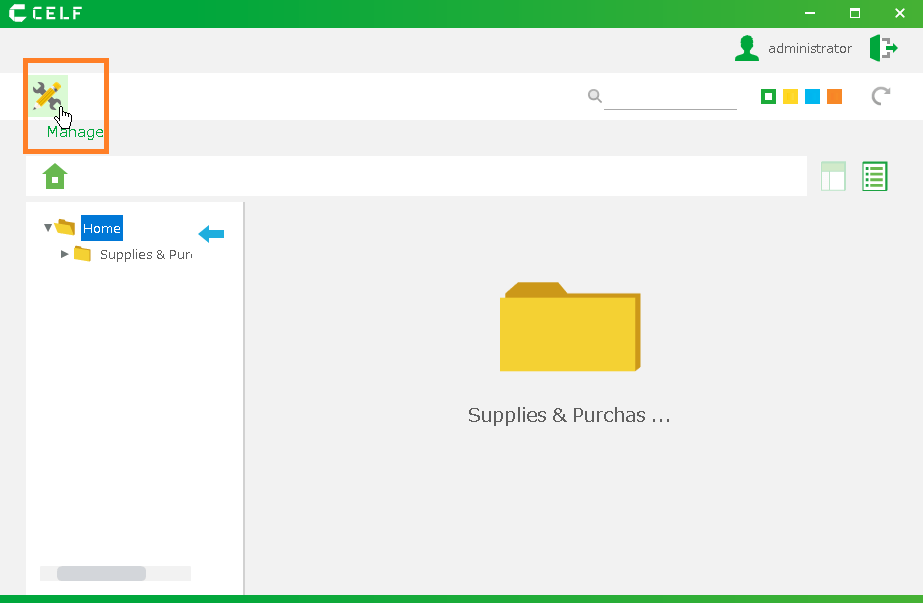
1." Login " to CELF and click the "Manage" button to open the management screen.
Tip
The "Manage" button appears when you are logged in as an administrator.
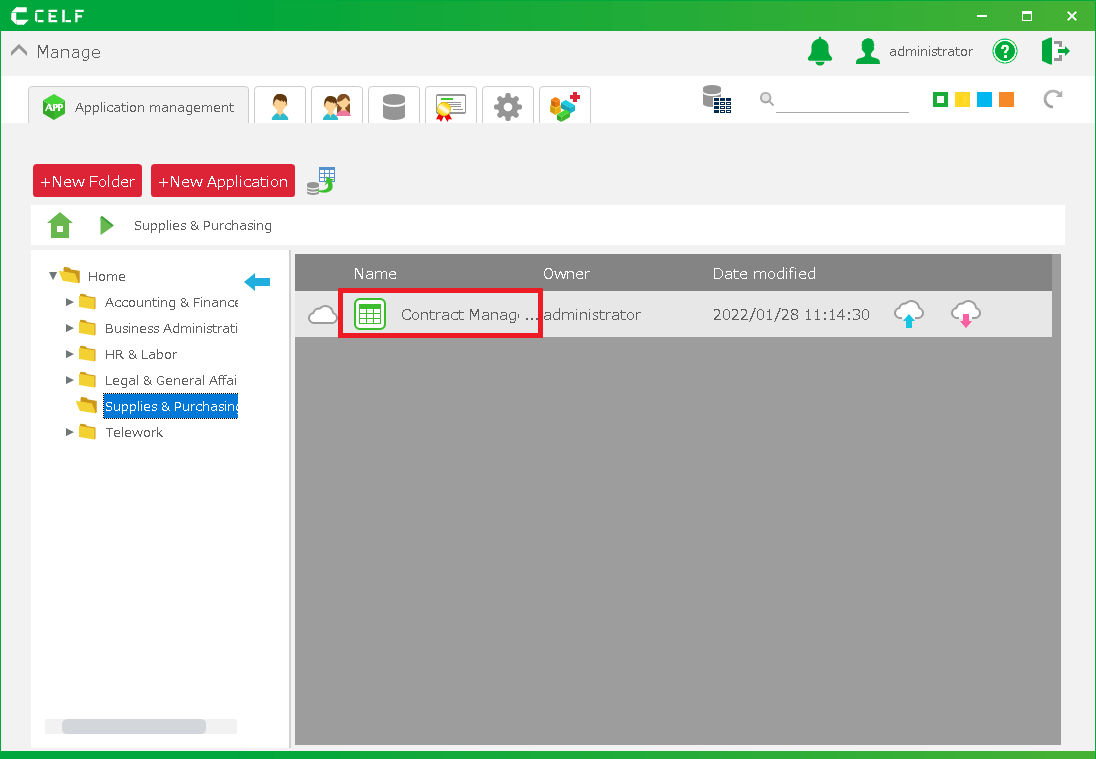
Double-click the app you want to set up for printing.
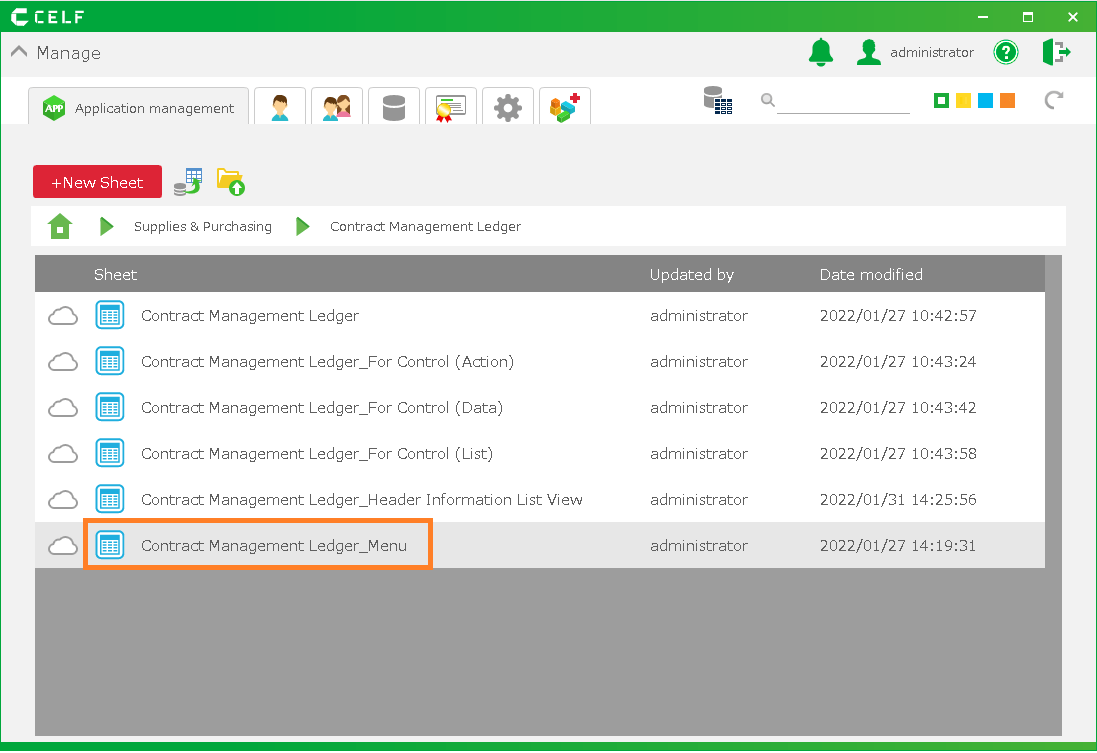
Double-click the sheet (screen) where you want to apply print settings. This setting should be done for each sheet (screen).
4.For information on setting up the printing paper, see "Specify Orientation Size Of Printing".
See "Specifying Print Range and Page Breaks on a Sheet" for setting the print range.