Display the workflow administrator settings screen.
Display the screen to set up a workflow administrator.
Runtime behavior
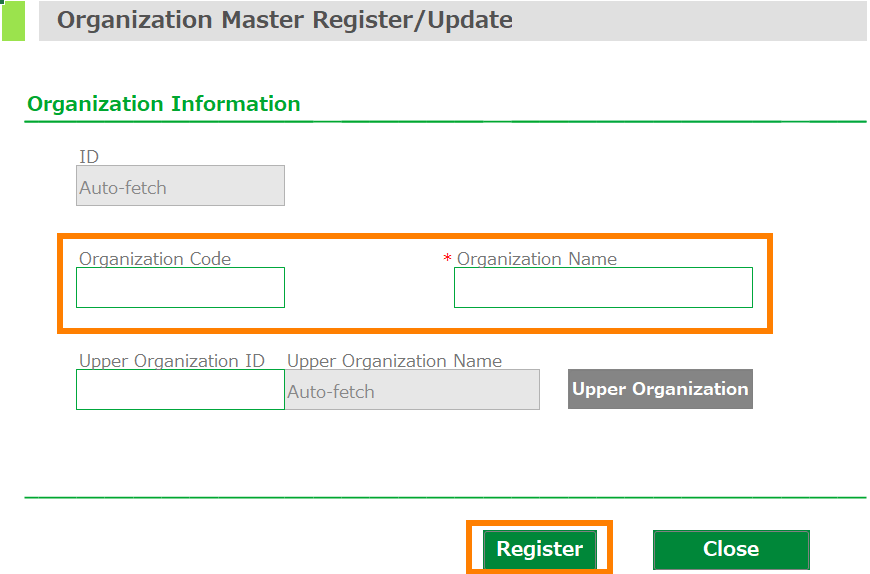
The 'Register workflow administrator' screen will be displayed.
Please refer to Setting up Workflow Administrators for instructions on how to use this screen.
Attention
If the executing user does not have the following permission(s), an error will occur and the screen will not be displayed.
- CELF system administrator
- CELF application developer.
- Workflow administrator.