Get a list of circulation data.
Login user retrieves a list of circulating data included in the circulation route, and output it to the specified cell.
How to set up
- Drag the 'Acquire circulation data list' action.
After that, click on button to select the data to be circulated. This limits the results obtained to only those that belong to the selected data .
Hint
You can also skip this step.
If you skip this step, you will not be able to select the item of the circulation data itself in the display target selection in the next step.
- Click the 'Edit display columns and destination' button to select the display method.
See also
Please refer to A Get Multiple Data From Table > Set source column and display column for the specification on how to make the selection.
Hint
If you have performed Step 1, you can specify the table columns of the selected return targets in the Display Columns field.
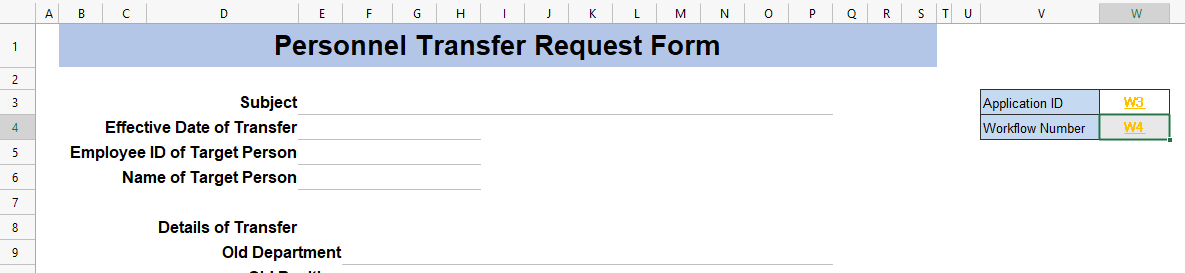
For example, if you have selected the circulation target 'Personnel Transfer Request Form', the items of the 'personneltransferrequestform_header' table linked to it are added.
- Specify the conditions for the retrieval of the circulation data.

① Search conditions… You can narrow down the search results by entering values in each item. The statuses are as follows.
- Circulation status… The status name specified in the process settings, such as 'New' or 'In Progress'.
- Processing status… The processing status of the logged-in user. You can search for 'pending' or 'processed'.
② Include the same organization’s users' circulation data…This option retrieves circulation data from users within the same organization included in the circulation route. (Default: circulation data included in the circulation route for the logged-in user)
③ Sort conditions… Specify the sorting method for output.
See also
Please refer to Get Multiple Data From Table > Set sort condition for instructions on how to specify the criteria.