Display the comment screen.
Display the screen to register and refer to comments for the specified circulation.
How to configure
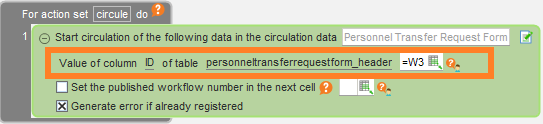
- Display the comment screen for the following circulated data' action and enter the value of the workflow number or cell address.
Hint
The workflow number is the number used to identify the workflow being circulated.
You can obtain it with Start the circulation (get the workflow number). or Get a list of circulation data..
Runtime behavior
When executed, the following comment screen is displayed.
Register a comment
- Click the 'Add' button to add a line for entering comments.
- After entering a comment, click the "OK" button.
Tip
The registrant, date and time of registration, and circulation status at the time of registration are recorded in the comment along with the comment body.