Start the circulation (get the workflow number).
Hint
The workflow number is a number used to identify the workflow in progress.
Workflow number is used to identify the corresponding workflow in each workflow action.
Setting method
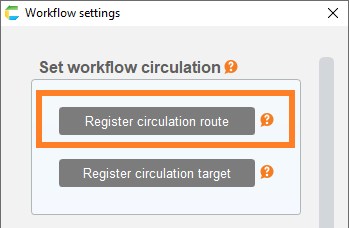
- Drag the 'Start circulation of the following data in the circulation data' action and click the circulation target selection button.
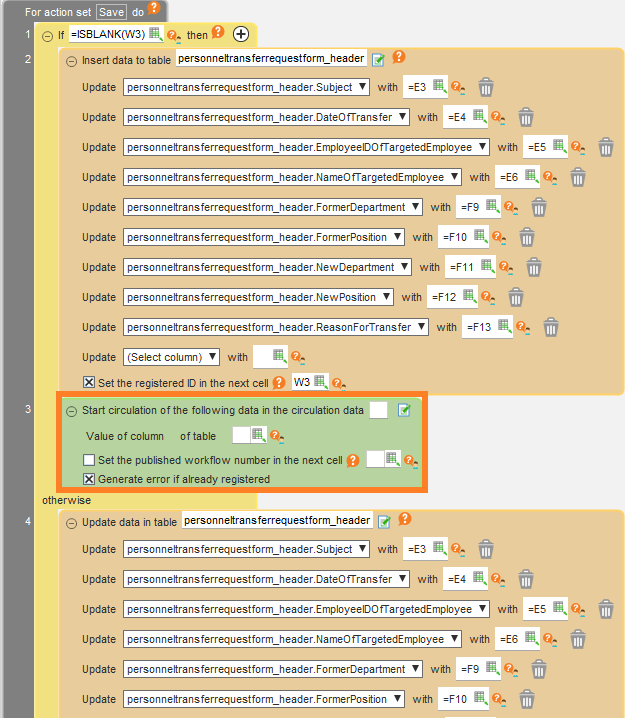
- In the opened dialog box, select the circulation target. Specify the value or cell address of the ID column in the displayed target table.
Hint
The value of the ID column could be fetched with
- Data acquisition action such as Get One Table Data
- ID output at the time of data registration when youin Insert Update Delete Table Data
etc.
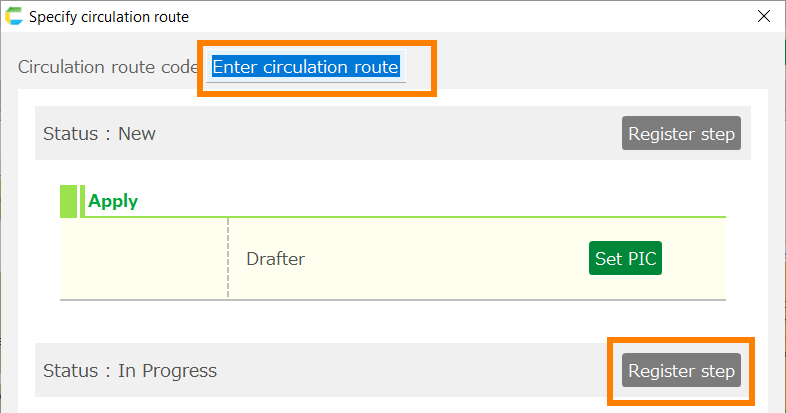
- If you want to output the workflow number, check the box and enter the destination cell address for output.
Hint
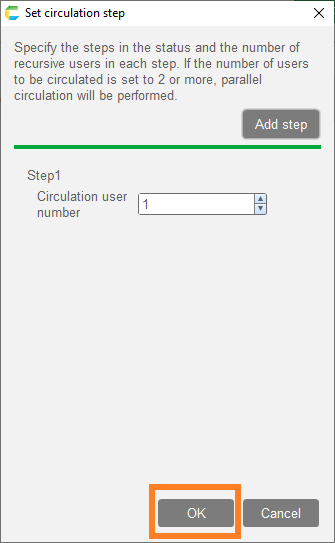
If you check 'Generate error if already registered', it will cause an error with the ID column value (specified in item 2 above) that has already been circulated.
If you uncheck it, it can be used as an action to obtain the corresponding workflow number from the already registered ID value.
(If the specified ID is an unregistered value, both with and without the check will have the same behavior.)
Runtime behavior
The specified data will begin to be circulated.
By specifying the acquired workflow number, actions related to the circulation such as To execute a circulation process or Display the circulation status. .