Setting App Access Rights
For a published CELF app, access rights can be set for each user.
By setting access rights, you can restrict access to applications such as those that manage sensitive information to only limited users to enhance security.
Access rights are set up for each group by registering users to a group.
As an example, groups called "Managers"and "General" are created and the method how to publish the app to users in the "Managers" group will be explained.
Tip
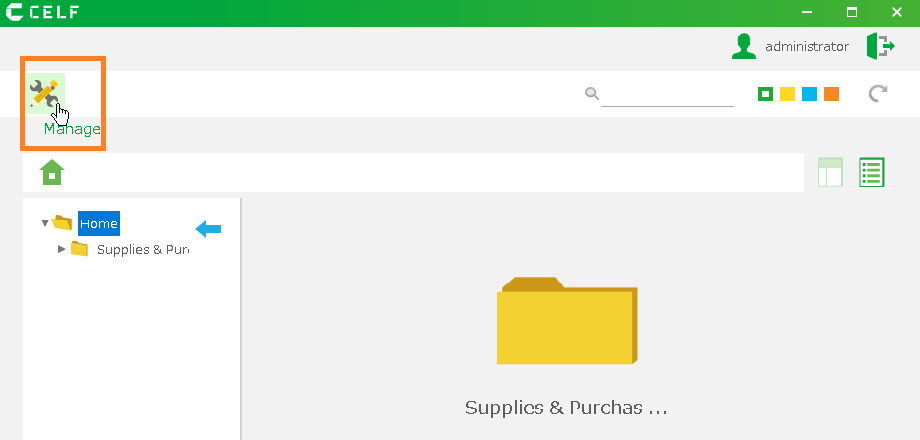
- Groups can be created from the Management screen.
- To open the Management screen, click on the "Manage" button.
- The "Manage" button appears when you are logged in as a administrative user.
See also
See Register a Group for information on how to create a group.
Publish app only to a particular group of people
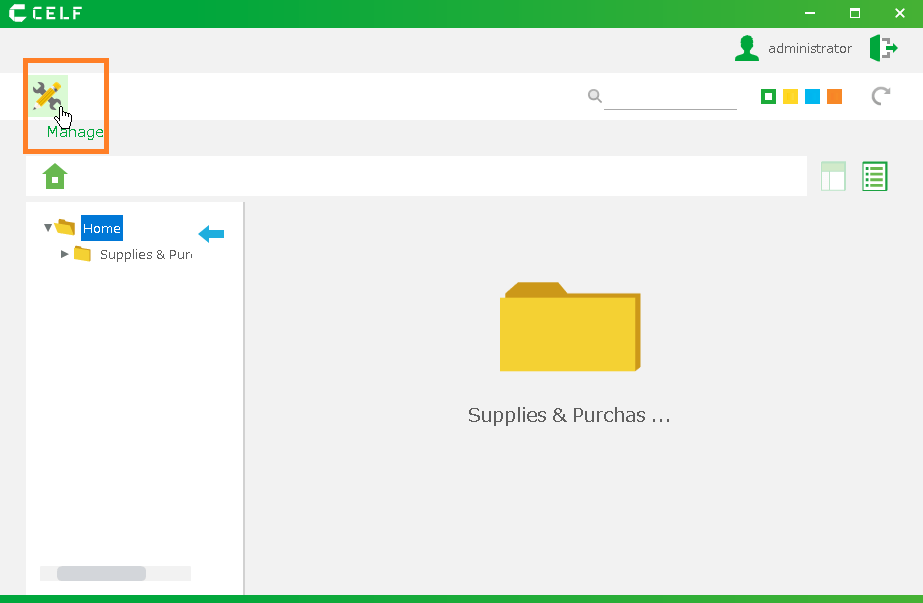
1.' Login ' to CELF and click the "Manage" button to open the Management screen.
Tip
The "Manage" button appears when you are logged in as a administrative user.
2.Right-click the app you want to publish and click Publication Settings.
3.Open the General tab and click "Select target group(s) to publish to".
4.Select the group you want to publish to and click the OK button.
Hint
It’s important to set up groups based on the information that the app you created handles.Properly configured groups can enhance security and reduce the risk of a data breach.
Publish your app. Click the "Publish" button on the app record you want to publish.
 When you log in as a user in the group with/without the permission to the app, the home screen is as follows.When you login as a user in the group with the permission to the app
 When you login as a user in the group without the permission to the app
Related Keywords
Security, Groups, Customization