Basic Steps from Creating an App to Executing a Workflow
Here, we explain the basic steps to create an app and execute an actual workflow.
- Register Organization, Position, and Affiliation Information
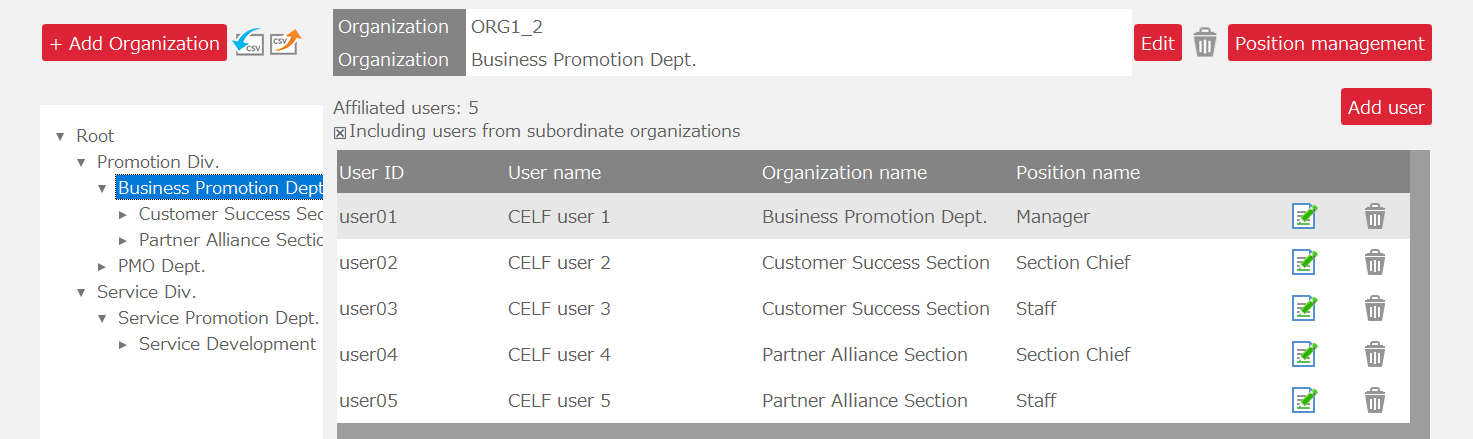
Initially, to set the personnel responsible for applying for, approving, etc., data that will be the subject of workflow circulation, organizations, positions, and affiliations related to the workflow are registered in CELF. Affiliation is the information that links CELF users with organizations and positions.
Tip
Registration of organizations, positions, and affiliations is carried out by users with system administrator privileges.
See also
For registration of organizations, positions, and affiliations, please refer to Register and Check Organizations, Positions, and Affiliations.
- Register Circulation Routes
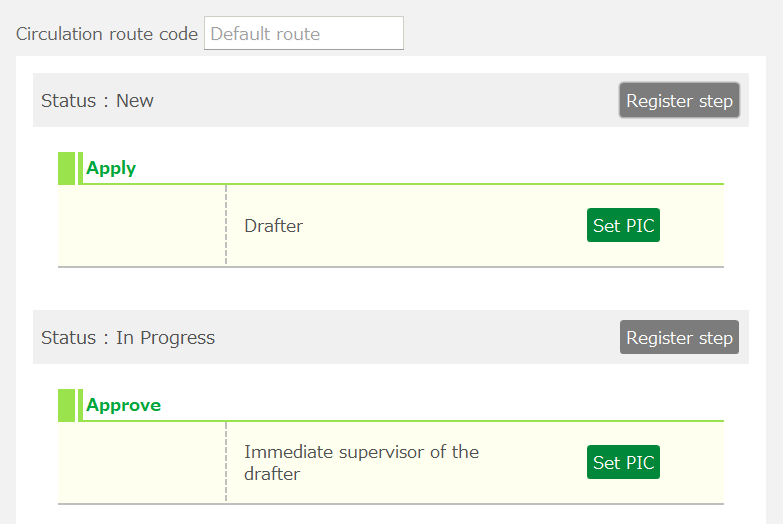
Next, register the circulation routes that define who will apply for and who will approve the data to be circulated in the workflow. Circulation routes can be used commonly for multiple circulation targets. Moreover, it is possible for several people to perform the circulation process sequentially, or concurrently (in this case, the next step proceeds after one person has processed the circulation).
Tip
Circulation route registration is performed by users with app creator privileges.
- Register Circulation Targets
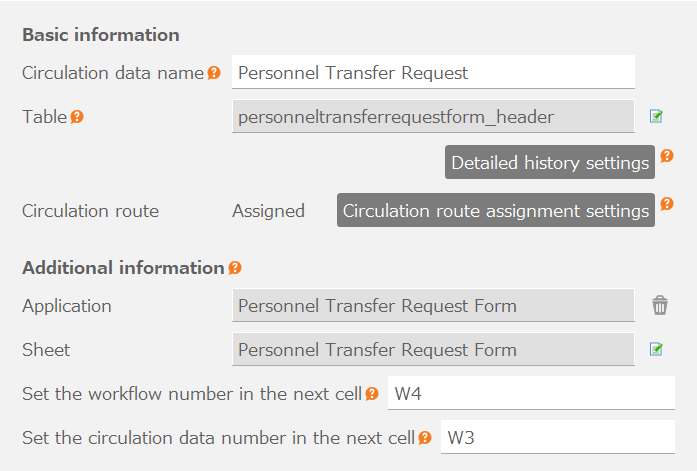
Next, register the workflow circulation targets. The data to be registered as circulation targets are tables created by users in CELF. One piece of data from a table will be processed in one execution of a workflow. When registering circulation targets, you also select the circulation route to be used.
Tip
Registration of circulation targets is performed by users with app creator privileges.
- Create a Workflow App
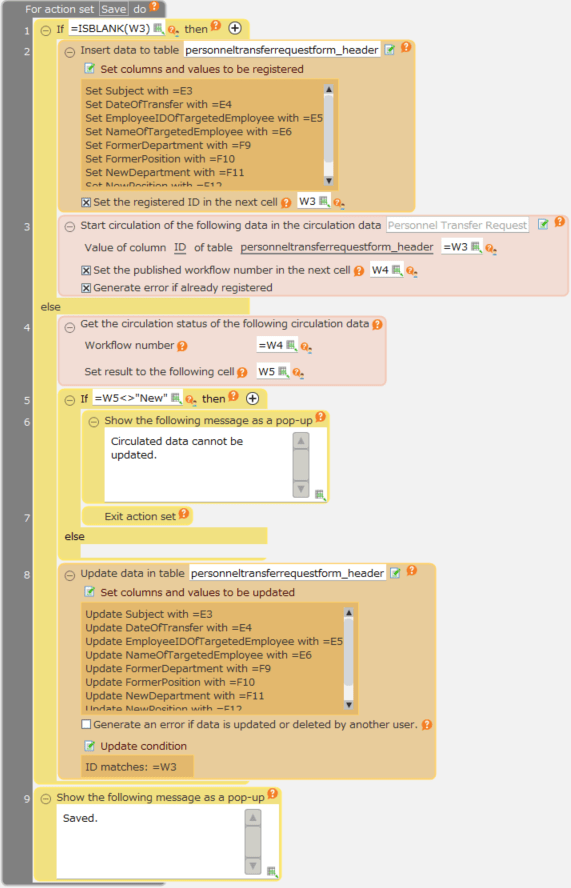
Finally, create a workflow app that will serve as the circulation document. Workflow apps are created just like regular CELF apps. By incorporating workflow actions as actions, you can execute circulation processes such as application and approval.
Tip
Creation of a workflow app is performed by users with app creator privileges.
- Execute a Workflow
Workflow apps, like other CELF apps, can be executed by publishing them. When a workflow app is published, the following operations become possible through CELF’s workflow user’s screen:
- List the published circulation documents (workflow apps) and start the circulation.
- Applicants apply for the circulation documents for which they are responsible for application.
- Approvers list the circulation documents for which they are responsible for approval and approve them after confirming the content.
- List the circulation documents for which you are responsible and check their circulation status.

See also
For publishing an app, please refer to Publish the App.
For specific instructions, please check the following.