Creating an app from an Excel template
You can download Excel template from the Excel template site and turn it into an app.
Click
here (Japanese) for an explanation of the Excel template.Download the Excel template
You can download the Excel template from the CELF Excel template page.
- Open the CELF Excel template page in your browser.
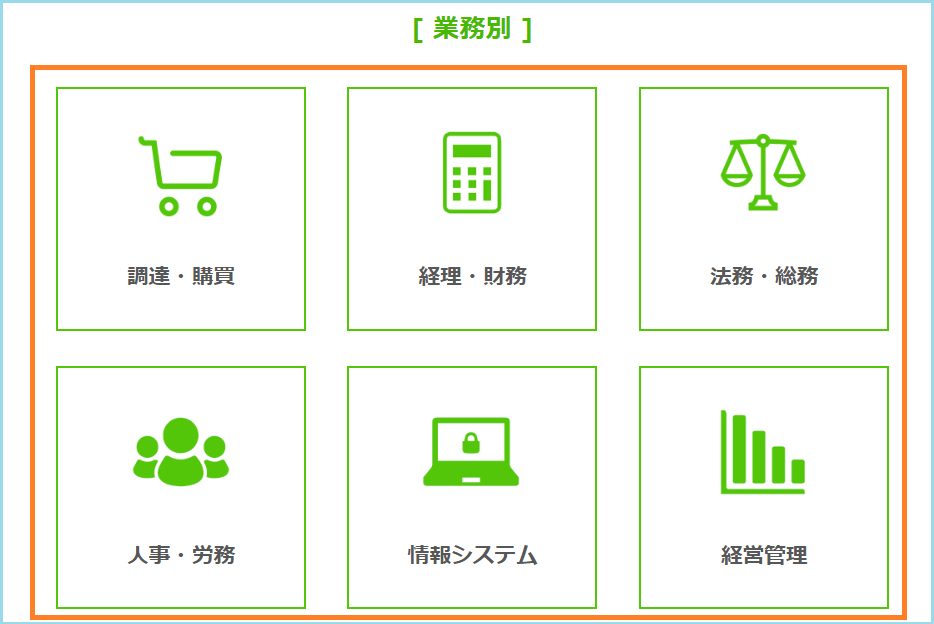
- Select the desired category from the 'Business' menu.
Tip
Click
herefor a list of templates.
- Click the Excel template you want to download to download the file.
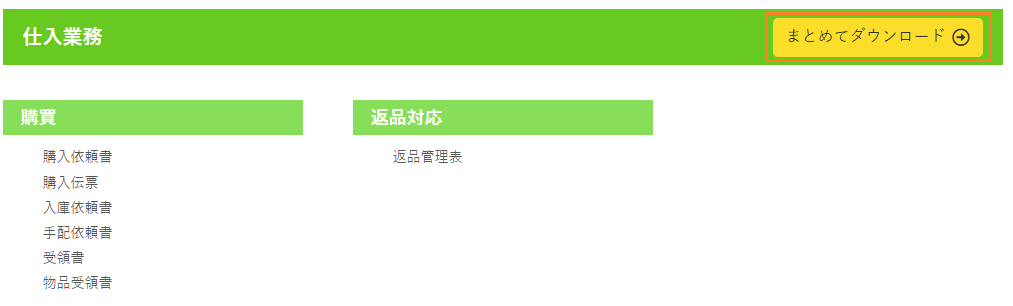 ※The downloaded Excel template is a zip file. Please unzip it to a folder of your choice.※Please note that the content of the website may be updated.
Edit the downloaded Excel
- Edit the downloaded Excel as needed.
Tip
Excel can be edited and imported with no issue, as long as the changes are as follows
- Change Item Name
- Change font, font size, and background color
- Adjustment of cell height and width
- Adding items to the list, deleting items, and changing the order of items
- Adding or deleting items to the header (the area above the list) and changing the order of items
Create an app.
To create an app, use the 'Create an app from an Excel file' function.
About the 'Create an app from an Excel file' function
- If you are a first time user, please click here.
- If you want to know more about the function, please see here.
See also
In the ‘Create an app from an Excel file’ function, there is a step where you need to select an app type.
You can find out which app type the downloaded Excel template belongs to
here.Click Confirm application type for a description of the app type.
Related keywords
CELF3.0