The tutorials to create the application from an excel file
The tutorials to create the application from an excel file
Click here for details on the functions.
Prepare an excel file
- You can download the
Sample excel filefrom the link.
- Edit the downloaded excel file as necessaly and enter the data.
Tip
You can make following changes on the template Excel file and import it without any issues.
- Change the item name
- Change the font name, font size, background color
- Change the hight or width of the cells
- Add, delete items, or change order of items on the list
- Add or delete or move items in header area (area above the list)
Upload the excel file
- Login to CELF(Login), then open ‘Application management’ in "Manage" screen.
- Move to the folder to create the application, then click ‘+New Application’ button. Input the application name in the displayed dialog.
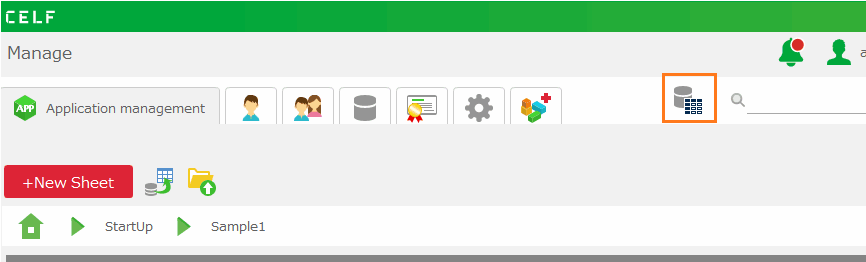
- When the "Create New App" dialog box appears, enter a name for the app.
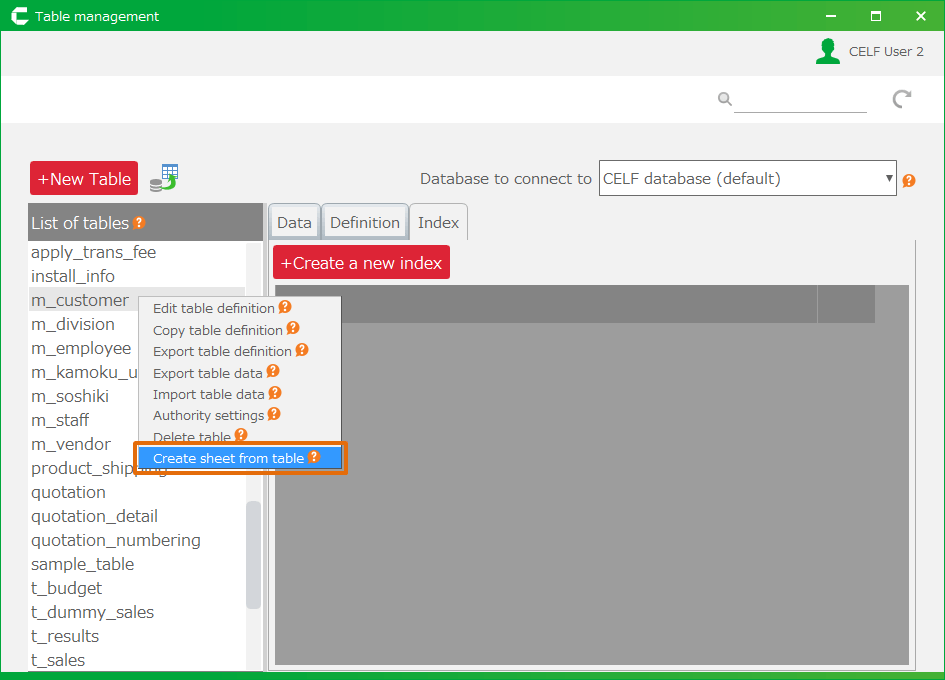
- Select "Create from Excel file."
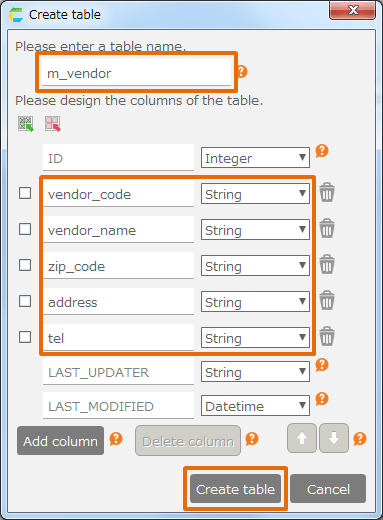
- Click the 'Select file' button to upload the excel file prepared in Prepare an excel file.
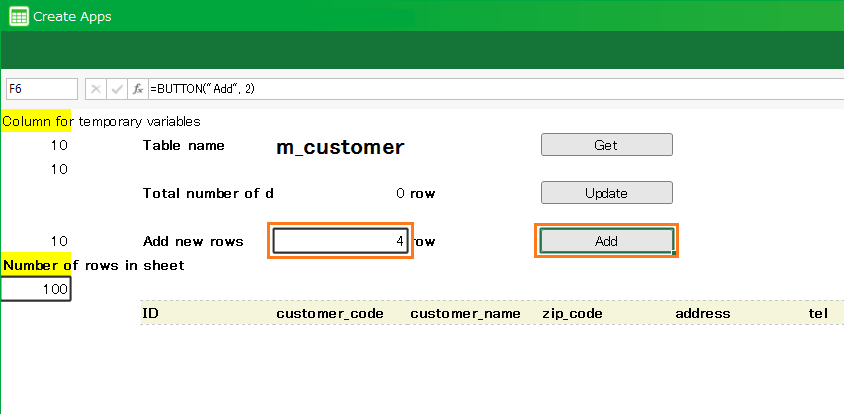
- Click the "OK" button.
Create the application from the excel file
Here’s a description of each uploaded Excel sample.
Related keywords
CELF3.0