Adding a form to a list format application
Attention
Regarding how to add a form to a list format application in version 3.6.1 or earlier, see [Previous Version] Adding a form to a list format application.
This section explains how to customize the screen to add a screen to output statement data to a report to the application of list format.
App Operation
A "Display Report" button is added to the list screen.
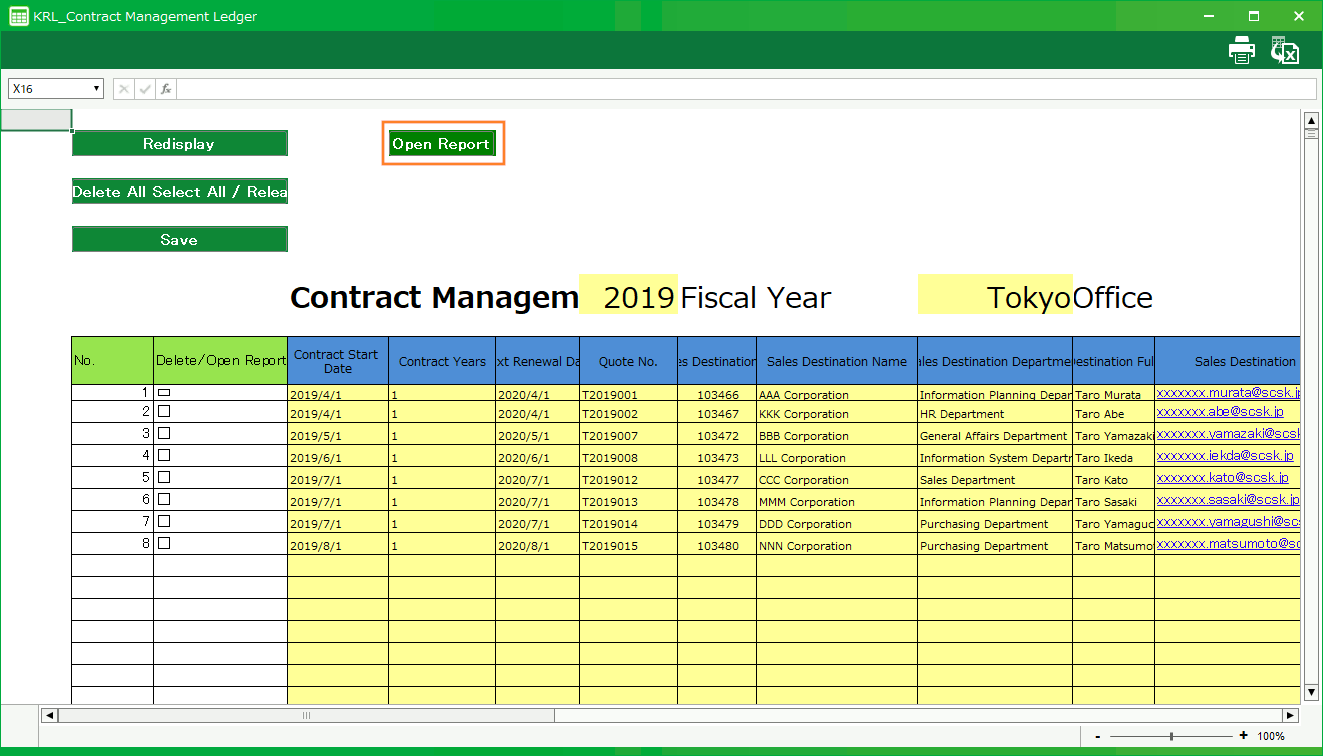
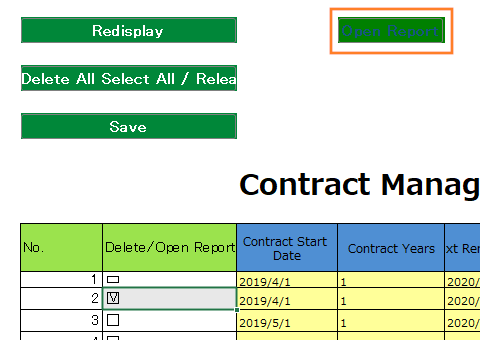
When you select the data you want to display and click the "Display Report" button, the report screen is displayed.
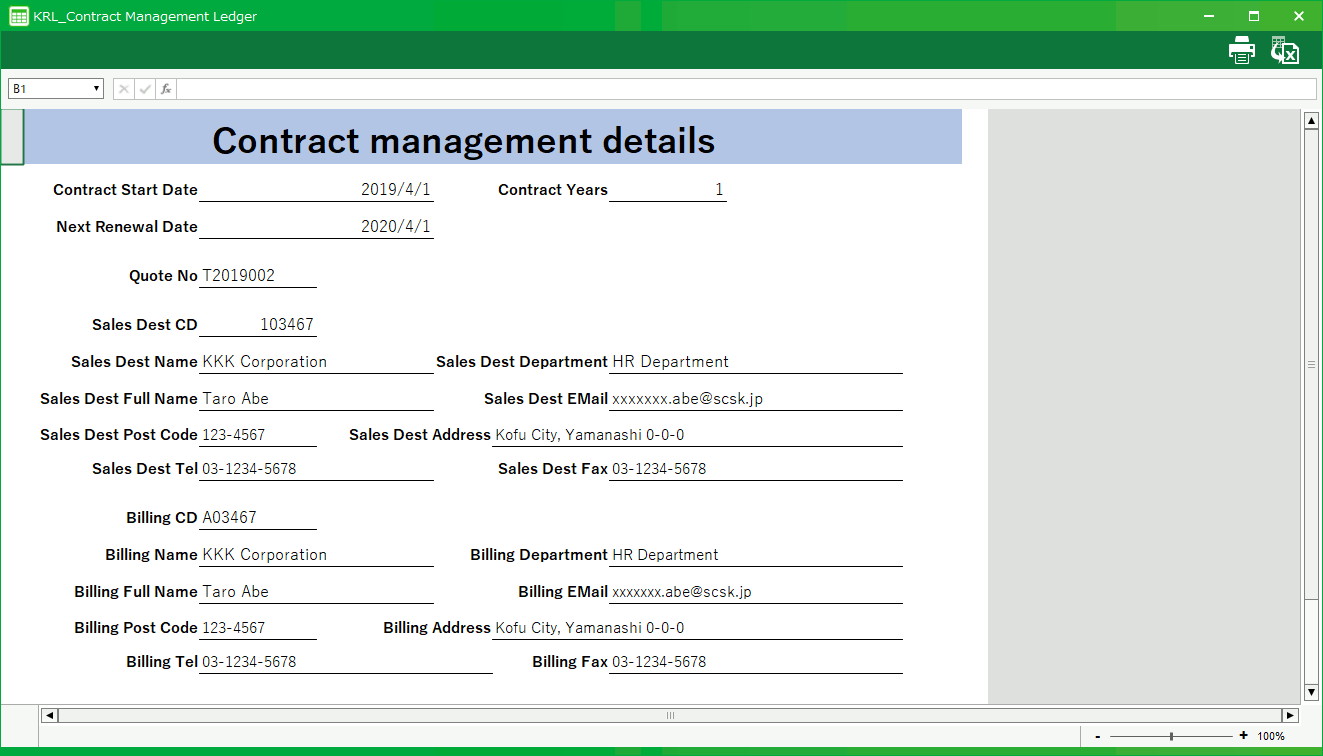
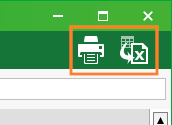
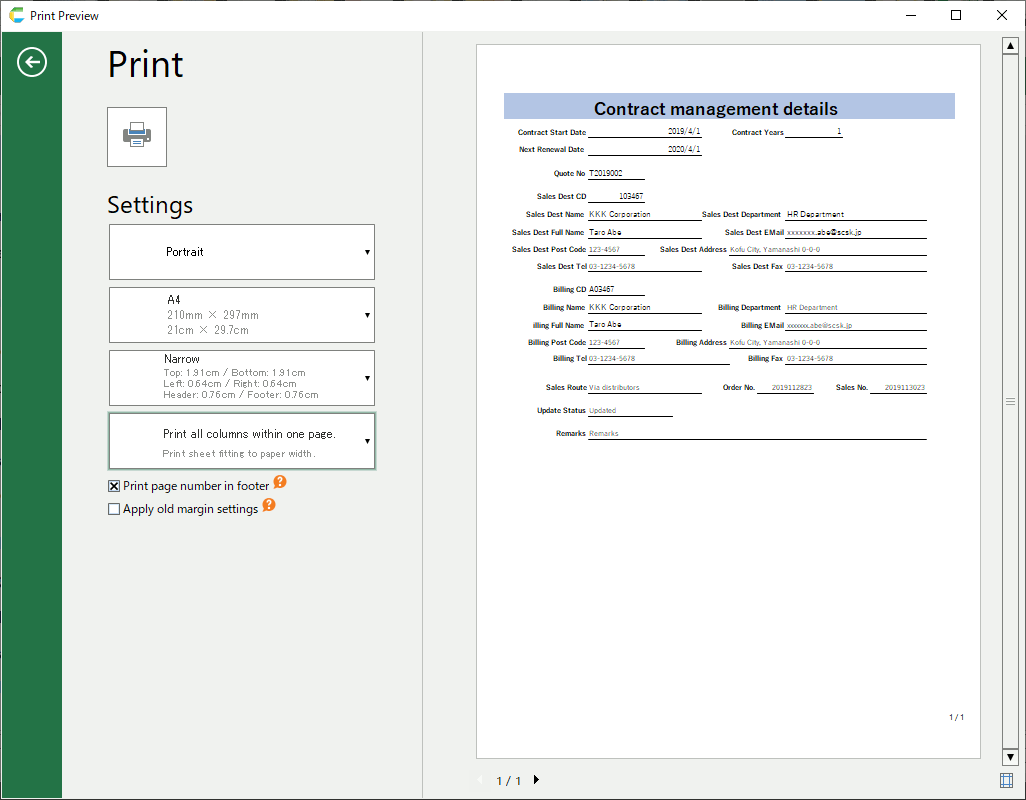
The buttons in the upper right corner of the form screen allow you to print or export forms to Excel file.
See also
You can also set the print range of the form screen.For more information, see "How to set up the app for printing".