Open folder dialog
Open the folder dialog and set the cell to the path of the folder you selected on dialog.
Open folder dialog
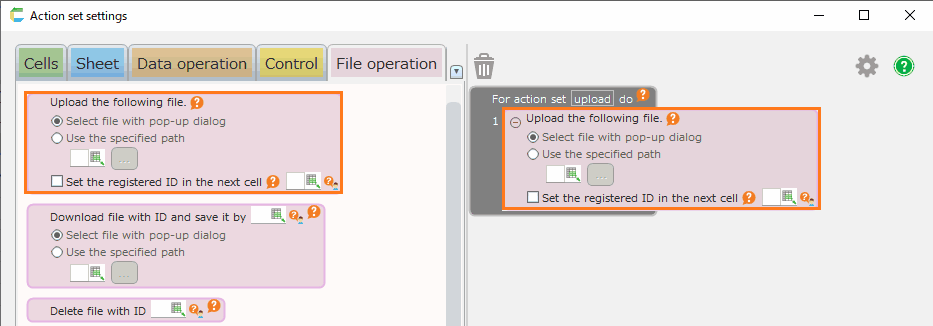
- Open 'Action set setting' dialog.
- Drag ‘Open folder dialog’ action in ‘File operation’ tab, and then set into edit area.
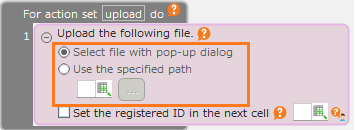
- Specify the cell to set the path of the selected folder in the dialog.
- Click 'OK' button.
Tip
If you click the 'Cancel' button in the folder dialog when executing an action, the folder path will not be set.