Open specified URL or file
By specifying a URL or file path, you can display a website or open a file from an action.
Open specified URL or file
- Open 'Action set setting' dialog.
- Drag ‘Open specified URL or file’ action in ‘File operation’ tab, and then set into edit area.
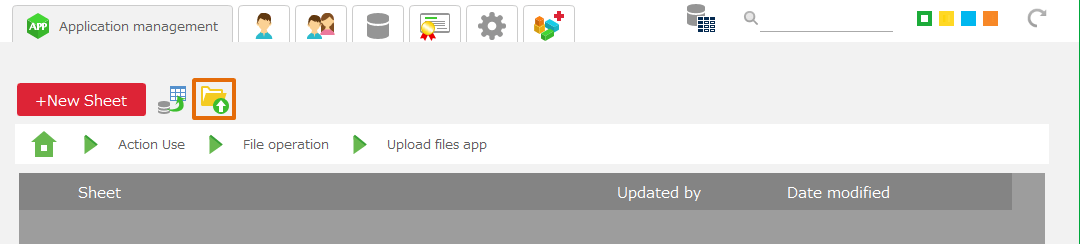
- Specify the URL or file path to open in "URL or file path".
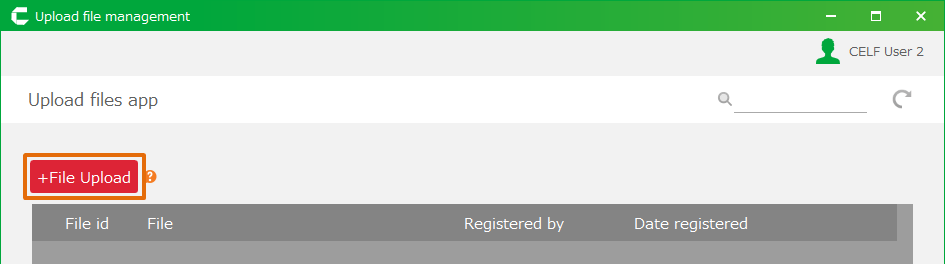
- Click 'OK' button.
Tip
- The specified URL or file will be opened using the default program.
- You can also open a URL or file from a CELF sheet using the HYPERLINK function.
Related keywords
hyperlink, batch