Pass Data to Other Sheet
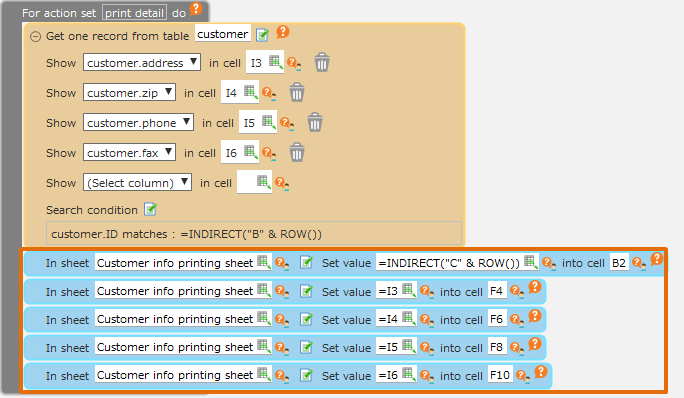
You can set the value in the cell of another sheet by using 'In sheet Set value into cell' action.
As a preliminary preparation, a set destination sheet must be created.
Pass Data to Other Sheet
- Open 'Action set setting' dialog.
- Drag 'In sheet Set value into cell' action from 'Sheet' tab", then set in the edit area
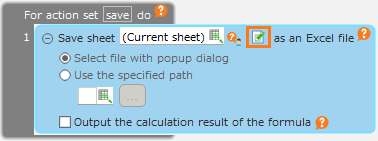
- Click 'Sheet Selection' button.
- Choose the destination sheet to pass in 'Sheet Selection' dialog, then click 'OK' button.
- Designate the cell address and the value to set in the sheet.
Attention
If a name is specified for a "cell", it works by referencing the name defined in the destination sheet.Prior to version 3.3.2, it worked by referencing the name defined on the current sheet.To have the same behavior as in version 3.3.2 and earlier, turn ON "Use the name of the current sheet in sheet manipulation action cells" in the "Sheet Settings" dialog.
- Click 'OK' button.