Get the Number of Records from Table
Choose source table
- Open 'Action set setting' dialog.
- Drag 'Get the number of records from table' action from Data operation tab and set into edit area.
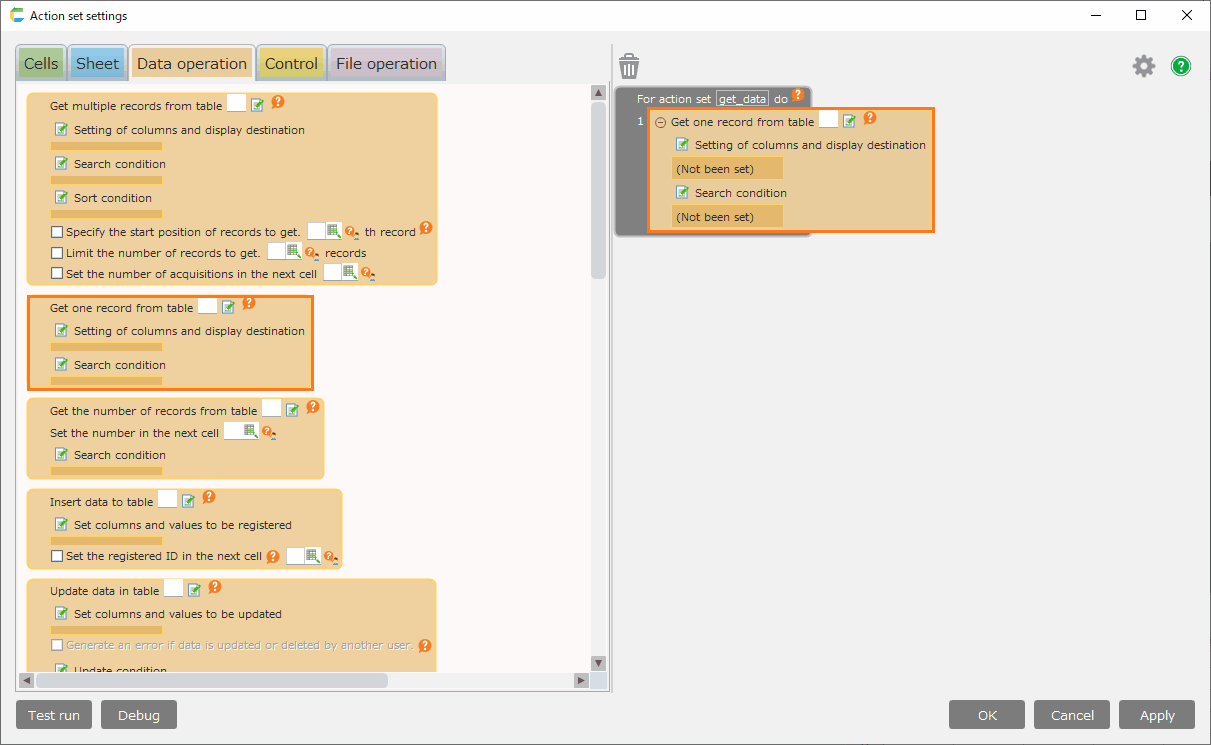
- Set source tables.
See also
Regarding the way how to set table, refer Choose source table.
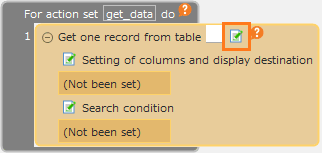
Set search condition
- Set search condition in 'Edit condition' dialog.
See also
Regarding the way how to set search condition, refer Set search condition
Tip
If the corresponding data does not exist, 0 is output.
Important
To get the number of records from table, users require the following permissions.
- Application author
And also, Application author needs the following permission to tables.
- Reference
Regarding permission setting, refer Set Table Permission.
