Operation logging during execution of action sets
Operation logging during execution of action sets
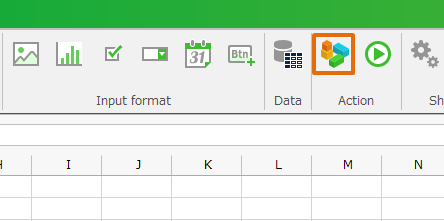
- From ribbon menu, Click 'Action set setting' button, then open 'Action management' dialog.
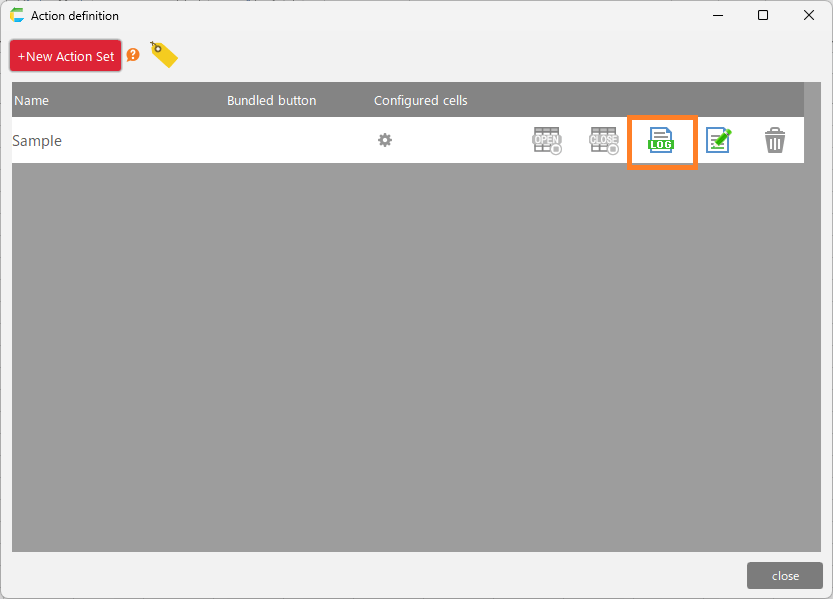
- Click the 'Set/Unset Action Set Operation Log' button for the action set.
Tip
- When an action set is created, operation logging is deactivated.
- When executing an action set in a test run, operation logging is disabled.
- When offline, operation logging is disabled.
- It is recorded as an operation log in the table 'sys_operation_log'.
- The action set name is recorded in column 'additional_info' of table 'sys_operation_log'.
See also
See Output Usage Status Report for information on how to review the recorded operation logs.