Export app
This section explains how to export the definitions of the application and the table used by the application into one file.
The exported file can be used for backing up the application, migrating the application to another environment, importing it with a different name as its duplication.
A 'Distributable CELF application file (*.dcapp)' allows you to create an app in which sheets cannot be edited or referenced.
Export the application and save it to the file (.capp)
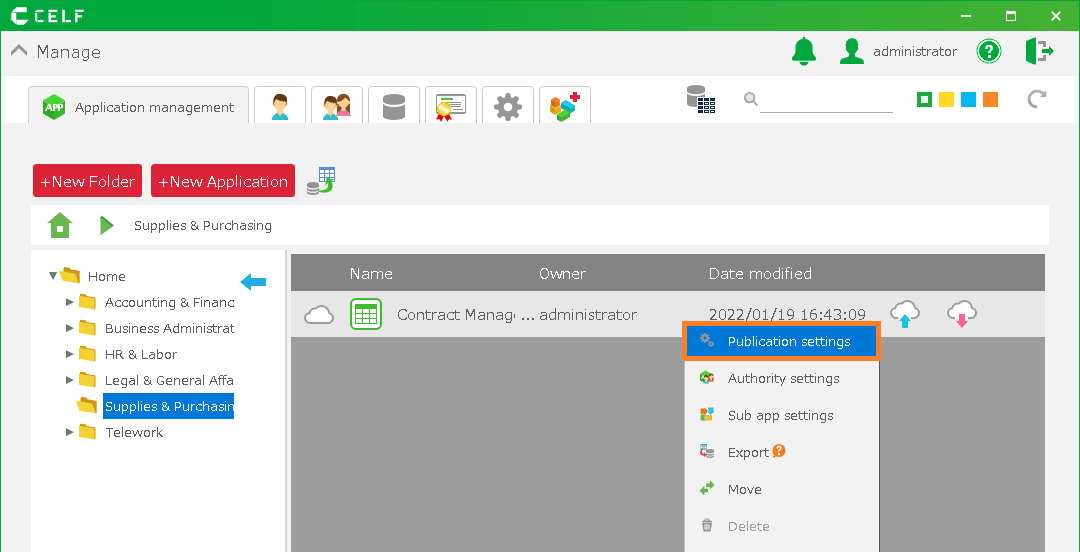
- Select the app to be exported on the application management screen, right-click it, and select 'Export', then choose 'CELF application file (*.capp)' from the menu.
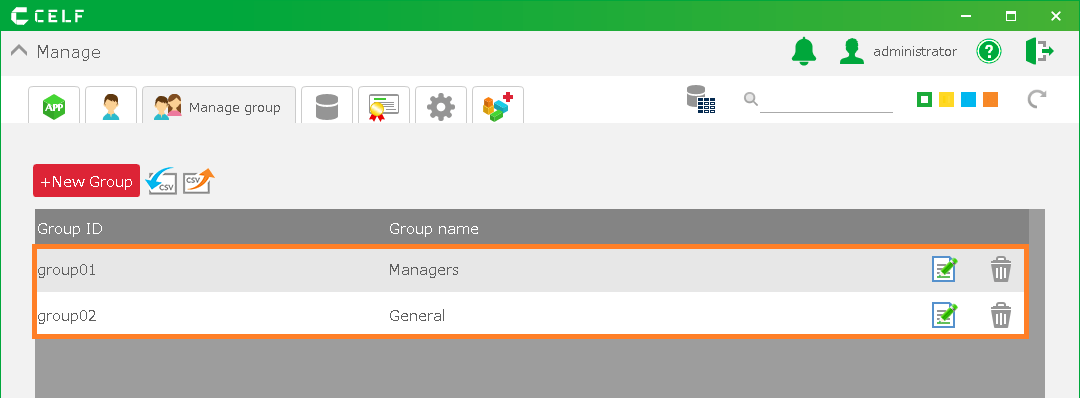
- Select the output destination of the file (.capp) to be exported.
Export the application and save it as a distributable app file (.dcapp).
- Select the app to be exported on the application management screen, right-click it, and select 'Export', then choose 'Distributable CELF application file (*.dcapp)' from the menu.
- Select the output destination of the file (.dcapp) to be exported.
See also
The data of the table used by the application must be exported separately. For the export of table data, please refer to Export table data (CSV).
Important
Apps created by importing a 'Distributable CELF application file' differ from regular apps, sheets in a distributable app cannot be edited or referenced, and the following restrictions apply:
- Files included in the app cannot be downloaded or uploaded from the management screen.
- Distributable app cannot be exported.
- Cases where it is necessary to modify the action itself for an imported app (for example, cases where action settings are linked to a table data ID column) are not currently supported. This will be addressed sequentially in the future.
Related keywords
Backup, Restore, Not-Editable