Show pop-up
Show a message in a pop-up window
Use an action to show a message in a pop-up.
- Open 'Action set settings' dialog.
- Drag the 'Show the following message as a popup' action from the 'Control' tab and set it in the edit area.
- Enter the message to be shown in the pop-up
- Click 'OK' button.
Tip
The following popup will be displayed when the action is executed.
Pop-up inquiry
Use an action to display a popup to inquiry the user.
- Open 'Action set settings' dialog.
- Drag the 'Show the following inquiry as a popup' action from the 'Control' tab and set it in the edit area.
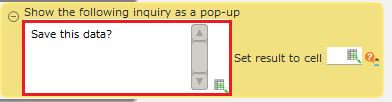
- Enter the message to be shown in the pop-up
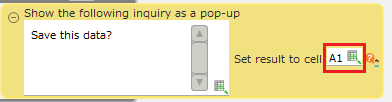
- Specify the cell address to output the inquiry result.
Tip
If the 'OK' button on the popup is pressed, 'ok' will be set to the specified cell address, and if the 'Cancel' button is pressed, 'cancel' will be set.
- Click 'OK' button.
Tip
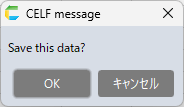
The following popup will be displayed when the action is executed.
Display a popup to confirm before closing the sheet
Use an action to display a popup asking the app user for confirmation before closing the sheet’s window.
Attention
When using this action, it must be specified as the action that runs when closing the sheet.See Specify action to run when closing sheet for how to specify.*Please note that executing this action in a manner other than the above specified will result in an action set execution error.
- Open 'Action set settings' dialog.
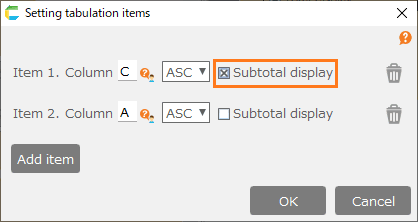
- Drag the 'Show the following inquiry before closing sheet as a pop-up' action from the 'Control' tab, then set it in the edit area.
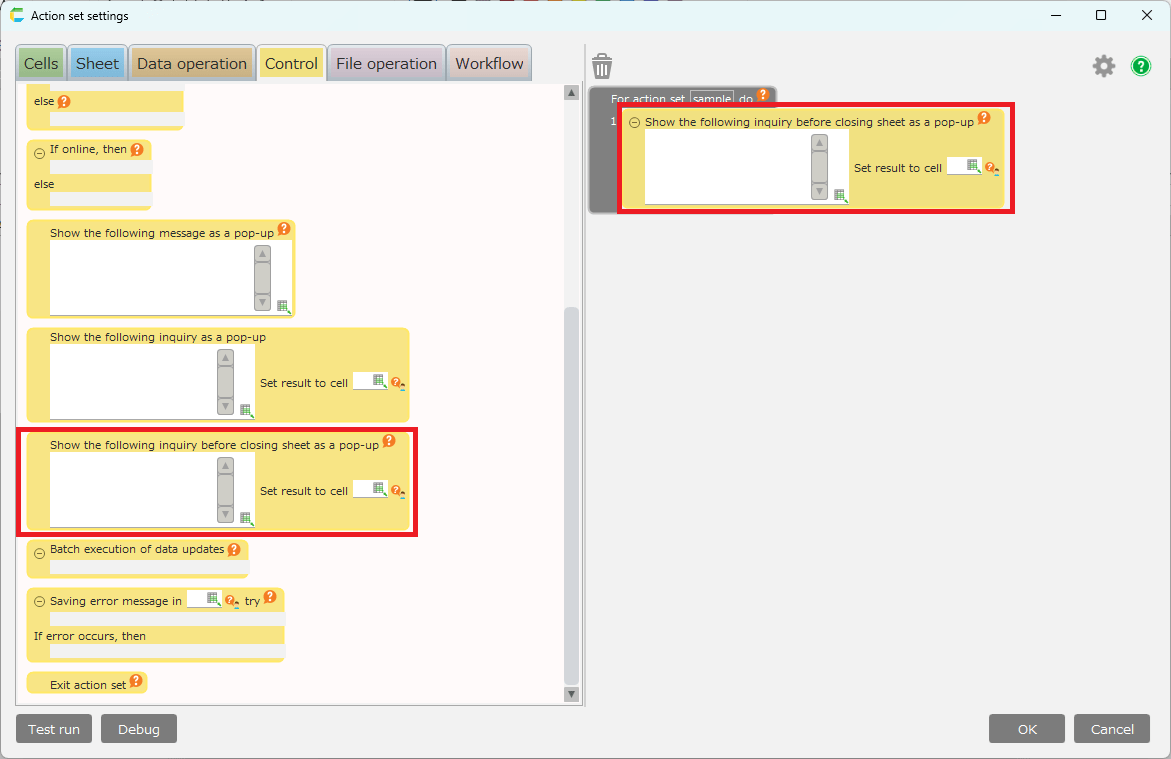
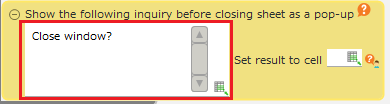
- Enter the message to be shown in the pop-up
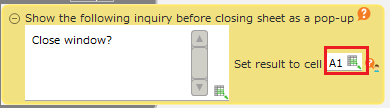
- Specify the cell address to output the inquiry result.
Tip
If the 'OK' button on the popup is pressed, 'ok' will be set to the specified cell address, and if the 'Cancel' button is pressed, 'cancel' will be set.
- Click 'OK' button.
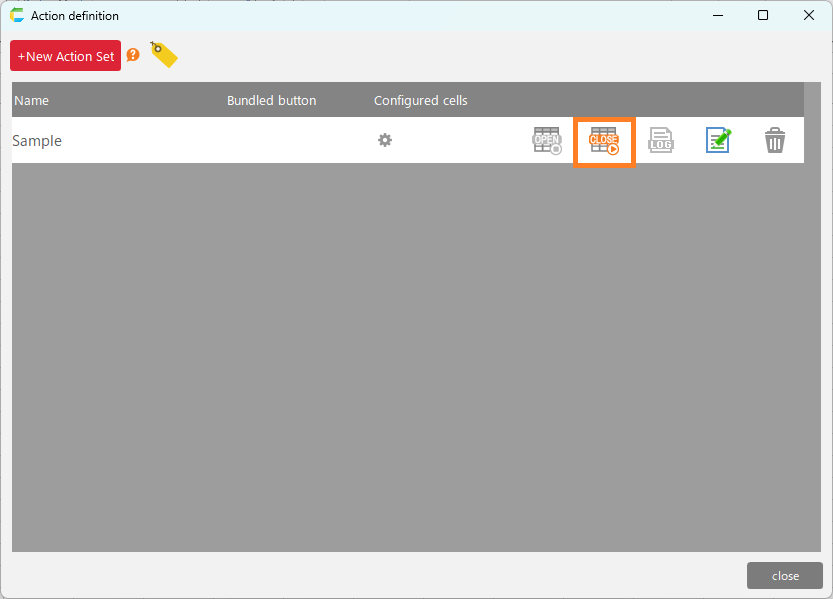
- Click on the 'Setting/cancelling Execute action set before sheet close' icon.
Tip
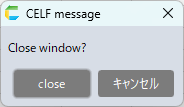
The following popup will be displayed when the action is executed.
Hint
By setting 'Execute action set before sheet close', the Action Set will be automatically executed 'before closing the sheet'.The timing for executing the configured action set is as follows.
- When you click the 'X (Close) button' on a sheet or close a window using the shortcut key (ALT+F4)
- When the 'Close sheet' action is executed
- When you click the 'Logout' button on the CELF main window
- When you click the 'X (Close) button' on the CELF main window, or when you close a window using the shortcut key (ALT+F4)
Attention
- If this action is run multiple times, the inquiry result of the last pop-up displayed will take priority.
- This action may close the sheet even if you 'cancel' the sheet close operation.The following are cases in which the sheet will close even if you click 'Cancel'.
- If an error occurs in an action set that has been set to 'Execute action set before closing sheet'.
- When the 'Close sheet' action is executed in an action set that has been set to 'Execute action set before closing sheet'.