Handle Error
CELF can assemble error handling as action like try/catch.
Create Action to Handle Error.
- Open 'Action set setting'.
- Drag 'Saving Error Message' action from control tab, then set into the edit area.
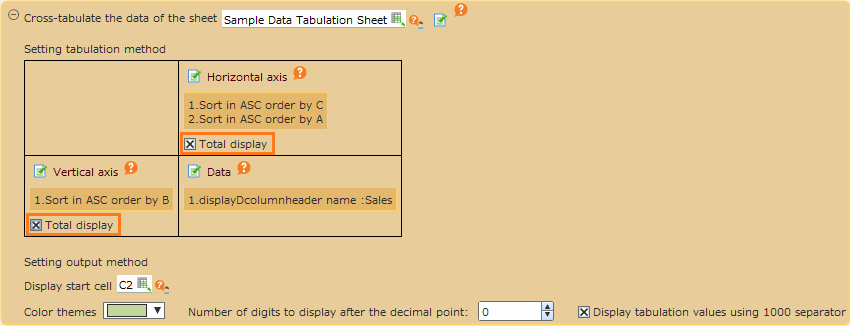
- Set the action to handle error in 'Saving Error Message' action block.
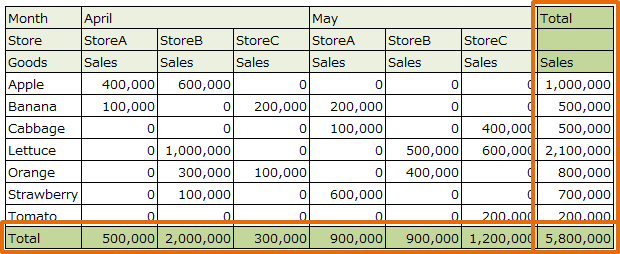
- Choose the cell to output the error information in case of the error.
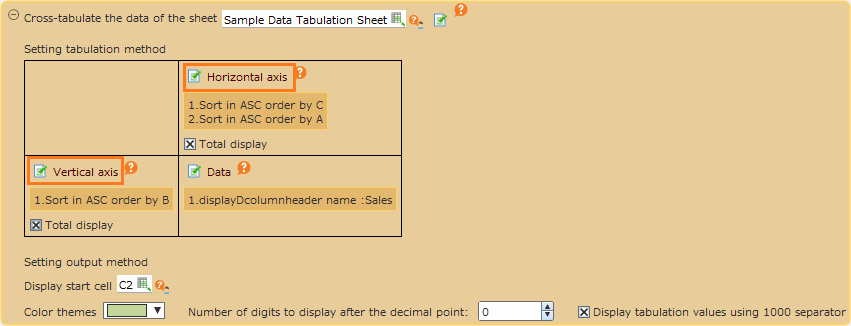
Tip
- If an error occurs during execution of the first block, error information will be output to the specified cell. One of the following four types of error information will be output.
- Error message
- Error category
- Code in category
- Additional information
The above information is output as designated starting point. (Example: if the target cell is A1, output into A1 ~ A4.)
- If error happened, suspend the first block and execute the second block.
- Regarding error code, refer
Error Code List.
Create Action when error happened.
- Set the action when an error happens (in case of catching error) in ‘If error occurs, then’ block in ‘Saving error message’ action.
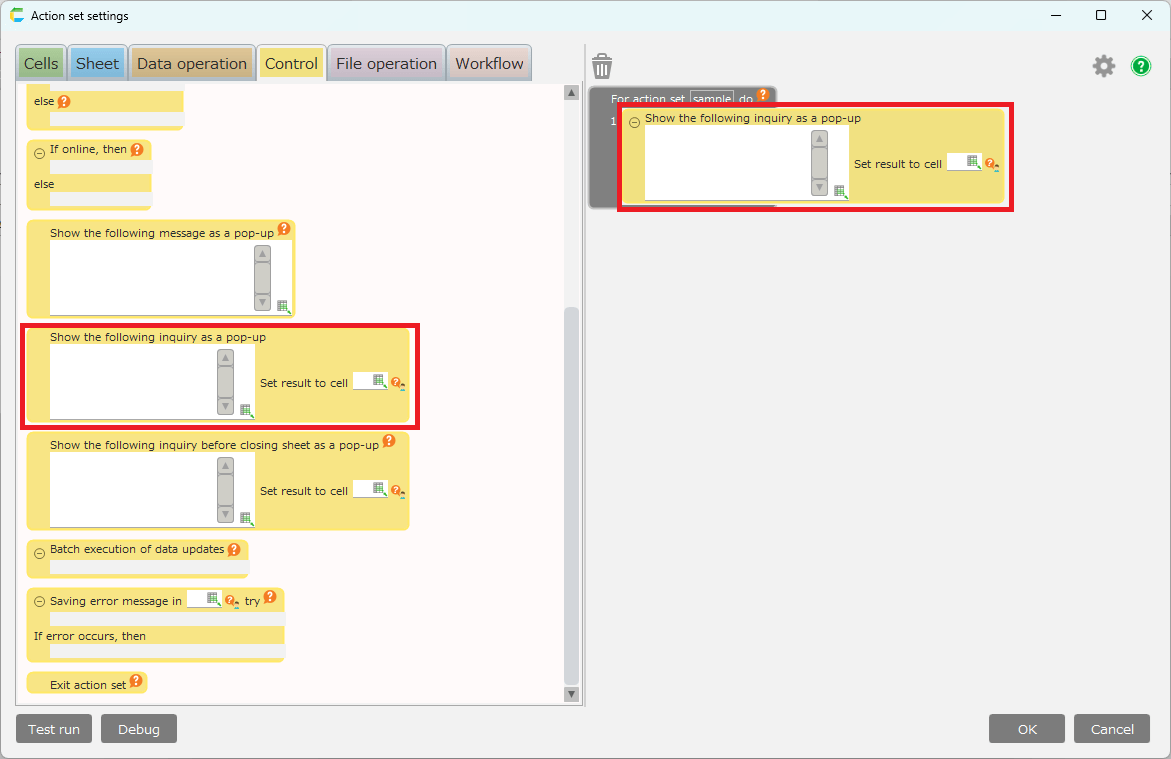
- Save the action set.
Tip
If above example was executed, the following error is handled.
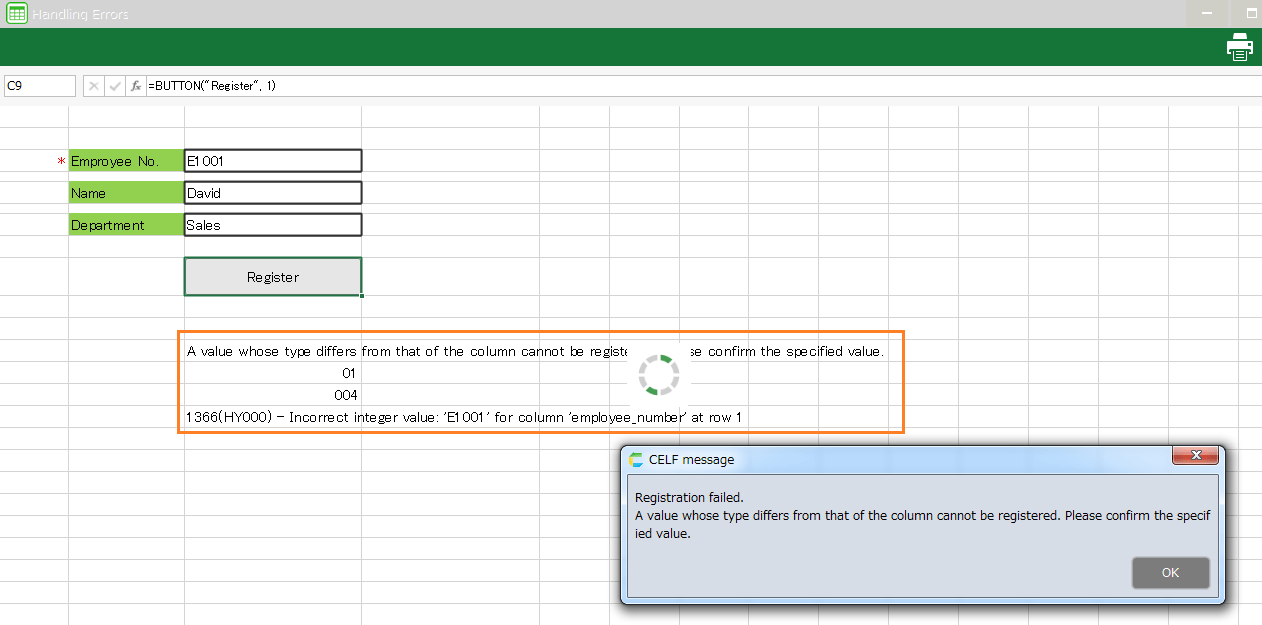
In case of the example, you can check the input value in advance by utility function without this type of error handling. For details see Check Entered Characters.
Related keywords
exception, failure